How to Replace a Blurred Photo on Your PAN Card: Step-by-Step Guide

A Permanent Account Number (PAN) card has quietly become one of the most essential documents in everyday life. Whether you're filing income tax returns, buying insurance, opening a bank account, applying for a loan, selling property, or even purchasing a car or jewellery, your PAN is always required. For most of these tasks, you must submit a clear, readable copy of your PAN card.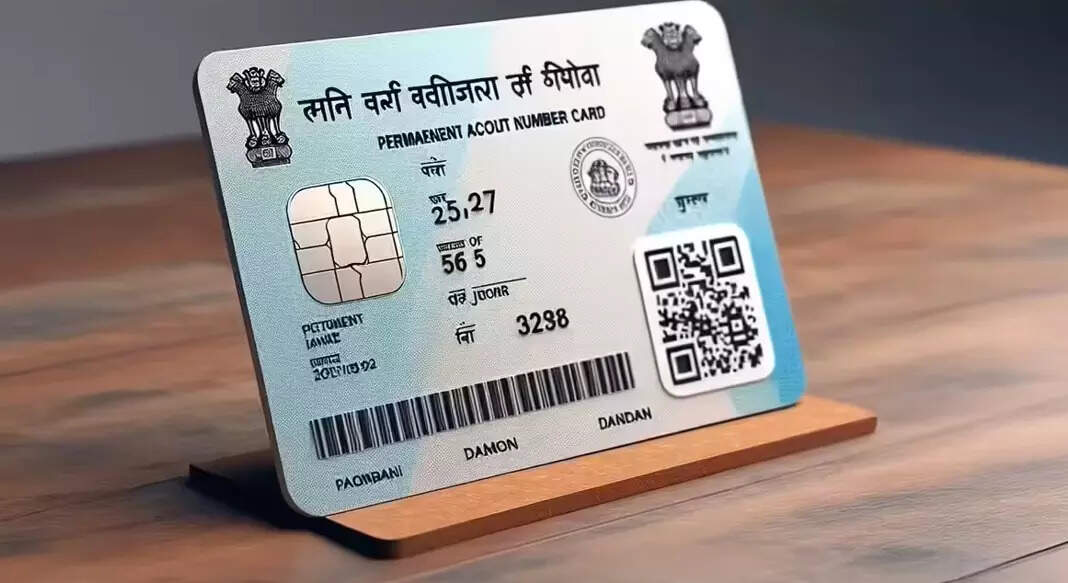
But with regular use, PAN cards often get scratched, smudged, or faded. The photo may look blurry, and the printed details might lose clarity. And once the information becomes unclear, many agencies simply won’t accept it. The good news? You don’t need to panic or stand in long queues, you can update your photo, refresh your signature, or even request a duplicate PAN card right from home.
1. Visit the official NSDL website or UTIITSL portal.
3. Select the correction form and choose Individual as the applicant category.
4. Fill in your basic details surname, mobile number, PAN, email ID, and date of birth.
5. Enter the captcha and submit. You’ll immediately receive a token number for your application.
6. Choose how you want to submit your supporting documents (online upload, e-KYC, or physical dispatch).
7. Select the specific fields you want to correct and click on Photo Mismatch.
8. Upload your fresh photo. Make sure it meets the specifications:
10. After submission, you’ll receive a tracking number to monitor your update status.
Your updated PAN card, with the new photo, typically arrives within 15 to 20 working days.
Updating your PAN has never been easier. Whether it’s a smudged photo or a mismatched signature, you can fix it all in minutes, without leaving your home. Just follow the steps, upload the right documents, and your fresh, updated PAN card will be on its way!
But with regular use, PAN cards often get scratched, smudged, or faded. The photo may look blurry, and the printed details might lose clarity. And once the information becomes unclear, many agencies simply won’t accept it. The good news? You don’t need to panic or stand in long queues, you can update your photo, refresh your signature, or even request a duplicate PAN card right from home.
How to Update Your PAN Card Photo
If your photo is outdated or unclear, updating it takes just a few simple steps:1. Visit the official NSDL website or UTIITSL portal.
- NSDL: www.tin-nsdl.com
- UTIITSL: www.pan.utiitsl.com
3. Select the correction form and choose Individual as the applicant category.
4. Fill in your basic details surname, mobile number, PAN, email ID, and date of birth.
5. Enter the captcha and submit. You’ll immediately receive a token number for your application.
6. Choose how you want to submit your supporting documents (online upload, e-KYC, or physical dispatch).
7. Select the specific fields you want to correct and click on Photo Mismatch.
8. Upload your fresh photo. Make sure it meets the specifications:
- Passport-size (4.5 cm x 3.5 cm)
- JPEG format
- File size: 4KB to 300KB
10. After submission, you’ll receive a tracking number to monitor your update status.
Your updated PAN card, with the new photo, typically arrives within 15 to 20 working days.
How to Update Your PAN Card Signature
Your PAN card also carries your signature, and if it’s faded, mismatched, or incorrect, you can update that too, using the same online process.- Visit the official website and enter your PAN details.
- Select Signature Mismatch instead of the photo option.
- Keep your PAN card with the incorrect signature handy for reference.
- Submit your updated signature and complete the verification steps.
Updating your PAN has never been easier. Whether it’s a smudged photo or a mismatched signature, you can fix it all in minutes, without leaving your home. Just follow the steps, upload the right documents, and your fresh, updated PAN card will be on its way!
Next Story