
PAN Card Now Digital: Update Your Photo, Add Digital Signature & Download PAN Online

Need to fix incorrect details on your PAN card? Whether it’s updating your name after marriage, correcting your address, fixing your date of birth, or adding a digital signature, the process is now simple and completely online. Thanks to the Income Tax Department’s digital services, you can make corrections from home without visiting any office.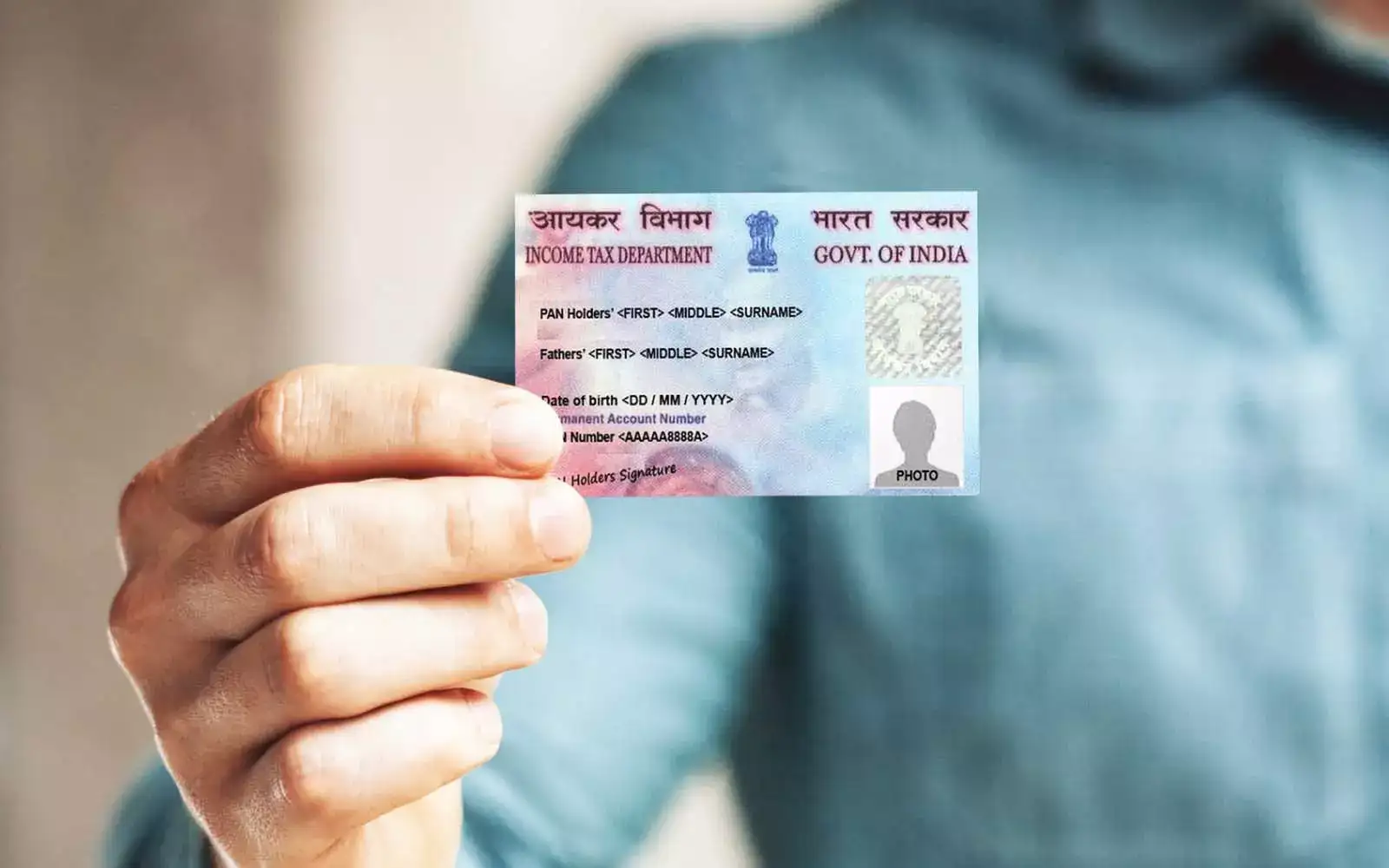
Why Accurate PAN Details Matter
The Permanent Account Number (PAN) is more than just a card. It’s a key identity document required for income tax filing, bank transactions, and other financial activities. Keeping your details—like name, date of birth, photograph, signature, father’s name, Aadhaar, gender, address, and contact information—accurate is essential to avoid complications.
Cost of Updating PAN
Updating your PAN card online is straightforward and affordable. Most corrections, including name, date of birth, photo, or address updates, cost between Rs 101 and Rs 110 (including taxes) if your communication address is within India.
The process is simple, secure, and can be completed from the comfort of your home. With your PAN card details updated, you ensure smooth financial transactions and hassle-free income tax filing.
Here’s a detailed guide to help you update your photo, add a digital signature, and download e-PAN in just a few steps.
Upload the required documents, including:
Upload:
Complete payment using the available online options. Download and save the acknowledgement slip to track your application status.
This ensures that your PAN signature is updated and avoids issues during financial verification.
3. How to Download Your e-PAN Online
The e-PAN is a digital version of your PAN card, valid for all official purposes:
Updating your PAN card photo and digital signature online ensures your identity records remain correct, making all financial transactions smoother and hassle-free.
Why Accurate PAN Details Matter
The Permanent Account Number (PAN) is more than just a card. It’s a key identity document required for income tax filing, bank transactions, and other financial activities. Keeping your details—like name, date of birth, photograph, signature, father’s name, Aadhaar, gender, address, and contact information—accurate is essential to avoid complications. Cost of Updating PAN
Updating your PAN card online is straightforward and affordable. Most corrections, including name, date of birth, photo, or address updates, cost between Rs 101 and Rs 110 (including taxes) if your communication address is within India.How to Update Your PAN Card Online
The Income Tax Department’s e-services allow you to:- Correct errors in your PAN card details
- Update your photograph or digital signature
- Download your e-PAN instantly
The process is simple, secure, and can be completed from the comfort of your home. With your PAN card details updated, you ensure smooth financial transactions and hassle-free income tax filing.
You may also like
- TN interim budget 2026–27 to be presented tomorrow, Minister Velu inspects Assembly preparations
- "Attempt to discredit patriots": VHP hits back at Priyank Kharge over remarks on RSS
- How This Convenience Food Brand Is Making “Healthy” Taste Like A Treat
- MK Stalin is best man to consolidate INDIA bloc: Congress leader Mani Shankar Aiyar
- Saudi Arabia Ramadan 2026 weather outlook: Hotter days and lighter rain forecast for Makkah and Madinah
Here’s a detailed guide to help you update your photo, add a digital signature, and download e-PAN in just a few steps.
1. How to Change Your PAN Card Photo Online
Updating your photograph on your PAN card is straightforward:- Visit the Protean e-Gov website and click ‘Change/Correction in Existing PAN Data’, then select ‘Apply Now’.
- Select ‘Changes or Correction in Existing PAN Data’ as your application type and ‘Individual’ as the category.
- Enter your full name, date of birth, email ID, mobile number, and PAN number, and submit the form. A token number will be generated for future reference.
- Choose whether to submit your documents online via e-Sign or send physical copies.
Upload the required documents, including:
- Identity proof
- Address proof
- Date of birth proof
- Existing PAN card copy
- Recent passport-size photograph
- Scanned signature in the prescribed format
- Make the payment using debit card, credit card, or net banking. Download and save the acknowledgement slip for tracking your application.
2. How to Add a Digital Signature to Your PAN Card
Adding a digital signature is also simple and can be done along with other corrections:- Visit the Protean e-Gov website, click ‘Change/Correction in Existing PAN Data’, and select ‘Apply Now’.
- Choose ‘Changes or Correction in Existing PAN Data’ and select ‘Individual’ as the category.
- Fill in your name, date of birth, email ID, mobile number, and PAN number. Submit to generate your token number.
- Decide whether to submit documents online via e-Sign or physical copies.
- Enter Aadhaar details and tick the boxes for ‘Signature Mismatch’ (and ‘Photo Mismatch’, if applicable). Provide parent details as required.
Upload:
- Identity proof
- Address proof
- Date of birth proof
- Existing PAN card copy
- Scanned copy of your new signature in the prescribed format
Complete payment using the available online options. Download and save the acknowledgement slip to track your application status.
This ensures that your PAN signature is updated and avoids issues during financial verification.
3. How to Download Your e-PAN Online
The e-PAN is a digital version of your PAN card, valid for all official purposes: - Visit the Income Tax e-Filing portal.
- Under ‘Quick Links’, click ‘Instant e-PAN’, then select ‘Check Status/Download PAN’ and click Continue.
- Enter your Aadhaar number and proceed.
- Enter the OTP sent to your Aadhaar-registered mobile number, tick the confirmation box, and click Continue.
- Once verified, click ‘Download e-PAN’ to get your PAN card in PDF format.
- The e-PAN can be printed or used digitally wherever PAN details are required, making it secure and convenient.
Why Updating PAN Details is Important
Accurate PAN details are crucial to avoid complications in:- Income tax filing
- Bank account verification
- Financial transactions
- Loan approvals and investments
Updating your PAN card photo and digital signature online ensures your identity records remain correct, making all financial transactions smoother and hassle-free.






More from our partners


Loving Newspoint? Download the app now
