
PAN Card Update: Is Your PAN Active or Inactive? Check Instantly

The deadline to link your PAN card with Aadhaar has officially passed. If you haven’t completed this step, your PAN may have turned inactive without you even realising it. This can quietly block several essential financial activities and create unnecessary trouble later. That’s why checking your PAN status right now is extremely important.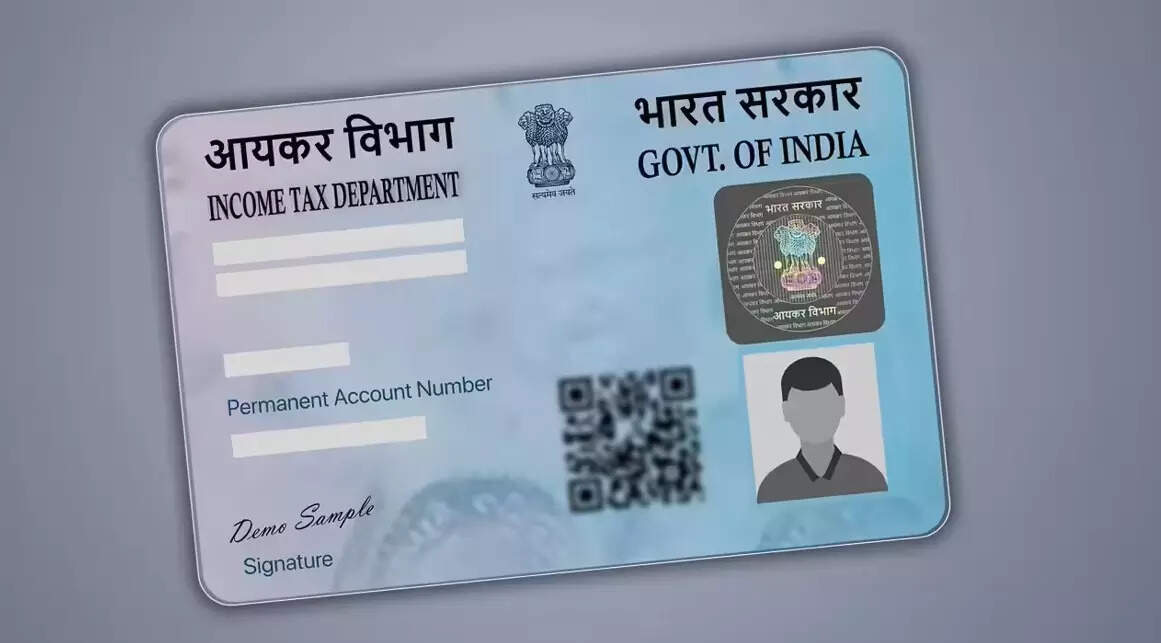
What Happens If Your PAN Is Not Linked?
As per government guidelines, a PAN card that is not linked with Aadhaar becomes inoperative. Once this happens, you lose access to key financial services. From banking transactions to tax filings, everything comes to a standstill, causing major inconvenience.What Does “Inoperative PAN” Mean?
An inoperative PAN is essentially a PAN card that cannot be used for any official purpose. You won’t be able to open new bank accounts, carry out high-value transactions, or even file your Income Tax Return (ITR). The rule aims to eliminate fake PAN cards and curb tax evasion, but for individuals, it can come as a sudden shock.You may also like
- Anuradha Roy On Gardens Growing From Grief
- Mumbai Startup Funding Falls 46% YoY To $2.1 Bn In 2025
 Pratik Jain files counter-petition against ED over raid at I-PAC office
 I-PAC chief Pratik Jain's family accuses ED of theft during raid
- Kerala CM Vijayan calls for global democratic resistance to US 'imperialist aggression'
Why Checking Your PAN Status Is Crucial
If your PAN became invalid after December 31, all financial transactions linked to it will remain suspended until the issue is fixed. Identifying an inoperative PAN early can save you from last-minute stress, especially during tax season or important banking needs.How To Check Your PAN Card Status Online
Checking your PAN status is quick and hassle-free. Follow these simple steps:- Visit the official Income Tax Department website: incometax.gov.in
- Go to the Quick Links section and click on “Verify PAN Status”
- Enter the required details and click “Continue”
- An OTP will be sent to the mobile number linked with your Aadhaar
- Enter the OTP and click “Validate”
- If your PAN is active, you’ll see the message: “PAN is Active and details are as per PAN.”
PAN-Aadhaar Linking Is No Longer Optional
Linking your PAN with Aadhaar is no longer just a routine formality, it’s a financial necessity. Taking a few minutes to verify your PAN status today can help you avoid bigger problems tomorrow.





More from our partners


Loving Newspoint? Download the app now
