
Book LPG Cylinder in Minutes! UMANG App Makes Gas Booking Faster Than Ever

Gone are the days when booking a gas cylinder meant standing in long queues and wasting hours. Thanks to digital technology, LPG booking has now become a quick and hassle-free task that can be completed right from your smartphone.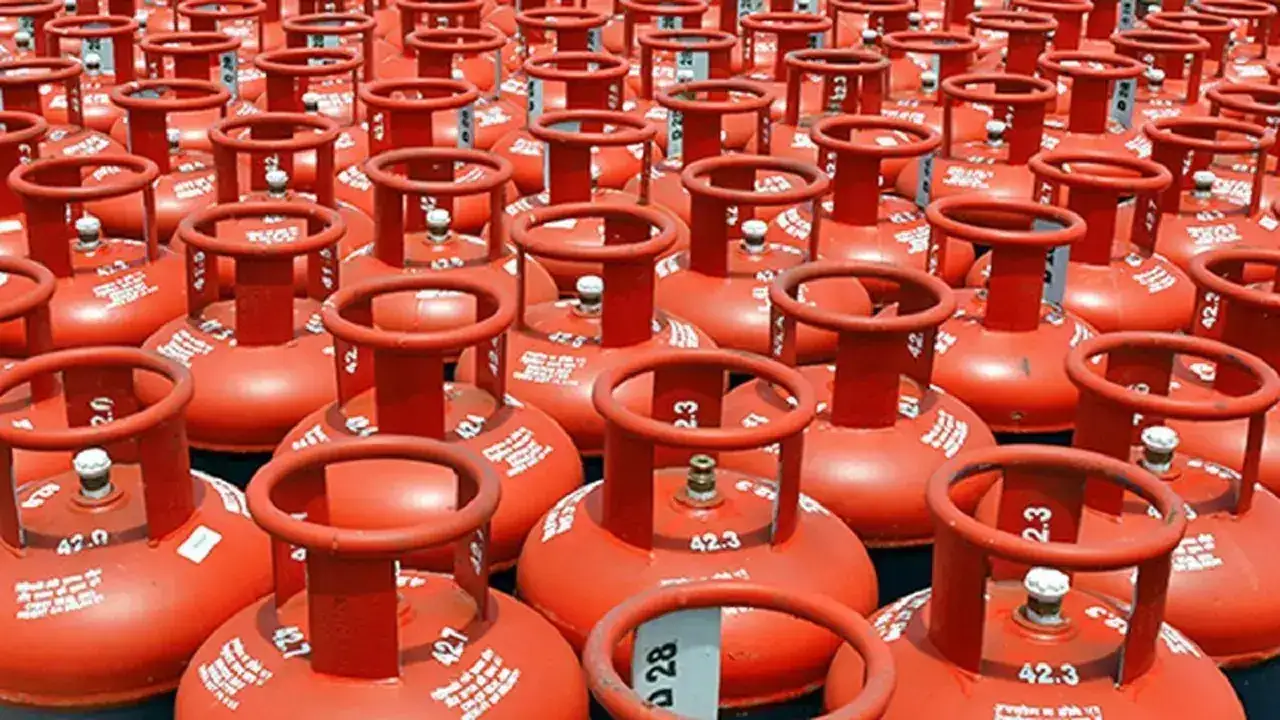
One of the easiest ways to book a cylinder today is through the government’s UMANG app. With just a few taps, users can book their LPG refill, make payments, and even track subsidy details without visiting any office or gas agency.
What Is UMANG App?
UMANG is short for “Unified Mobile Application for New-age Governance.” Developed by the Government of India, the app brings together more than 1,500 government services on a single platform.
Among its most-used services is LPG cylinder booking . The app supports all major gas providers, including Indane, Bharat Gas, and HP Gas.
Apart from booking a refill, users can also check booking history, subsidy status, and payment details directly through the app.
How To Book LPG Cylinder Through UMANG
Booking a gas cylinder via the UMANG app is simple and takes only a few minutes. Follow these steps:
Step 1: Download the App
Install the UMANG app from the Google Play Store or Apple App Store on your smartphone.
Step 2: Register Yourself
Open the app and register using your mobile number. Verify it through the OTP sent to your phone.
Step 3: Search for Gas Booking
After logging in, type “Gas Booking” in the search bar or choose the “Refill” option available on the homepage.
Step 4: Select Your Gas Provider
Choose your LPG company from the list, such as Indane, Bharat Gas, or HP Gas.
Step 5: Enter Consumer Details
Provide your Consumer ID or registered mobile number linked to the gas connection.
Step 6: Confirm Booking
Once your details are verified, the booking option will appear on the screen. Tap on it to successfully place your LPG refill request.
Why More Users Are Switching To Digital Booking
The UMANG app has made LPG booking faster, smoother, and more convenient than ever before. Users no longer need to visit gas agencies or wait in long queues. Everything, from booking to payment and subsidy tracking, can now be managed in one place through a mobile phone.
With digital services becoming a part of daily life, apps like UMANG are helping people save both time and effort.
One of the easiest ways to book a cylinder today is through the government’s UMANG app. With just a few taps, users can book their LPG refill, make payments, and even track subsidy details without visiting any office or gas agency.
What Is UMANG App?
UMANG is short for “Unified Mobile Application for New-age Governance.” Developed by the Government of India, the app brings together more than 1,500 government services on a single platform.Among its most-used services is LPG cylinder booking . The app supports all major gas providers, including Indane, Bharat Gas, and HP Gas.
Apart from booking a refill, users can also check booking history, subsidy status, and payment details directly through the app.
You may also like
- 'Why in English?' Pakistan's bizarre reaction to Indian presser on Op Sindoor goes viral
- Ratna Debrath confirms 'bomb blast' in Panihati after West Bengal win, says "it happened in Ward no 14"
- ISI-linked module plotted strikes on Delhi temple, dhaba, military camp
- Kerala CM face: BJP drops leaked Congress list with 'KC' markings
- 'Operation Sindoor still inspiring,' say parents of newborns named after 2025 military response
How To Book LPG Cylinder Through UMANG
Booking a gas cylinder via the UMANG app is simple and takes only a few minutes. Follow these steps: Step 1: Download the App
Install the UMANG app from the Google Play Store or Apple App Store on your smartphone. Step 2: Register Yourself
Open the app and register using your mobile number. Verify it through the OTP sent to your phone. Step 3: Search for Gas Booking
After logging in, type “Gas Booking” in the search bar or choose the “Refill” option available on the homepage.Step 4: Select Your Gas Provider
Choose your LPG company from the list, such as Indane, Bharat Gas, or HP Gas. Step 5: Enter Consumer Details
Provide your Consumer ID or registered mobile number linked to the gas connection. Step 6: Confirm Booking
Once your details are verified, the booking option will appear on the screen. Tap on it to successfully place your LPG refill request. Why More Users Are Switching To Digital Booking
The UMANG app has made LPG booking faster, smoother, and more convenient than ever before. Users no longer need to visit gas agencies or wait in long queues. Everything, from booking to payment and subsidy tracking, can now be managed in one place through a mobile phone. With digital services becoming a part of daily life, apps like UMANG are helping people save both time and effort.






More from our partners


Loving Newspoint? Download the app now
