
Lost Your Driving License? Get a Duplicate Online in Minutes - Complete Guide

Misplacing your driving license can be stressful, but don’t worry, you no longer need to visit the RTO in person. Whether it’s lost, torn, or damaged, you can now get a duplicate driving license online or offline, right from home.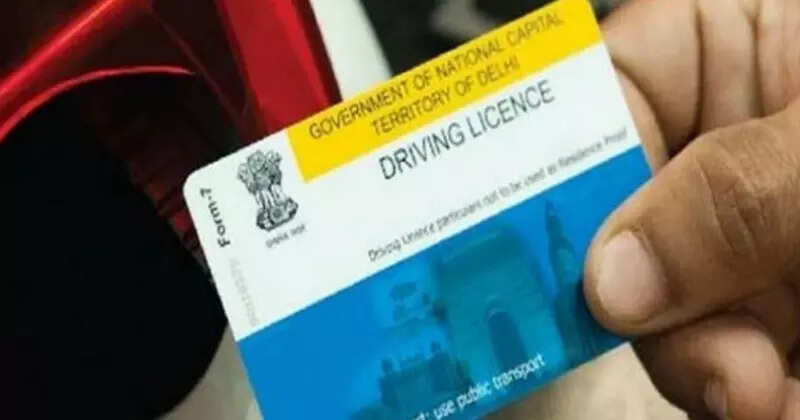
A driving license isn’t just for driving, it’s a widely accepted ID proof, needed for everything from banking to government schemes. Driving without a valid license can land you in trouble, so replacing it quickly is important.
With these simple steps, getting a duplicate driving license has become hassle-free. Whether you choose online convenience or offline submission, you can have your new license in hand without the usual RTO queues.
A driving license isn’t just for driving, it’s a widely accepted ID proof, needed for everything from banking to government schemes. Driving without a valid license can land you in trouble, so replacing it quickly is important.
Step 1: File an FIR
If your driving license is lost, the first step is to file an FIR at your local police station. For old, damaged, or unclear licenses, you’ll need to submit the original when applying for a duplicate. Once that’s done, you can apply for a duplicate online by visiting your state transport department’s website.Step 2: Apply Online
- Visit your state transport department’s website.
- Enter your personal details.
- Fill out the LLD (Lost License Duplicate) form.
- Print the form and attach the required documents.
- Submit everything online or at your RTO office.
Step 3: Apply Offline
- If you prefer offline processing:
- Visit the RTO where your original license was issued.
- Fill out the LLD form and submit it.
- Pay the prescribed fee.
Step 4: Keep Your Receipt
After submission, online or offline, you’ll receive a receipt. Keep it safe. It’s essential for tracking your application, verifying details, or handling delays in delivery.With these simple steps, getting a duplicate driving license has become hassle-free. Whether you choose online convenience or offline submission, you can have your new license in hand without the usual RTO queues.
Next Story