
Lost Your PAN Card? Here's How To Easily Apply For A Duplicate PAN Card

Losing your PAN card can be troublesome, especially when it's required for essential tasks like filing taxes. However, obtaining a duplicate PAN card is a straightforward process that can be done online. Here’s a step-by-step guide on how to apply for a duplicate PAN card seamlessly.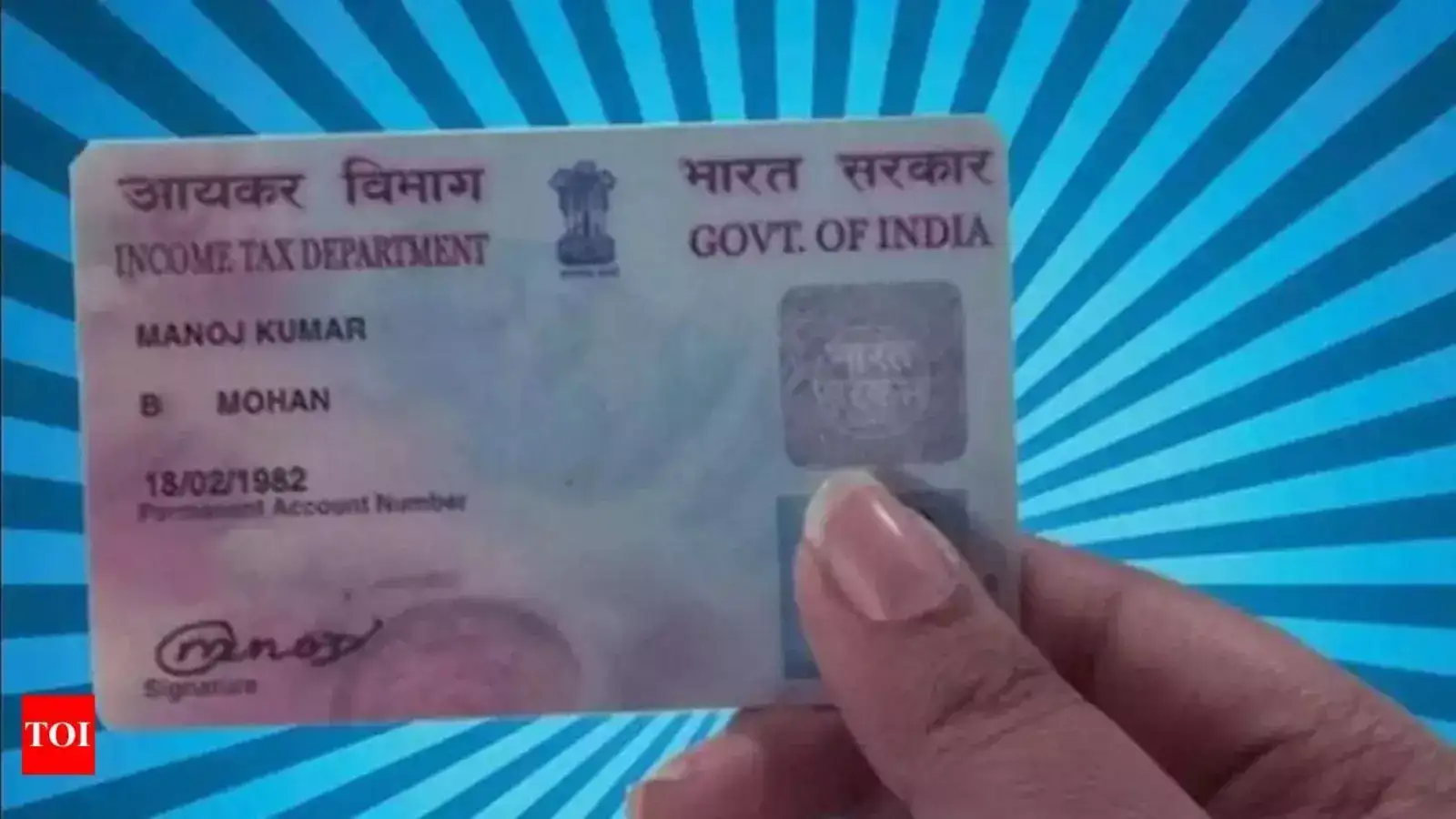
# Method of Online Application:
1. Visit the NSDL Website :
Start by visiting the NSDL website where you'll find the option for 'Reprint of PAN Card' prominently displayed.
2. Fill in Details:
Enter your PAN number, Aadhaar details , and other required information on the designated page. Ensure accuracy and click on the checkbox to proceed.
3. Choose OTP Option:
Select either your registered email ID or mobile number to receive the OTP. This OTP is crucial for authentication.
4. Generate and Enter OTP:
After selecting your preferred OTP delivery method, click on 'Generate OTP'. Enter the OTP received and submit it to proceed further.
5. Payment:
Make the necessary payment for the duplicate PAN card application. Once the payment is confirmed, proceed to print.
6. Confirmation and e-PAN Download :
Upon successful submission, a confirmation message will be sent to your registered mobile number. You can also download your e-PAN using the link provided in the message.
# Important Points to Remember:
The duplicate PAN card will contain the same information as your original PAN card; no updates or changes can be made during the application process.
The duplicate PAN card will be dispatched to the address registered with the Income Tax Department.
# How to Download PAN Card Online :
1. Visit NSDL Online Services:
Navigate to www.onlineservices.nsdl.com for downloading your PAN card.
2. Fill Application Form:
Provide necessary details such as your name, contact number, and email address in the application form.
3. Submit and Receive e-PAN:
Submit the form and you'll receive your e-PAN card in PDF format via email.
Downloading your PAN card online ensures quick access to your PAN details whenever needed.
By following these simple steps, you can easily apply for a duplicate PAN card and manage your financial transactions seamlessly.
# Method of Online Application:
1. Visit the NSDL Website :
Start by visiting the NSDL website where you'll find the option for 'Reprint of PAN Card' prominently displayed.
2. Fill in Details:
Enter your PAN number, Aadhaar details , and other required information on the designated page. Ensure accuracy and click on the checkbox to proceed.
3. Choose OTP Option:
Select either your registered email ID or mobile number to receive the OTP. This OTP is crucial for authentication.
4. Generate and Enter OTP:
After selecting your preferred OTP delivery method, click on 'Generate OTP'. Enter the OTP received and submit it to proceed further.
5. Payment:
Make the necessary payment for the duplicate PAN card application. Once the payment is confirmed, proceed to print.
6. Confirmation and e-PAN Download :
Upon successful submission, a confirmation message will be sent to your registered mobile number. You can also download your e-PAN using the link provided in the message.
# Important Points to Remember:
You may also like
- Tamil Nadu Polls: TVK Chief Coordinator KA Sengottaiyan casts vote in Gobichettipalayam
- NIA: Enhance Yasin Malik's life term to death penalty
- "Sacred festival of democracy": Governor Ravi urges youth, women to lead voter turnout as West Bengal votes in Phase 1
- WB Elections: Voters queue up in Asansol as Phase 1 polling begins
- Three women held after Noida protest damages 100+ factories, vehicles
The duplicate PAN card will contain the same information as your original PAN card; no updates or changes can be made during the application process.
The duplicate PAN card will be dispatched to the address registered with the Income Tax Department.
# How to Download PAN Card Online :
1. Visit NSDL Online Services:
Navigate to www.onlineservices.nsdl.com for downloading your PAN card.
2. Fill Application Form:
Provide necessary details such as your name, contact number, and email address in the application form.
3. Submit and Receive e-PAN:
Submit the form and you'll receive your e-PAN card in PDF format via email.
Downloading your PAN card online ensures quick access to your PAN details whenever needed.
By following these simple steps, you can easily apply for a duplicate PAN card and manage your financial transactions seamlessly.






More from our partners


Loving Newspoint? Download the app now
