Not Receiving Aadhaar OTP on Your Mobile? Here’s How to Fix It

If you’re struggling to receive the OTP on your mobile while using your Aadhaar card , you’re not alone. The Aadhaar card is a crucial document used for various government and private sector services, and OTP verification is often required for authentication. If your OTP isn’t arriving, it could be due to an outdated or inactive mobile number linked to your Aadhaar. Here’s what you can do to resolve the issue.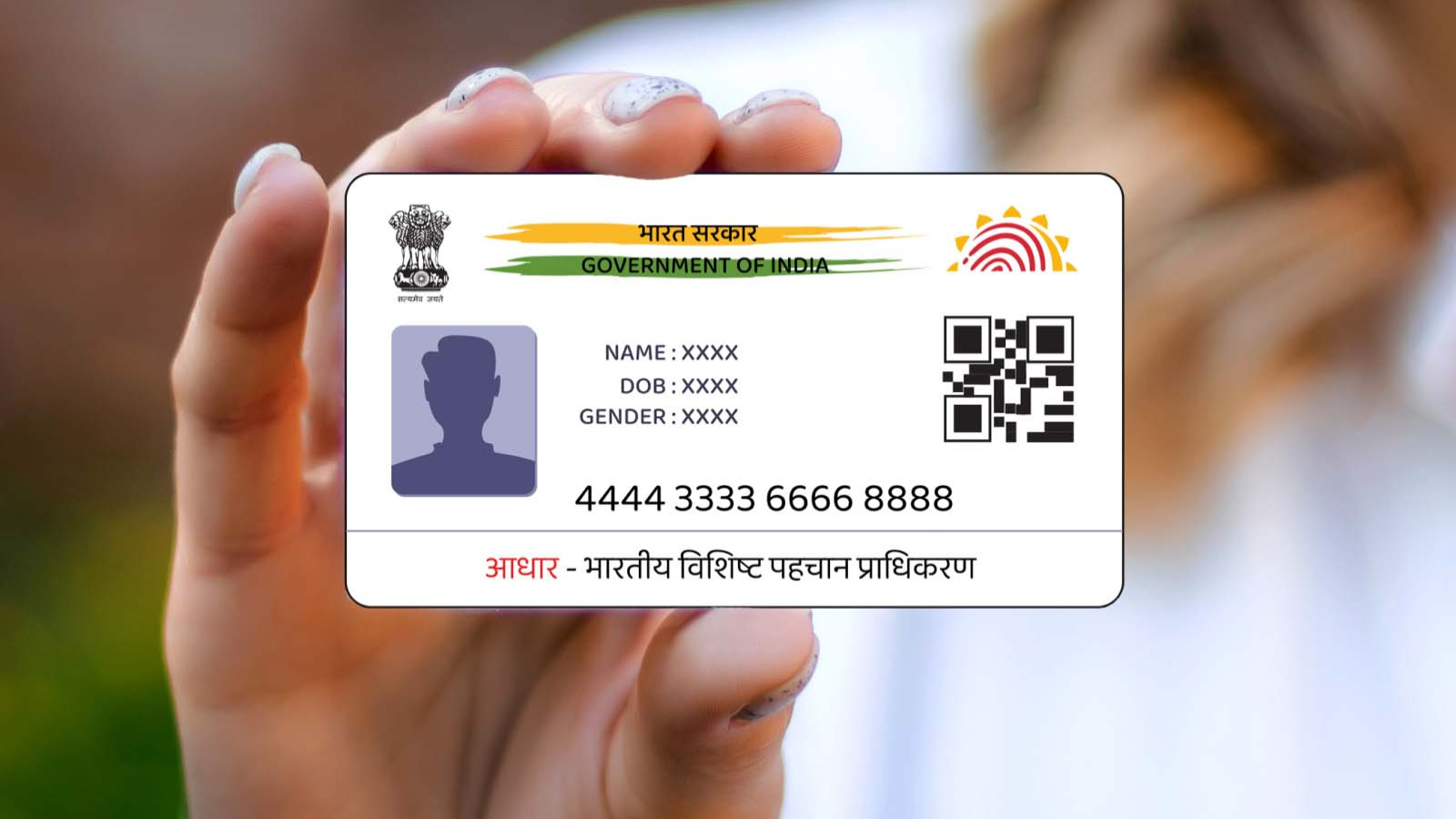
There are several reasons why you might not receive your Aadhaar OTP:
If your OTP isn’t arriving due to an old or inactive number, you need to update your mobile number in Aadhaar. Follow these steps:
1. Visit the Nearest Aadhaar Centre
2. Fill Out the Form
3. Complete Biometric Verification
4. Pay the Required Fee
5. Receive the URN for Tracking
If you’ve lost your Aadhaar card or need to update details like your surname or address after marriage, you can easily do so online via the UIDAI portal .
Updating your Aadhaar details ensures seamless access to government and financial services. So, if your OTP isn’t arriving, take the necessary steps today to keep your Aadhaar information up to date!
Why Is Your Aadhaar OTP Not Coming ?
There are several reasons why you might not receive your Aadhaar OTP:
- Your registered mobile number is inactive.
- You have switched to a new number without updating it in Aadhaar records.
- There could be temporary network issues or delays.
How to Update Your Mobile Number in Aadhaar
If your OTP isn’t arriving due to an old or inactive number, you need to update your mobile number in Aadhaar. Follow these steps:
1. Visit the Nearest Aadhaar Centre
- Locate an Aadhaar Enrolment Centre or Common Service Centre (CSC) near you.
- Collect the Aadhaar update/correction form.
2. Fill Out the Form
- Enter your Aadhaar number and the new mobile number you want to link.
3. Complete Biometric Verification
- At the Aadhaar Centre, officials will scan your fingerprints, eyes, and take your photograph for verification.
4. Pay the Required Fee
- A fee of ₹50 is applicable for updating your mobile number. You can also book an appointment online at UIDAI’s official site.
5. Receive the URN for Tracking
- After submission, you’ll get an Update Request Number (URN), which you can use to check the update status online.
Checking the Status of Your Update
- Go to the UIDAI website and enter your URN, Aadhaar number, and the captcha code.
- Click on ‘Check Status’ to see if the update is completed.
- Once updated, you can download your Aadhaar card with the new linked number.
How Long Does It Take?
Updating your mobile number usually takes 5 to 7 days, but in some cases, it can take up to 90 days. It’s advisable to monitor the update status regularly.Additional Aadhaar Updates
If you’ve lost your Aadhaar card or need to update details like your surname or address after marriage, you can easily do so online via the UIDAI portal .
Updating your Aadhaar details ensures seamless access to government and financial services. So, if your OTP isn’t arriving, take the necessary steps today to keep your Aadhaar information up to date!
Next Story