
Link Your Mobile Number to Your Driving Licence in Minutes From Home

Linking your mobile number with your driving licence may sound like a small update, but it plays a big role in keeping your licence secure and your information up to date. If your mobile number is still not connected to your driving licence, now is the best time to do it. Earlier, even for such a basic change, people had to visit the RTO, fill out multiple forms, and wait in long queues. Today, the entire process is online, simple, and can be completed in just a few minutes from home.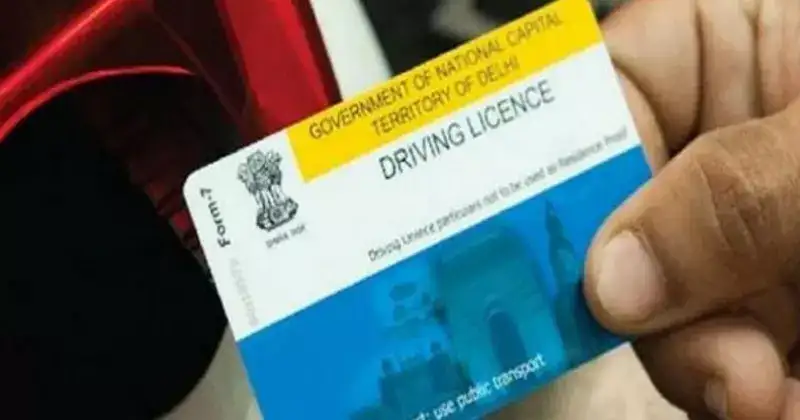
You also receive reminders before your driving licence expires, helping you renew it on time and avoid penalties. Any important communication from the RTO, such as verification messages, service updates, or new rules, reaches you directly on your phone. Another major advantage is safety. If someone tries to misuse your driving licence or if there is any suspicious activity linked to it, timely alerts can help you act quickly and prevent fraud.
You will be asked to enter basic details such as your driving licence number, date of birth, and the mobile number you want to link. After submitting these details, an OTP will be sent to your mobile phone. Enter the OTP on the website to verify your number and complete the process. Once the update is successful, a confirmation message will appear on the screen. It is advisable to save or take a screenshot of this confirmation for future reference.
Keeping your mobile number updated ensures smooth communication, timely alerts, and better protection of your driving licence. With the online system now in place, there is no reason to delay this quick and important update.
Why linking your mobile number is important
Many licence holders believe that adding a mobile number is not really necessary. However, this one step offers several practical benefits. Whenever a traffic rule is violated, details of the e-challan are sent directly to your registered mobile number via SMS. This ensures you are informed instantly and can take timely action.You also receive reminders before your driving licence expires, helping you renew it on time and avoid penalties. Any important communication from the RTO, such as verification messages, service updates, or new rules, reaches you directly on your phone. Another major advantage is safety. If someone tries to misuse your driving licence or if there is any suspicious activity linked to it, timely alerts can help you act quickly and prevent fraud.
How to link your mobile number from home
The process to update your mobile number is straightforward and completely online. Start by visiting the official website of your state’s RTO or the Parivahan portal. Navigate to the driving licence services section and select the option to update or link your mobile number.You will be asked to enter basic details such as your driving licence number, date of birth, and the mobile number you want to link. After submitting these details, an OTP will be sent to your mobile phone. Enter the OTP on the website to verify your number and complete the process. Once the update is successful, a confirmation message will appear on the screen. It is advisable to save or take a screenshot of this confirmation for future reference.
Important precautions to follow
At times, the OTP may take a little longer to arrive due to network or server issues, so patience is key. If you face any technical problems on the website, wait for some time and try again later. Always make sure you link your own mobile number and never share the OTP with anyone. Sharing OTPs can put your personal data and driving licence at risk.Keeping your mobile number updated ensures smooth communication, timely alerts, and better protection of your driving licence. With the online system now in place, there is no reason to delay this quick and important update.
Next Story