
Are You Charging Your Laptop Wrong? 5 Habits To Fix Right Now

Laptops have become an essential part of everyday life, whether for work, studies, or entertainment. But while most users focus on performance and features, charging habits are often overlooked. According to a recent report, simple mistakes during charging can significantly impact a laptop’s lifespan and battery health.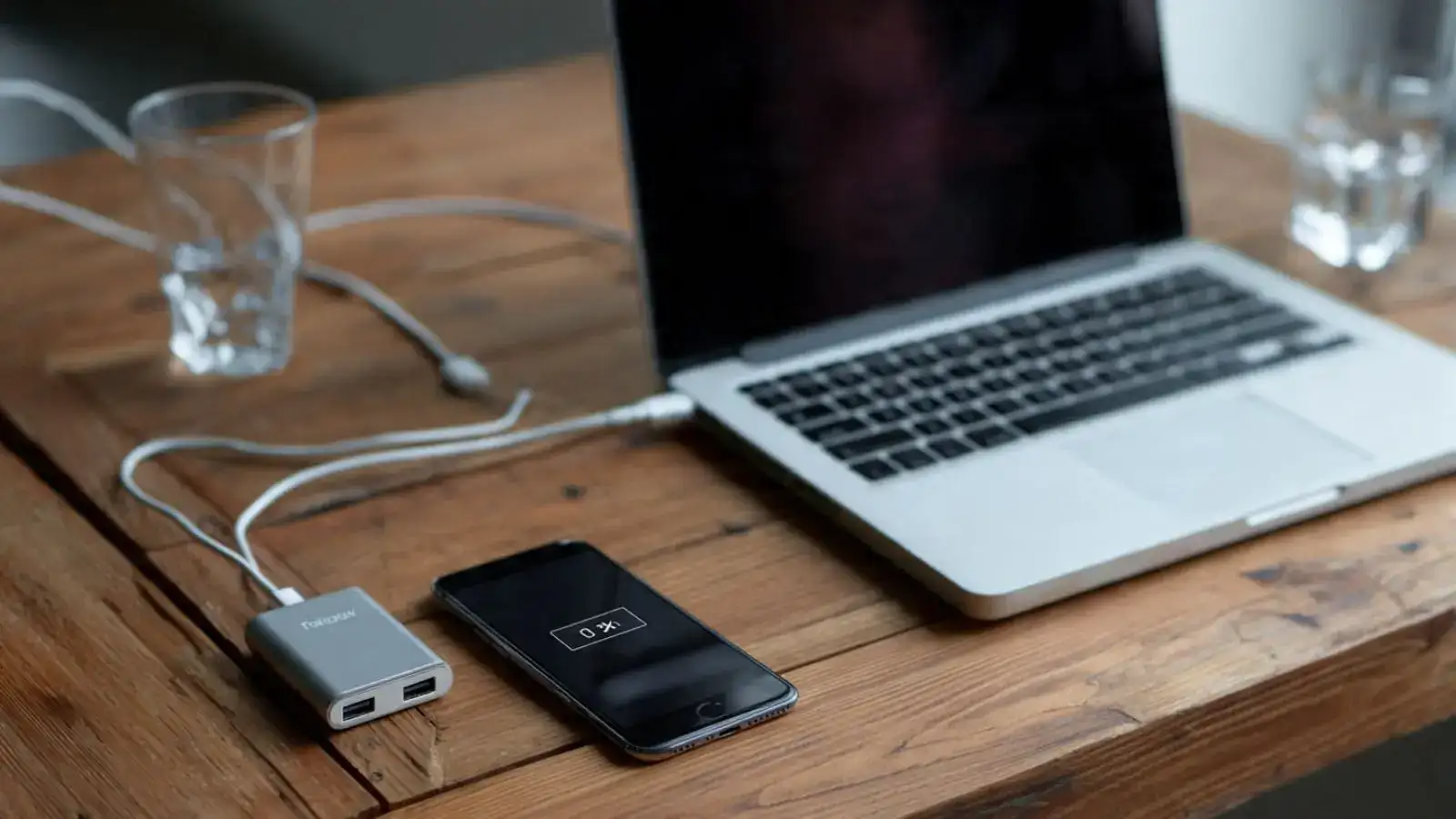
- One of the most common mistakes is using the wrong charger. Many users opt for cheaper or incompatible chargers when the original one is unavailable. However, non-certified chargers may not deliver the correct voltage or current, which can damage the battery and internal components over time. In some cases, this can even pose safety risks.
- Another major issue is blocking ventilation while charging. Placing a laptop on soft surfaces like beds, pillows, or sofas may feel comfortable, but it restricts airflow. This traps heat inside the device, causing overheating that can harm the battery and slow down overall performance.
- Using your laptop for heavy tasks while it’s charging is also a harmful habit. Activities like gaming, video editing, or running high-performance software generate additional heat. When combined with the heat produced during charging, this can strain the battery and internal hardware, accelerating wear and tear.
- Leaving your laptop plugged in continuously, even after it reaches full charge, is another mistake users often make. While modern devices come with safeguards, prolonged charging can still affect battery health over time. Experts suggest unplugging the charger once the battery is sufficiently charged to maintain long-term efficiency.
- Lastly, ignoring overheating signs can be risky. If your laptop becomes excessively hot while charging, it’s a warning signal that shouldn’t be ignored. Continued exposure to high temperatures can damage internal components and reduce the device’s lifespan. Taking breaks, ensuring proper ventilation, or using cooling accessories can help prevent such issues.






More from our partners


Loving Newspoint? Download the app now
