
How To Check Which Websites Are Sharing Your Data With Facebook And Instagram And Take Back Control Of Your Privacy

Step-By-Step Guide To Review, Delete And Stop Activity Shared With Facebook And Instagram From Other Websites: Social media platforms gather vast amounts of information to shape the online experience for users. Every time someone visits a website, opens an app or searches for a product, certain details about that activity may be shared with advertising networks and technology companies. This data is often used to personalise recommendations and advertisements. Many users are unaware of how widely their actions outside social media can be tracked. Fortunately, Facebook and Instagram offer tools that allow people to review, manage and even stop such data sharing.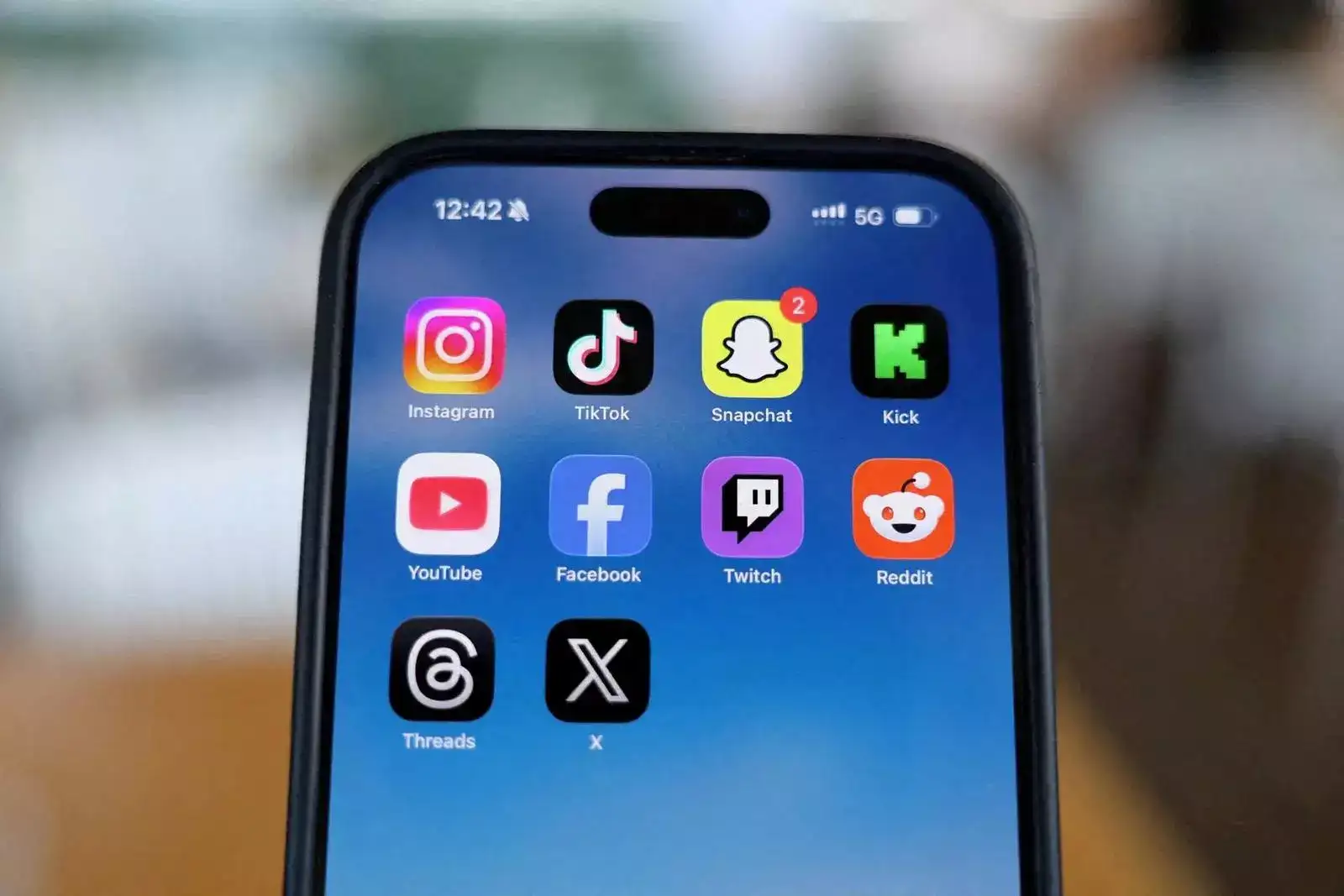
For example, someone who looks at sports shoes on an online shopping site may later see advertisements for similar products while scrolling through social media. While this approach helps advertisers reach interested audiences, it also raises questions about online privacy and data transparency.
To address these concerns, Meta introduced a feature that allows users to see and manage data shared from external websites and applications.
Users can locate the tool through the settings area of their account. Once inside the account settings, the path leads to the section that manages personal information and permissions. There, the option labelled “Your activity off Meta technologies” reveals details about activity shared from websites, brands, advertisers and mobile applications.
The feature works similarly across both platforms, providing a clear view of the organisations that have shared activity data.
By selecting a particular company from the list, users can disconnect that entity from their account. Once confirmed, the connection between that external service and the social media platform is removed. This means the organisation can no longer link future activity data to that user’s profile.
This option is particularly helpful for individuals who want to limit tracking from specific websites or brands.
Choosing this option removes the stored activity records linked to the account. While companies may still share new data in the future, the past tracking history stored by the platform is erased.
This can be useful for users who want to reset the information used to personalise advertisements and recommendations.
Although companies may still receive activity data for measurement or advertising purposes, it will not be associated with the user’s profile on the social media platform. As a result, advertisements become less personalised.
This feature allows users to reduce the amount of behaviour-based advertising they encounter online.
Users can customise what type of information they want to export, including the time range, data format and quality of media files. Once the export request is submitted, the system prepares a downloadable file that can be saved on a computer or other storage location.
Reviewing these files can help users better understand how their activity has been tracked across different services.
Users can decide who sees their personal information such as email addresses or phone numbers. They can also adjust who is allowed to send friend requests or find their profile through search engines.
The tool also offers additional security features, including enabling two-factor authentication. Adding this extra verification step helps protect accounts from unauthorised access.
People can disable certain categories of information used to show personalised ads. They can also decide whether their social interactions appear alongside promotional content seen by others.
These adjustments allow users to tailor how advertising works on their account while maintaining greater control over personal data.
With growing awareness about digital privacy, tools like activity tracking controls and privacy checkups provide users with the opportunity to understand and manage how their information is used online. By regularly reviewing these settings, individuals can take a more active role in protecting their data while continuing to use social media platforms.
Understanding How Activity Outside Social Media Is Tracked
Websites, apps and online services often share user interactions with advertising platforms to improve marketing results. When someone browses an online store or searches for a product, those actions may be communicated to Facebook or Instagram through tracking systems. The information can then be used to display relevant advertisements or content when the person returns to these social media platforms.For example, someone who looks at sports shoes on an online shopping site may later see advertisements for similar products while scrolling through social media. While this approach helps advertisers reach interested audiences, it also raises questions about online privacy and data transparency.
To address these concerns, Meta introduced a feature that allows users to see and manage data shared from external websites and applications.
Accessing The Activity Tracking Controls
Both Facebook and Instagram provide a section where users can review activity information shared by external platforms. This feature allows people to understand which companies and services have sent data about their interactions.Users can locate the tool through the settings area of their account. Once inside the account settings, the path leads to the section that manages personal information and permissions. There, the option labelled “Your activity off Meta technologies” reveals details about activity shared from websites, brands, advertisers and mobile applications.
The feature works similarly across both platforms, providing a clear view of the organisations that have shared activity data.
Removing Or Disconnecting Individual Accounts
One of the most useful aspects of the tool is the ability to disconnect specific companies or advertisers from tracking user activity. Within the activity list, users can view organisations that have recently shared information about their interactions.By selecting a particular company from the list, users can disconnect that entity from their account. Once confirmed, the connection between that external service and the social media platform is removed. This means the organisation can no longer link future activity data to that user’s profile.
This option is particularly helpful for individuals who want to limit tracking from specific websites or brands.
Clearing Previously Collected Activity
In addition to disconnecting individual accounts, users can also delete their entire activity history shared through these external services. The platform provides an option to clear previous activity collected from websites and applications.Choosing this option removes the stored activity records linked to the account. While companies may still share new data in the future, the past tracking history stored by the platform is erased.
This can be useful for users who want to reset the information used to personalise advertisements and recommendations.
Preventing Future Data Sharing
For those who want stronger control over their privacy, there is also a setting to stop future activity tracking. When this option is activated, the platform disconnects future activity shared by businesses and websites from the user’s account.Although companies may still receive activity data for measurement or advertising purposes, it will not be associated with the user’s profile on the social media platform. As a result, advertisements become less personalised.
This feature allows users to reduce the amount of behaviour-based advertising they encounter online.
Exporting Personal Activity Data
Another option available to users is exporting their activity data. This feature enables individuals to download the information shared with the platform for review or personal analysis.Users can customise what type of information they want to export, including the time range, data format and quality of media files. Once the export request is submitted, the system prepares a downloadable file that can be saved on a computer or other storage location.
Reviewing these files can help users better understand how their activity has been tracked across different services.
You may also like
- Ghost of Yotei Legends release time countdown on PlayStation 5
- Industry urges long-term solutions for perishable product exporters amid geopolitical tensions
- Google Update – Google will tell you which apps consume the most battery, let's find out
- How to create a WhatsApp community? Learn easy steps and essential information
- India widens gates for foreign money from bordering countries including China
Using Privacy Checkup To Strengthen Account Security
Apart from tracking controls, Facebook also provides a dedicated Privacy Checkup tool that helps users review their account settings step by step. This feature guides people through several areas including profile visibility, audience settings, tagging permissions and search preferences.Users can decide who sees their personal information such as email addresses or phone numbers. They can also adjust who is allowed to send friend requests or find their profile through search engines.
The tool also offers additional security features, including enabling two-factor authentication. Adding this extra verification step helps protect accounts from unauthorised access.
Managing Advertising Preferences
Users who want greater control over advertisements can adjust their ad preferences as well. Within the settings area, there are options to decide how personal data is used for targeted advertising.People can disable certain categories of information used to show personalised ads. They can also decide whether their social interactions appear alongside promotional content seen by others.
These adjustments allow users to tailor how advertising works on their account while maintaining greater control over personal data.
With growing awareness about digital privacy, tools like activity tracking controls and privacy checkups provide users with the opportunity to understand and manage how their information is used online. By regularly reviewing these settings, individuals can take a more active role in protecting their data while continuing to use social media platforms.






More from our partners


Loving Newspoint? Download the app now

