
How To Clean Your Phone’s Charging Port Safely Without Causing Any Damage At Home

A phone that refuses to charge properly can quickly disrupt daily routines, especially when everything from payments to work depends on it. In many cases, the problem is not the battery or charger but something far simpler, dust and debris trapped inside the charging port. Over time, lint from pockets, dirt and tiny particles accumulate, blocking proper contact between the cable and the port. The good news is that cleaning your phone’s charging port safely is a straightforward process if done carefully and with the right approach.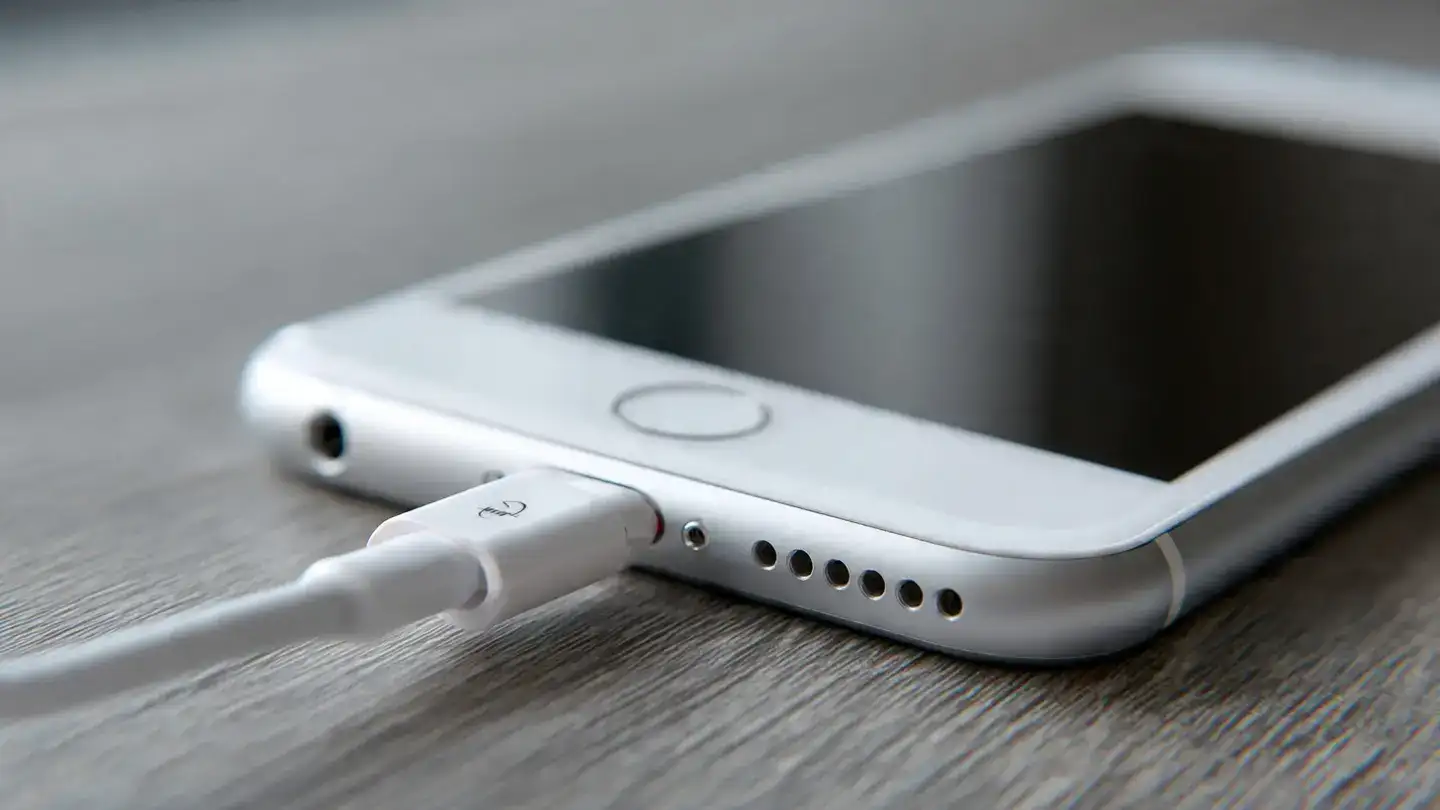
As the dirt accumulates, it can prevent the charging cable from fitting properly. This often leads to loose connections, intermittent charging or slower charging speeds. Many users assume their charger or battery is faulty, when in reality, a simple clean-up can resolve the issue.
You might also notice slower charging speeds or the device not charging at all despite using a working cable. In some cases, visible dust or lint inside the port confirms the issue. Recognising these early signs can help you fix phone not charging problems without unnecessary repairs.
A soft, dry toothbrush can also help loosen stubborn dust. Compressed air is another effective solution, but it should be used carefully and at a slight distance to avoid forcing debris deeper inside. Avoid using sharp objects like pins or needles, as they can damage internal components.
Gently insert a wooden toothpick into the port and carefully scrape out any visible debris. Do not apply pressure or force, as the internal connectors are delicate. Use slow, controlled movements to remove dust.
Next, use a soft brush or toothbrush to sweep away loosened particles. If you have compressed air, give a short burst to clear remaining dust. Always hold the phone at an angle so debris falls out instead of going deeper.
Once you are done, plug in your charger to check if the connection feels secure. In most cases, you will notice an immediate improvement in charging performance.
Another common mistake is using liquids. Water or cleaning solutions can seep inside and damage the circuitry. Even a small amount of moisture can cause serious problems.
Blowing into the port with your mouth is also not advisable, as it introduces moisture and pushes debris further inside. Following proper smartphone maintenance tips ensures you clean safely without creating new issues.
Using a protective case with a port cover can also help. Regularly checking the port for visible dust allows you to address the issue before it becomes serious. These small habits can significantly improve phone charging speed and overall device health.
Trying aggressive cleaning methods or repeated poking can worsen the situation. Knowing when to stop is just as important as knowing how to clean the charging port safely.
Maintaining a clean charging port is a simple yet effective way to extend your phone’s lifespan. With the right tools, a gentle approach and a bit of regular care, you can avoid many common charging issues and keep your device functioning smoothly.
Image Courtesy: Meta AI
Why Charging Ports Get Dirty So Easily
Smartphones travel everywhere, from pockets and handbags to desks and cars. This constant exposure makes the charging port a natural trap for dust, lint and even moisture. Unlike other parts of the phone, the port is a small, enclosed space, which means debris builds up gradually without being noticed.As the dirt accumulates, it can prevent the charging cable from fitting properly. This often leads to loose connections, intermittent charging or slower charging speeds. Many users assume their charger or battery is faulty, when in reality, a simple clean-up can resolve the issue.
Signs Your Charging Port Needs Cleaning
Before attempting to clean anything, it helps to identify whether the port is actually the problem. One of the most common signs is when the charging cable does not sit firmly or keeps slipping out. Another indication is when the phone charges only at a specific angle.You might also notice slower charging speeds or the device not charging at all despite using a working cable. In some cases, visible dust or lint inside the port confirms the issue. Recognising these early signs can help you fix phone not charging problems without unnecessary repairs.
Tools You Can Use Safely At Home
Cleaning your charging port does not require specialised equipment. In fact, using simple and non-metal tools is the safest approach. A wooden toothpick is often the most recommended option because it is gentle and does not conduct electricity.A soft, dry toothbrush can also help loosen stubborn dust. Compressed air is another effective solution, but it should be used carefully and at a slight distance to avoid forcing debris deeper inside. Avoid using sharp objects like pins or needles, as they can damage internal components.
Step By Step Process To Clean The Charging Port
Start by switching off your phone completely. This reduces any risk of short circuits and ensures safety during the process. Place the device in a well-lit area so you can clearly see inside the port.Gently insert a wooden toothpick into the port and carefully scrape out any visible debris. Do not apply pressure or force, as the internal connectors are delicate. Use slow, controlled movements to remove dust.
Next, use a soft brush or toothbrush to sweep away loosened particles. If you have compressed air, give a short burst to clear remaining dust. Always hold the phone at an angle so debris falls out instead of going deeper.
Once you are done, plug in your charger to check if the connection feels secure. In most cases, you will notice an immediate improvement in charging performance.
Common Mistakes To Avoid
While cleaning seems simple, certain mistakes can cause more harm than good. One of the biggest errors is using metal objects to remove dirt. These can scratch or damage the internal pins, leading to permanent issues.Another common mistake is using liquids. Water or cleaning solutions can seep inside and damage the circuitry. Even a small amount of moisture can cause serious problems.
Blowing into the port with your mouth is also not advisable, as it introduces moisture and pushes debris further inside. Following proper smartphone maintenance tips ensures you clean safely without creating new issues.
You may also like
- Over 5.01 lakh new PNG connections gasified, LPG supply normal: Govt
- MeitY moots tighter disclosure norms on AI content
- Donald Trump calls Apple CEO Tim Cook 'an incredible guy'; remembers the phone call that started his relationship with 'Tim Apple'
- Australia's Syenta raises $26 million to ease AI chip bottleneck, former Intel CEO joins board
- Rainmatter invests Rs 20 crore in Prime Investor
Preventive Tips To Keep Your Charging Port Clean
Prevention is always easier than repeated cleaning. Keeping your phone in clean pockets or compartments reduces lint build-up. Avoid placing it in dusty environments or loose bags where debris can easily enter.Using a protective case with a port cover can also help. Regularly checking the port for visible dust allows you to address the issue before it becomes serious. These small habits can significantly improve phone charging speed and overall device health.
When To Seek Professional Help
If your phone still does not charge properly after cleaning, the issue may lie elsewhere. Damaged charging pins, faulty cables or internal hardware problems could be the cause. In such cases, it is best to consult a professional technician rather than attempting further fixes on your own.Trying aggressive cleaning methods or repeated poking can worsen the situation. Knowing when to stop is just as important as knowing how to clean the charging port safely.
Maintaining a clean charging port is a simple yet effective way to extend your phone’s lifespan. With the right tools, a gentle approach and a bit of regular care, you can avoid many common charging issues and keep your device functioning smoothly.
Image Courtesy: Meta AI






More from our partners


Loving Newspoint? Download the app now
