
Master The Night With These Simple Tricks To Improve Smartphone Photography In Low Light

Turn Night Into Art Proven Tricks To Capture Clear And Bright Photos On Your Smartphone: Smartphones have become powerful tools for everyday photography, yet low light conditions continue to challenge even the best devices. Whether it is a dimly lit restaurant, a night street scene or an indoor gathering, poor lighting often leads to grainy, blurred or dull images. However, with the right approach and a few simple techniques, it is possible to significantly improve your results. Understanding how your phone camera behaves in low light can make a noticeable difference in image quality.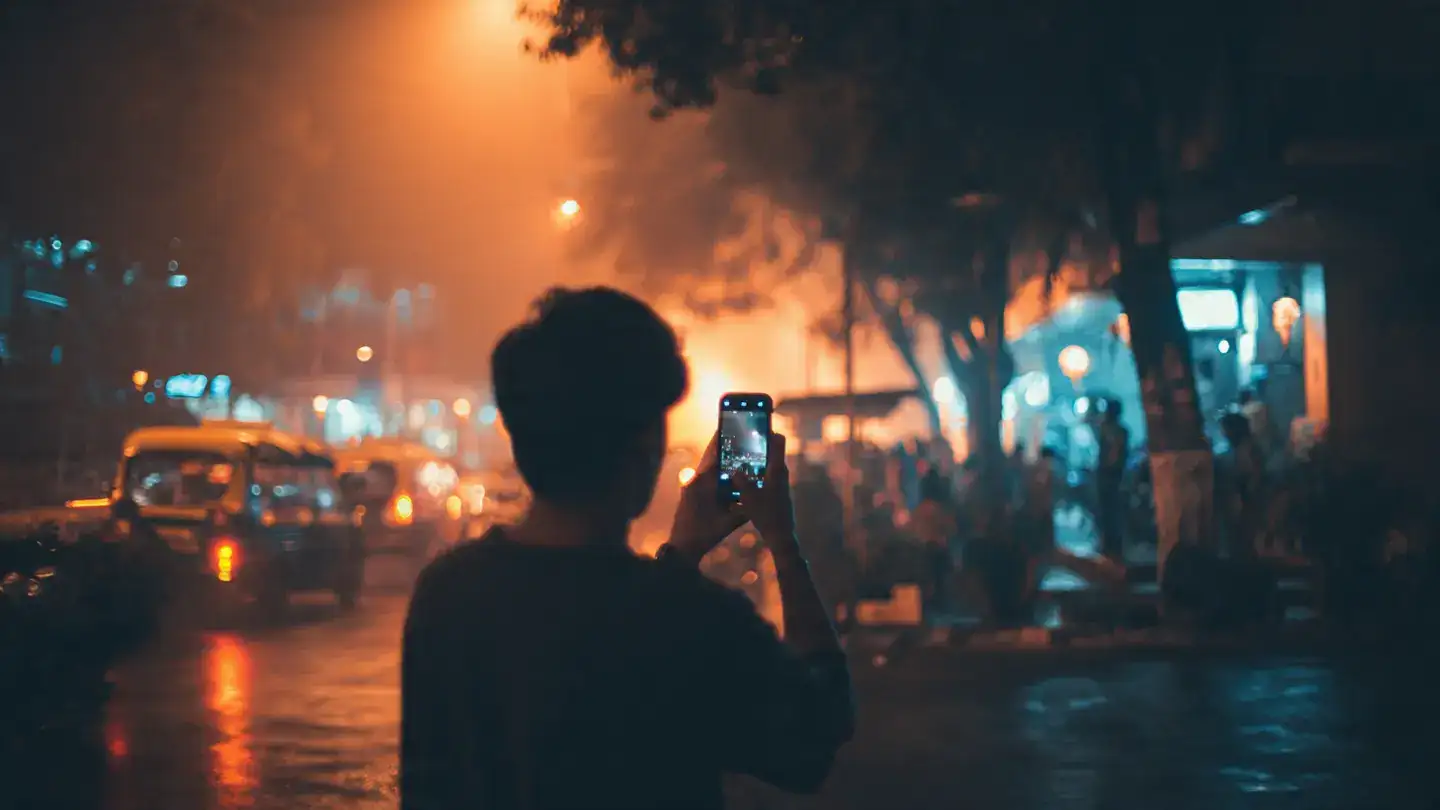
Night mode, now common across many devices, captures multiple frames and combines them to produce a brighter image. Using this feature can instantly improve your low light photography without requiring advanced skills.
To avoid this, hold your phone with both hands and keep your elbows close to your body. Leaning against a wall or placing your phone on a stable surface can also help. If possible, use a tripod or a small stand. Stability is often the difference between a sharp image and an unusable one.
Lighting from the side can create interesting shadows and textures, while backlighting can produce dramatic silhouettes. Understanding how to use available light is a key part of mastering night photography tips .
If your phone supports manual or pro mode, experiment with ISO and shutter speed. Keeping ISO lower reduces noise, while adjusting shutter speed helps control how much light enters the camera. These mobile camera tricks can help you achieve more balanced and detailed photos.
If you must use flash, consider diffusing it slightly by covering it with a thin material or adjusting the angle. However, in most cases, natural or available lighting will deliver better results.
Focus on subtle improvements rather than heavy editing. Over-processing can make images look artificial, so aim for a natural finish that enhances the original shot.
Over time, you will develop a sense of how to handle challenging lighting conditions. With practice, capturing clear and visually appealing images in low light becomes much easier.
Improving your smartphone photography in low light is not about having the most expensive device but about using smart techniques. By focusing on stability, light sources and simple camera adjustments, you can transform your night photos into striking images that stand out.
Image Courtesy: Meta AI
Understand How Your Camera Handles Low Light
Most smartphone cameras rely on software processing to enhance images taken in dark environments. In low light, the camera increases sensitivity to light, which can introduce noise and reduce sharpness. Recognising this helps you adjust your shooting style accordingly. Instead of relying entirely on automatic mode, consider using built-in night modes or manual settings if available.Night mode, now common across many devices, captures multiple frames and combines them to produce a brighter image. Using this feature can instantly improve your low light photography without requiring advanced skills.
Keep Your Phone Steady For Sharper Images
One of the most important smartphone photography tips is to minimise movement. In low light, the camera uses slower shutter speeds to gather more light, making it more sensitive to hand shake. Even slight movement can result in blur.To avoid this, hold your phone with both hands and keep your elbows close to your body. Leaning against a wall or placing your phone on a stable surface can also help. If possible, use a tripod or a small stand. Stability is often the difference between a sharp image and an unusable one.
Use Available Light Creatively
Instead of fighting low light, try to work with it. Look for nearby light sources such as street lamps, candles or shop windows. Position your subject closer to these sources to improve visibility and add depth to the image.Lighting from the side can create interesting shadows and textures, while backlighting can produce dramatic silhouettes. Understanding how to use available light is a key part of mastering night photography tips .
Adjust Exposure Manually
Many smartphones allow you to adjust exposure by tapping on the screen and sliding a brightness control. Lowering exposure slightly can prevent overexposed highlights, especially when there are bright light sources in the frame.If your phone supports manual or pro mode, experiment with ISO and shutter speed. Keeping ISO lower reduces noise, while adjusting shutter speed helps control how much light enters the camera. These mobile camera tricks can help you achieve more balanced and detailed photos.
You may also like
- Live Translate with Headphones: Google expands feature to iOS
- Nokia trims 20% global workforce; 75,000 employees impacted: Report
- Govt focuses on bolstering PNG infra, aims 50 lakh new connections
- How an upset Chinese government with Meta's Manus acquisition proves that "Singapore washing" may no longer work for Chinese and American companies
- Objectionable ads like alcoholic drinks, smoking prohibited in Railways: Ashwini Vaishnaw
Avoid Using Flash Unless Necessary
The built-in flash on smartphones often produces harsh and unnatural lighting. It can flatten details and create unwanted shadows. Instead of using flash, try increasing ambient light or repositioning your subject.If you must use flash, consider diffusing it slightly by covering it with a thin material or adjusting the angle. However, in most cases, natural or available lighting will deliver better results.
Clean Your Camera Lens
This may sound simple, but it is often overlooked. A smudged or dirty lens can significantly reduce image clarity, especially in low light. Before taking photos, quickly wipe your lens with a soft cloth. This small step can noticeably improve the sharpness and brightness of your images.Use HDR Carefully
High Dynamic Range can help balance bright and dark areas in a scene. In low light, HDR can be useful, but it may also increase processing time and require a steady hand. Use it when there is a mix of light and shadow, but avoid it if you cannot keep your phone stable.Edit Your Photos For Better Results
Post-processing is an essential part of improving smartphone photos. Simple adjustments such as brightness, contrast and noise reduction can enhance your images significantly. Many editing apps offer easy tools to refine your photos without needing advanced skills.Focus on subtle improvements rather than heavy editing. Over-processing can make images look artificial, so aim for a natural finish that enhances the original shot.
Be Patient And Experiment
Low light photography requires a bit more patience than shooting in daylight. Take multiple shots with different settings and angles. Experimentation helps you understand what works best for your device and environment.Over time, you will develop a sense of how to handle challenging lighting conditions. With practice, capturing clear and visually appealing images in low light becomes much easier.
Improving your smartphone photography in low light is not about having the most expensive device but about using smart techniques. By focusing on stability, light sources and simple camera adjustments, you can transform your night photos into striking images that stand out.
Image Courtesy: Meta AI






More from our partners


Loving Newspoint? Download the app now
