
Five Essential Steps to Secure Your WhatsApp Account From Hackers

Have you ever heard of something called WhatsApp ghost pairing ? It sounds like something out of a spooky story, but it is actually a very real security threat that users need to be aware of today. This clever trick allows hackers to gain access to your private messages by pairing your account to their own devices without you ever realizing it. They basically haunt your account like a ghost, seeing everything you send and receive. Because we use this app for everything from family chats to work secrets, knowing how to handle WhatsApp ghost pairing is the first step in keeping your digital life private and secure.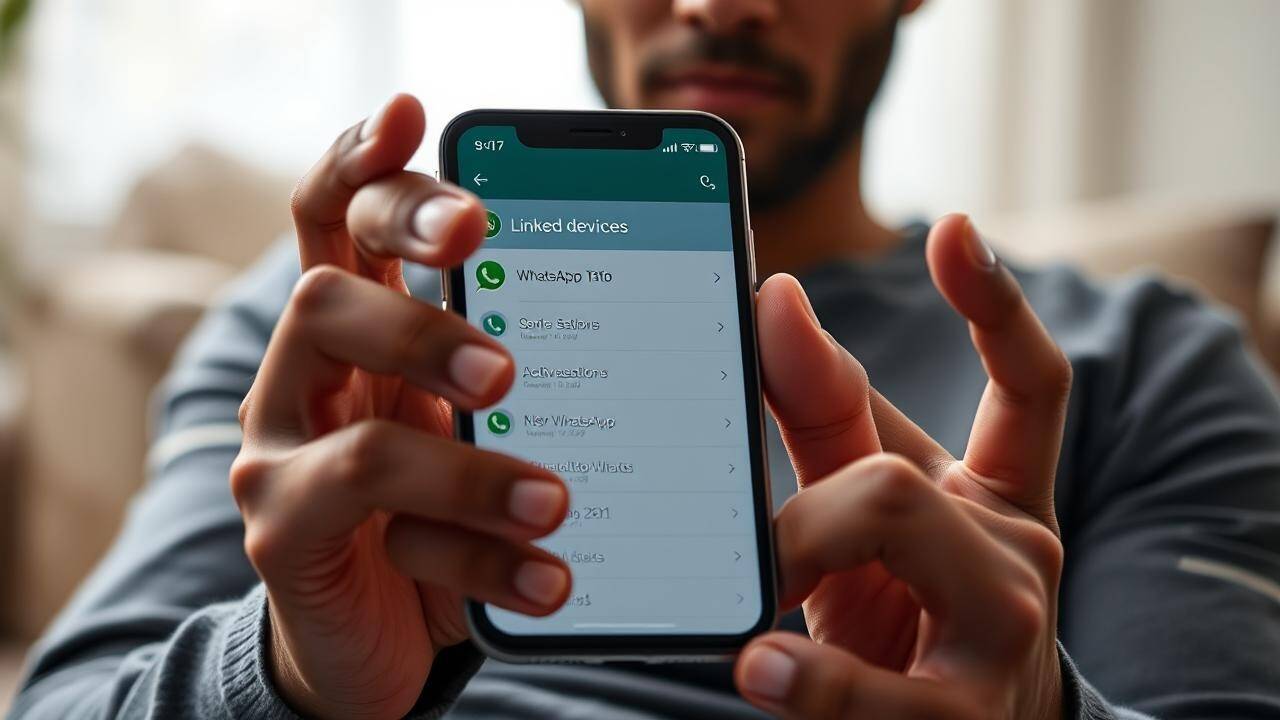
Check Your Linked Devices Frequently
One of the easiest ways to spot WhatsApp ghost pairing is by keeping a close eye on which devices have access to your account. Hackers often rely on the fact that most people rarely check their settings once they have linked a laptop or a tablet. To stay safe, you should regularly open your settings and look at the linked devices section. If you see a browser or a computer that you do not recognize, it is a major red flag that you might be a victim of WhatsApp ghost pairing. You should immediately log out of any suspicious devices to cut off the hackers' access instantly.Enable Two Step Verification Immediately
If you want to build a strong wall against WhatsApp ghost pairing, you absolutely must turn on two step verification. This feature acts as a secondary shield that requires a unique six digit PIN whenever someone tries to reset or verify your account on a new phone. Even if a scammer manages to get hold of your SIM card or a registration code, they will be stuck at this second gate. Setting up this PIN is a simple move that makes WhatsApp ghost pairing nearly impossible for an outsider to pull off. It is one of the most effective tools provided by the app to ensure that you are the only one in control of your data.Be Smart About QR Codes and Links
Most cases of WhatsApp ghost pairing happen because a user was tricked into scanning a rogue QR code or clicking a suspicious link. You should never scan a code sent to you by an unknown person or a website that looks untrustworthy. Hackers often disguise these codes as prizes or technical support alerts to lure you in. Once you scan that code, you are essentially handing over the keys to your account. Staying vigilant and refusing to interact with strange links is a foundational habit that prevents WhatsApp ghost pairing from ever becoming a problem for you in the first place.Secure Your Phone With Biometric Locks
Your physical phone is the gateway to your messages, so protecting it with a fingerprint or face ID is a great way to stop WhatsApp ghost pairing. If someone gets physical access to your unlocked phone for even a minute, they could quickly link it to their own device. By enabling the app lock feature within the privacy settings, you ensure that a biometric scan is required every time the app is opened. This prevents anyone from secretly setting up WhatsApp ghost pairing while you are not looking. It adds a necessary layer of physical security that complements your digital defenses perfectly.Keep Your Software Updated Always
Finally, you should always make sure you are running the latest version of the app to defend against WhatsApp ghost pairing. Developers are constantly releasing patches and security updates to fix vulnerabilities that hackers might exploit. If you are using an old version of the software, you are leaving your virtual doors unlocked. By keeping your app updated, you benefit from the latest security protocols designed to detect and block WhatsApp ghost pairing attempts. Taking these five steps seriously will ensure that your conversations remain private and that your account stays firmly under your own control.Next Story