
Secure Your Android Data with Google’s New Identity Check Feature

Google has introduced a powerful new security feature called Identity Check for select Android devices across the globe. This enhancement aims to protect users from unauthorized access, even if someone manages to obtain their passcode, PIN, or password. With this update, accessing sensitive accounts or device settings will require biometric authentication, such as fingerprint or face recognition, adding an extra layer of protection.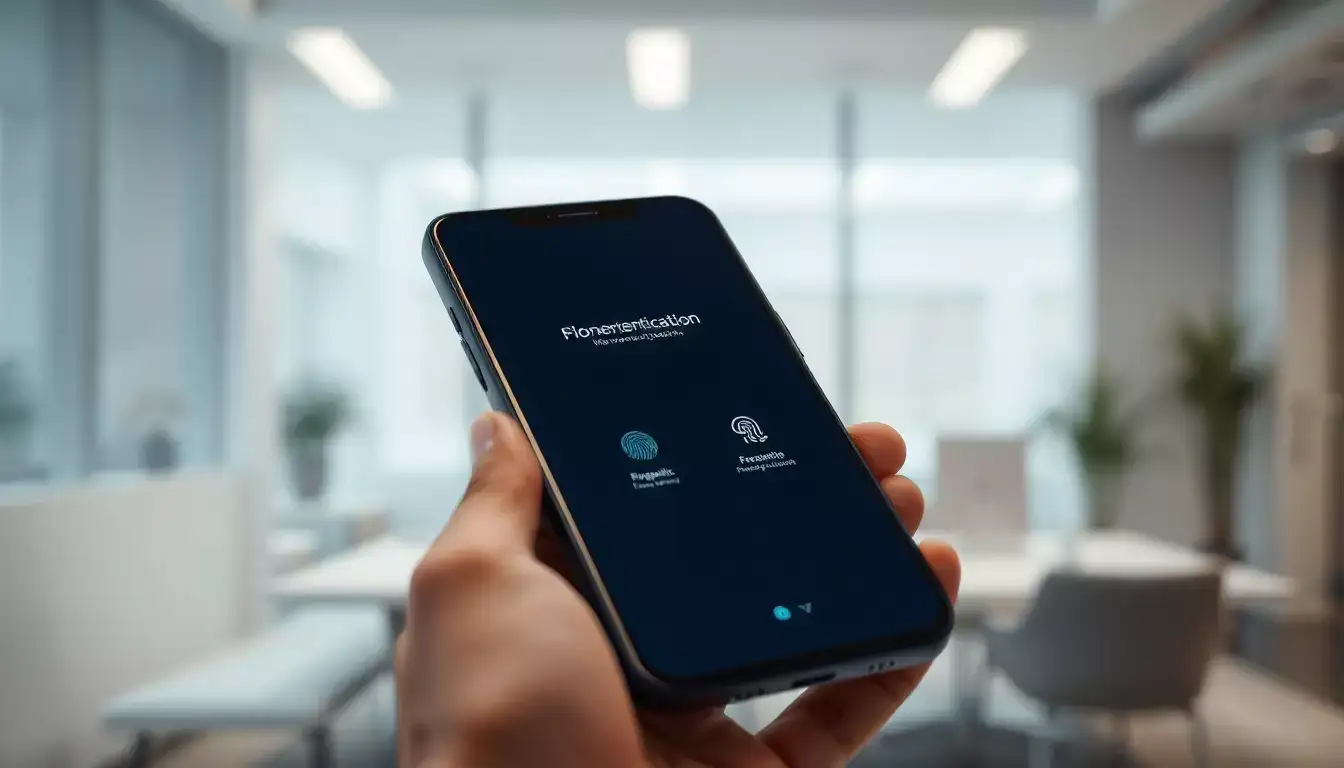
Interestingly, this added security measure activates only when the device is outside of trusted locations. This means that even if a thief has your PIN or password, they won’t be able to tamper with critical settings unless biometric verification is successful.
However, the feature does have some limitations. If someone in your household gains unauthorized access to your phone, the trusted location setting may not offer protection since the feature assumes home to be a safe zone.
According to Google, users can designate one or more trusted locations where the feature will remain inactive. “Outside these trusted locations, biometric authentication is mandatory for accessing sensitive settings such as changing device PINs or biometrics, disabling theft prevention, or using Passkeys,” the company explained in a blog post.
The Identity Check feature is currently rolling out to Pixel devices running Android 15 and will soon be available on Samsung Galaxy phones with One UI 7, including the new Galaxy S25 models. Other Android manufacturers are expected to make the feature available on supported devices later this year.
How to Use the Identity Check Feature:
A Step Towards Safer Devices
This new update aligns with Google’s ongoing efforts to enhance data protection for Android users. Last year, Google introduced the Theft Detection Lock, an AI-powered system that uses machine learning to detect when a phone might be forcibly taken. If a theft attempt is identified while the phone is unlocked, the system locks the screen automatically, preventing unauthorized access.
With Identity Check, Google continues to prioritize user safety, ensuring greater peace of mind for Android device owners.
Interestingly, this added security measure activates only when the device is outside of trusted locations. This means that even if a thief has your PIN or password, they won’t be able to tamper with critical settings unless biometric verification is successful.
However, the feature does have some limitations. If someone in your household gains unauthorized access to your phone, the trusted location setting may not offer protection since the feature assumes home to be a safe zone.
According to Google, users can designate one or more trusted locations where the feature will remain inactive. “Outside these trusted locations, biometric authentication is mandatory for accessing sensitive settings such as changing device PINs or biometrics, disabling theft prevention, or using Passkeys,” the company explained in a blog post.
The Identity Check feature is currently rolling out to Pixel devices running Android 15 and will soon be available on Samsung Galaxy phones with One UI 7, including the new Galaxy S25 models. Other Android manufacturers are expected to make the feature available on supported devices later this year.
How to Use the Identity Check Feature:
- Open Settings on your Pixel or Samsung device.
- Select the Security and Privacy option.
- Navigate to Device Unlock and tap on Theft Protection.
- Locate the Identity Check option and activate the feature.
A Step Towards Safer Devices
This new update aligns with Google’s ongoing efforts to enhance data protection for Android users. Last year, Google introduced the Theft Detection Lock, an AI-powered system that uses machine learning to detect when a phone might be forcibly taken. If a theft attempt is identified while the phone is unlocked, the system locks the screen automatically, preventing unauthorized access.
With Identity Check, Google continues to prioritize user safety, ensuring greater peace of mind for Android device owners.
Next Story