5 Powerful WhatsApp Features You Need to Start Using Today

We all use WhatsApp every single day for basic messages, but did you know the app is packed with advanced, powerful WhatsApp features you might be overlooking? Meta is constantly rolling out updates, meaning your favorite messaging app has quietly gained a suite of brilliant tools for security, efficiency, and quality. If you’re looking to truly master your daily communication, it’s time to dig into these often hidden WhatsApp features. Get ready to upgrade your chat experience with these essential WhatsApp tips and tricks that make managing your digital life a breeze.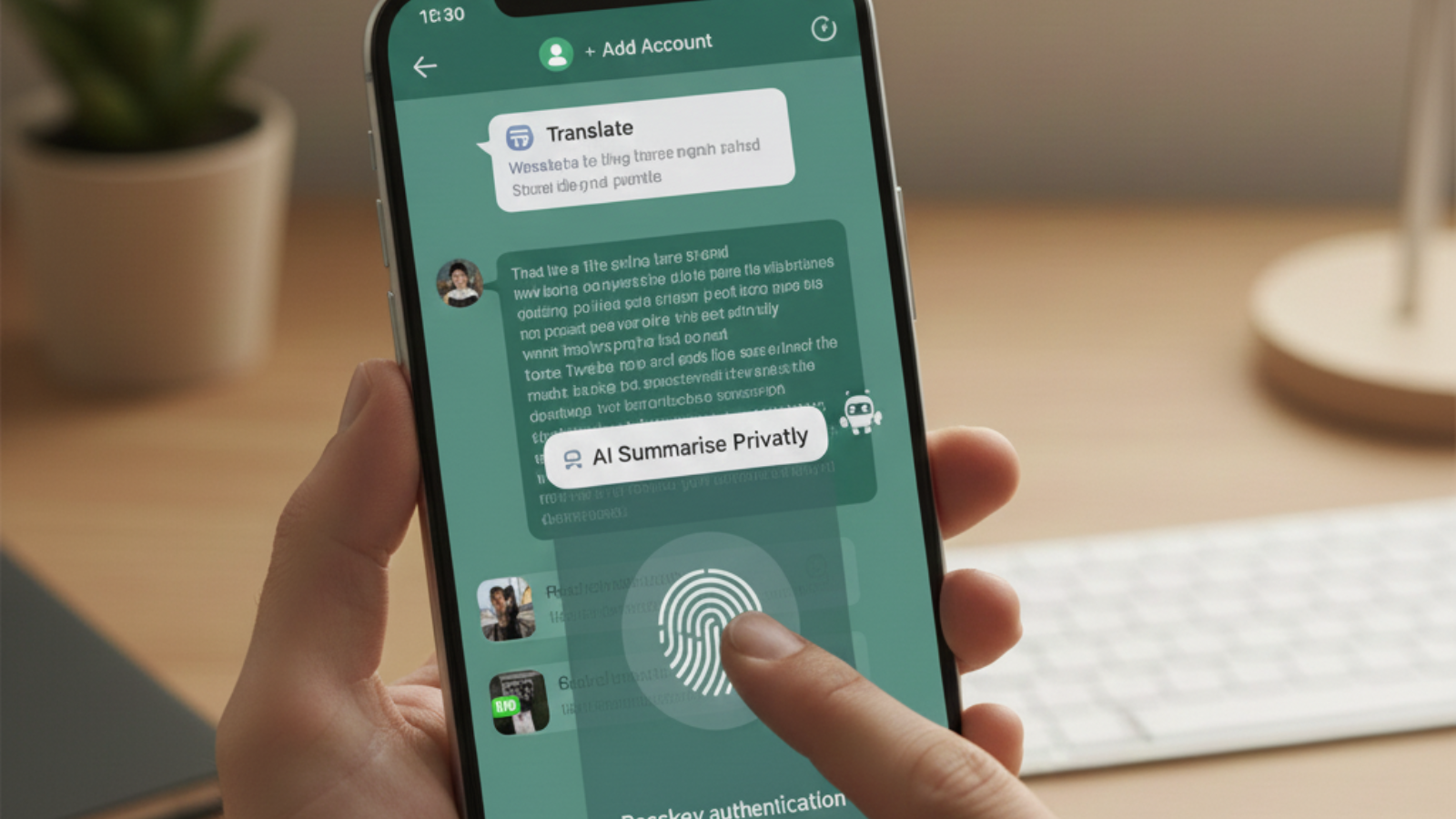
can complete the account setup. To lock down your account with this powerful hidden WhatsApp feature, go to Settings > Account > Passkeys and register your phone's biometric ID. As an extra layer of protection, remember this crucial one of the WhatsApp tips and tricks: you can also secure your chat backups by enabling end-to-end encrypted backup via Settings > Chats > Chat backup.
Say Goodbye to Blurry Photos: High-Quality Media Sharing
Tired of sending a beautiful photo only for it to arrive looking compressed and pixelated? While most messaging apps squash media files to save data, one of the most welcome WhatsApp features is the option to share your photos and videos in beautiful, high-definition quality by default. Previously, you had to manually tap the "HD" icon for every single image. Now, you can change your default setting once and never worry about low-res files again. To enable this fantastic hidden WhatsApp feature, simply navigate to Settings > Storage and data > Media upload quality, and select HD quality for both uploads and auto-downloads. This is a game-changer among current WhatsApp tips and tricks for anyone who values clarity.Vault-Level Security with Passkeys
In a world where digital WhatsApp security is paramount, protecting your account from theft or unauthorized setup on new devices is critical. This is why the support for passkey authentication is one of the most important WhatsApp features introduced recently. Passkeys replace the need for traditional SMS codes with biometric verification (like your fingerprint or face scan), ensuring onlycan complete the account setup. To lock down your account with this powerful hidden WhatsApp feature, go to Settings > Account > Passkeys and register your phone's biometric ID. As an extra layer of protection, remember this crucial one of the WhatsApp tips and tricks: you can also secure your chat backups by enabling end-to-end encrypted backup via Settings > Chats > Chat backup.
You may also like
- Karan Johar expresses gratitude to 'bhai' SRK as megastar gets moved by 'Homebound'
 Unacademy In Talks For Acquisition: Gaurav Munjal
 Odisha Congress infighting deepens as former MLA questions OPCC leadership
 IMA urges Centre, NMC to take immediate action to protect doctors and patients through fair, standardised working-hour regulations
- What is Desmond Bane's net worth? Exploring Orlando Magic star's salary, career achievement, personal life and more
Juggling Work and Life? Use Multiple Accounts
For the longest time, users needing separate personal and professional numbers on one device had to rely on cumbersome workarounds, like cloning the app or using WhatsApp Business. Thankfully, that's history! Native WhatsApp multi-account support is now one of the most efficiency-boosting WhatsApp features available on all Android devices. Switching between your personal life and your business communication is now seamless and clutter-free. To set up your second number using this brilliant hidden WhatsApp feature, just tap the three-dot menu, go to Settings, press the Plus icon next to your name, and follow the simple setup flow. This simplifies your daily routine and is one of the best WhatsApp tips and tricks for professionals.Break the Language Barrier with Instant Translation
Communicating with international friends or work contacts? Stop copying messages, switching to a translation app, and pasting back. Another superb addition to the suite of powerful WhatsApp features is the built-in translation tool. This brilliant hidden WhatsApp feature processes translations right on your device, which helps keep your conversations private and fast. To use this essential WhatsApp tips and tricks, press and hold any message bubble, open More, and choose Translate. Once you download the necessary language pack, the translation appears instantly. For non-stop cross-language chats, you can even enable an automatic translation toggle for the entire thread.Catch Up Fast with AI-Powered Message Summaries
Group chats can move fast, leaving you scrolling through hundreds of unread messages and feeling completely lost. Meta AI integration brings one of the most intelligent WhatsApp features yet: Message Summaries. This tool is designed to quickly bring you up to speed in busy threads. Instead of massive scrolling, you can simply request a concise breakdown of everything you missed. When a chat has unread texts, you will see the option to "Summarise privately." These helpful WhatsApp tips and tricks are generated entirely through on-device processing to ensure your privacy. While still rolling out by region and language, you can check its status in Settings > Chats > Private Processing to access this great hidden WhatsApp feature.





More from our partners


Loving Newspoint? Download the app now
