How To Quickly Block Your Lost Debit or Credit Card: A Simple Step-by-Step Guide

In today’s digital age, the number of debit and credit card users is constantly rising. Unfortunately, losing a card or having it stolen can be a common issue. It's crucial to act quickly to block your card to prevent any unauthorized use. Here's a straightforward guide on how to block your card efficiently, whether online, offline, via SMS, or by phone.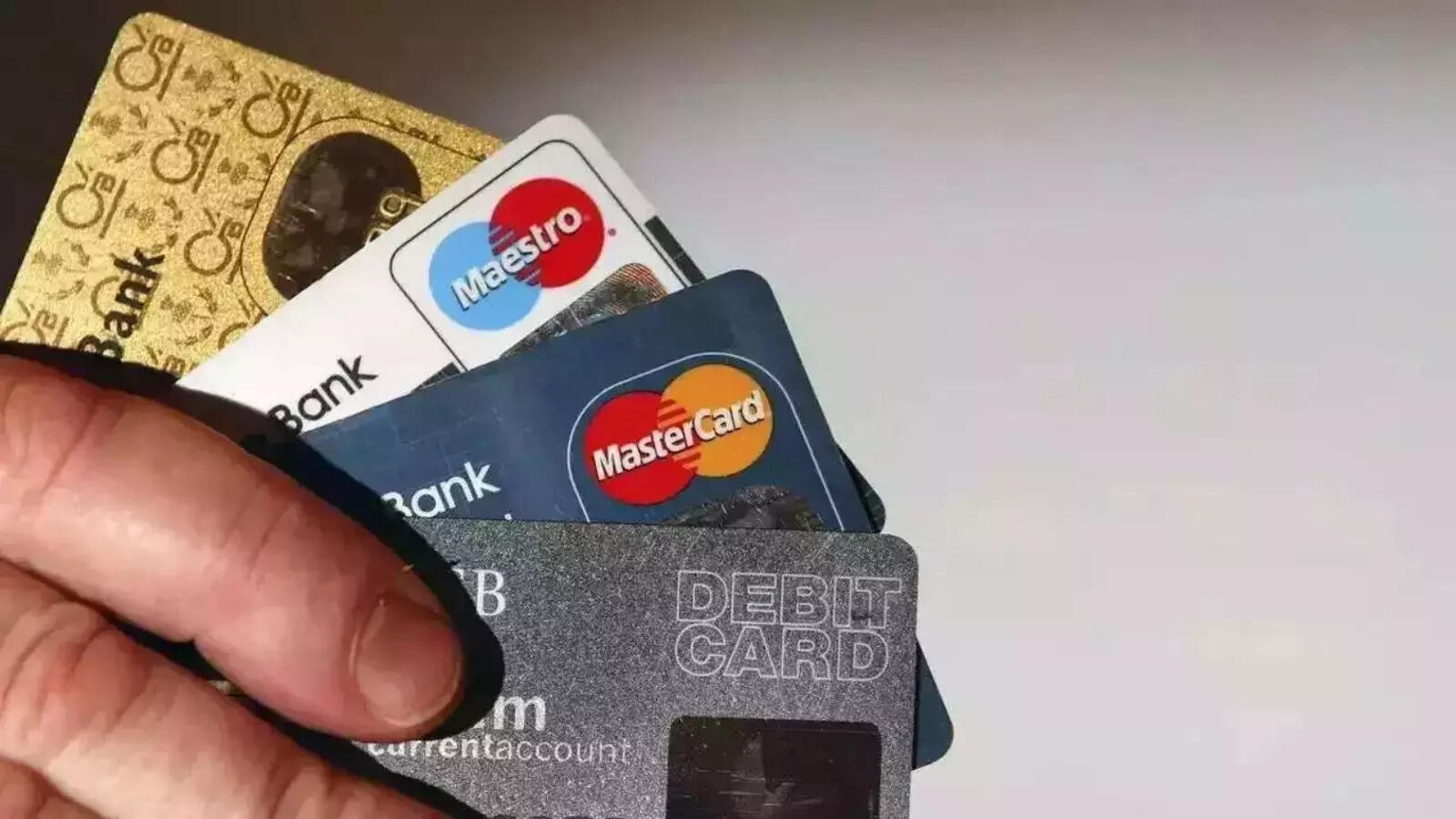
# Blocking Your Card Online
1. Access Your Bank’s Platform: Log in to your bank’s online banking portal or mobile app.
2. Navigate to Card Details: Locate the section dedicated to your debit or credit card details.
3. Initiate Block Request: Click on the option to block the card and provide a reason for the action.
4. Verify Your Request: Submit your request and follow any additional instructions. You will receive an OTP (One-Time Password) on your registered phone number.
5. Confirm Blocking: Enter the OTP to finalize the card block. You will receive a confirmation SMS once the process is complete.
# Blocking Your Card Offline
1. Visit Your Bank Branch: Go to your nearest bank branch.
2. Request Assistance: Inform the bank officer that you need to block your debit or credit card. They will guide you through the process.
# Blocking Your Card via SMS
1. Send an SMS: Format your message as per the instructions provided by your bank.
2. Receive Confirmation: After sending the SMS, you will get a confirmation message from the bank.
# Blocking Your Card by Phone
1. Call the Toll-Free Number: Dial your bank’s toll-free customer service number.
2. Speak to a Representative: Request to block your card directly from a customer service executive, who will process your request.
By following these steps, you can ensure that your card is blocked quickly and securely, minimizing the risk of any potential misuse.
# Blocking Your Card Online
1. Access Your Bank’s Platform: Log in to your bank’s online banking portal or mobile app.
2. Navigate to Card Details: Locate the section dedicated to your debit or credit card details.
3. Initiate Block Request: Click on the option to block the card and provide a reason for the action.
4. Verify Your Request: Submit your request and follow any additional instructions. You will receive an OTP (One-Time Password) on your registered phone number.
5. Confirm Blocking: Enter the OTP to finalize the card block. You will receive a confirmation SMS once the process is complete.
# Blocking Your Card Offline
1. Visit Your Bank Branch: Go to your nearest bank branch.
2. Request Assistance: Inform the bank officer that you need to block your debit or credit card. They will guide you through the process.
# Blocking Your Card via SMS
1. Send an SMS: Format your message as per the instructions provided by your bank.
2. Receive Confirmation: After sending the SMS, you will get a confirmation message from the bank.
# Blocking Your Card by Phone
1. Call the Toll-Free Number: Dial your bank’s toll-free customer service number.
2. Speak to a Representative: Request to block your card directly from a customer service executive, who will process your request.
By following these steps, you can ensure that your card is blocked quickly and securely, minimizing the risk of any potential misuse.
Next Story