Mastering Paytm FASTag: A Step-by-Step Guide To Deactivation And Porting

In the wake of the 2016 demonetization, digital payments have emerged as a pivotal aspect of our financial landscape. Among the frontrunners in facilitating online transactions, Paytm has notably played a crucial role. A significant number of vehicles across the country are equipped with Paytm Fastags , further cementing the platform's influence in the digital payment realm.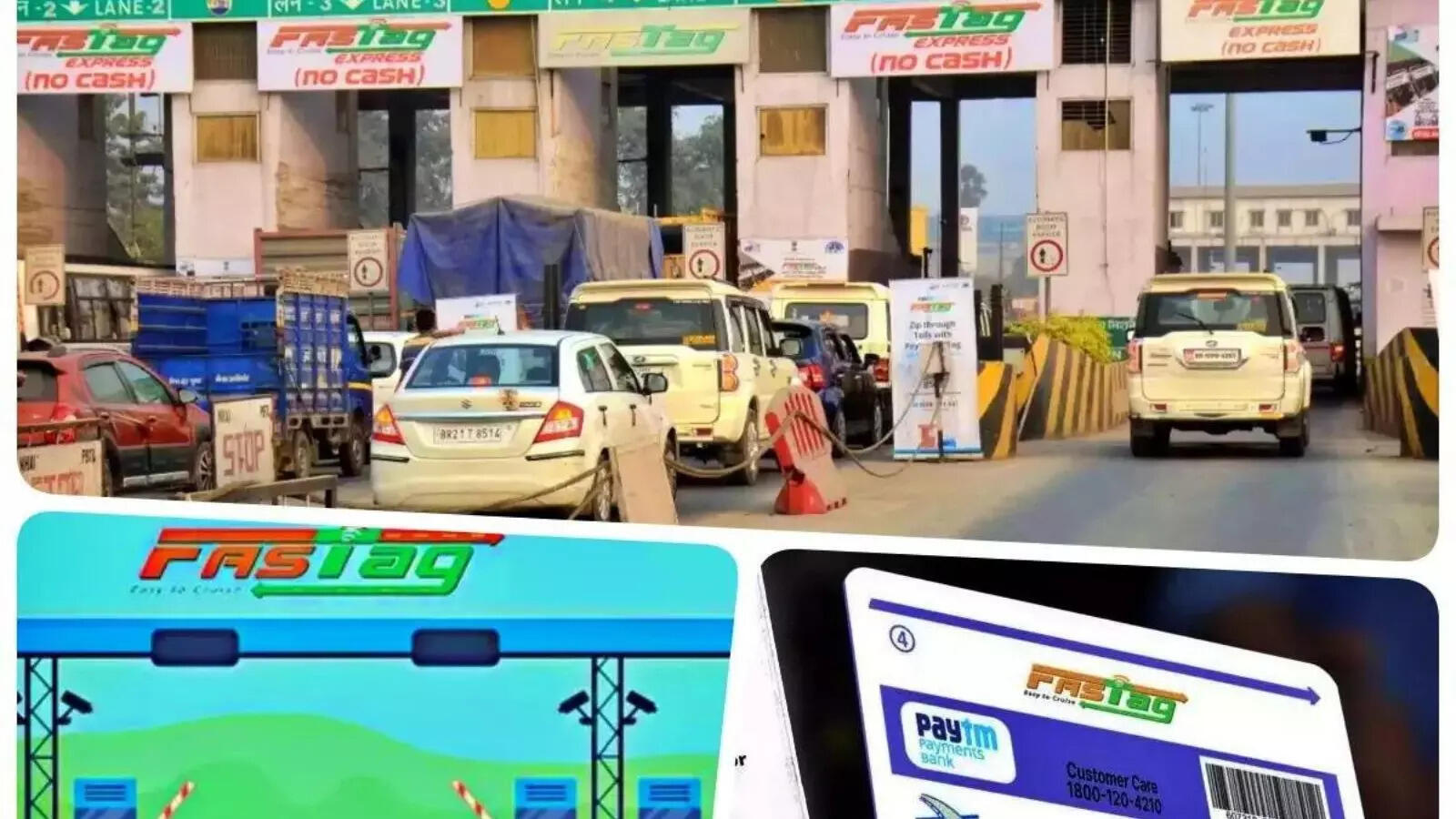
However, a recent development has surfaced, with the Reserve Bank of India (RBI) deciding to prohibit Paytm Payments Bank (PPBL). This development has prompted drivers to ponder the process of deactivating or porting their Paytm Fastag s. Let's delve into the step-by-step guide on how to either deactivate or port a Paytm Fastag .
Deactivating Paytm Fastag:
-Begin by logging into the Fastag Paytm portal using your User ID, Wallet ID, and Password.
-Complete the verification process by entering the Fastag number and mobile number, along with other required information.
-Scroll down the portal page and select the "Help & Support" option.
-Click on "Need Help With Non-Order Related Queries?"
-Choose "Queries to update the Fastag profile."
-Select the option "Want to Close My Fastag" and follow the subsequent steps.
It's crucial to note that once the Fastag is deactivated, reactivation is not possible.
Porting Paytm Fastag:
-Initiate the porting process by contacting the customer care of your bank.
-Request a transfer to Fastag during the conversation.
-Inform the customer care officer about your intention to switch to Fastag.
-Answer any questions posed by the officer.
-The officials will then facilitate the porting of your Fastag.
In accordance with the RBI notice, Paytm users can rest assured that their saving accounts, wallets, Fastags, and NCMC accounts will not be affected. As the digital payment landscape continues to evolve, users are advised to stay informed about such developments and take necessary actions accordingly.
However, a recent development has surfaced, with the Reserve Bank of India (RBI) deciding to prohibit Paytm Payments Bank (PPBL). This development has prompted drivers to ponder the process of deactivating or porting their Paytm Fastag s. Let's delve into the step-by-step guide on how to either deactivate or port a Paytm Fastag .
Deactivating Paytm Fastag:
-Begin by logging into the Fastag Paytm portal using your User ID, Wallet ID, and Password.
-Complete the verification process by entering the Fastag number and mobile number, along with other required information.
-Scroll down the portal page and select the "Help & Support" option.
-Click on "Need Help With Non-Order Related Queries?"
-Choose "Queries to update the Fastag profile."
-Select the option "Want to Close My Fastag" and follow the subsequent steps.
It's crucial to note that once the Fastag is deactivated, reactivation is not possible.
Porting Paytm Fastag:
-Initiate the porting process by contacting the customer care of your bank.
-Request a transfer to Fastag during the conversation.
-Inform the customer care officer about your intention to switch to Fastag.
-Answer any questions posed by the officer.
-The officials will then facilitate the porting of your Fastag.
In accordance with the RBI notice, Paytm users can rest assured that their saving accounts, wallets, Fastags, and NCMC accounts will not be affected. As the digital payment landscape continues to evolve, users are advised to stay informed about such developments and take necessary actions accordingly.
Next Story