
Aadhaar Card Update: How to Change Your Mobile Number Without Hassle

Your mobile number linked to Aadhaar is important for receiving OTPs and accessing several Aadhaar-based services. If your old number is no longer in use, updating it can help you avoid problems with authentication and online services.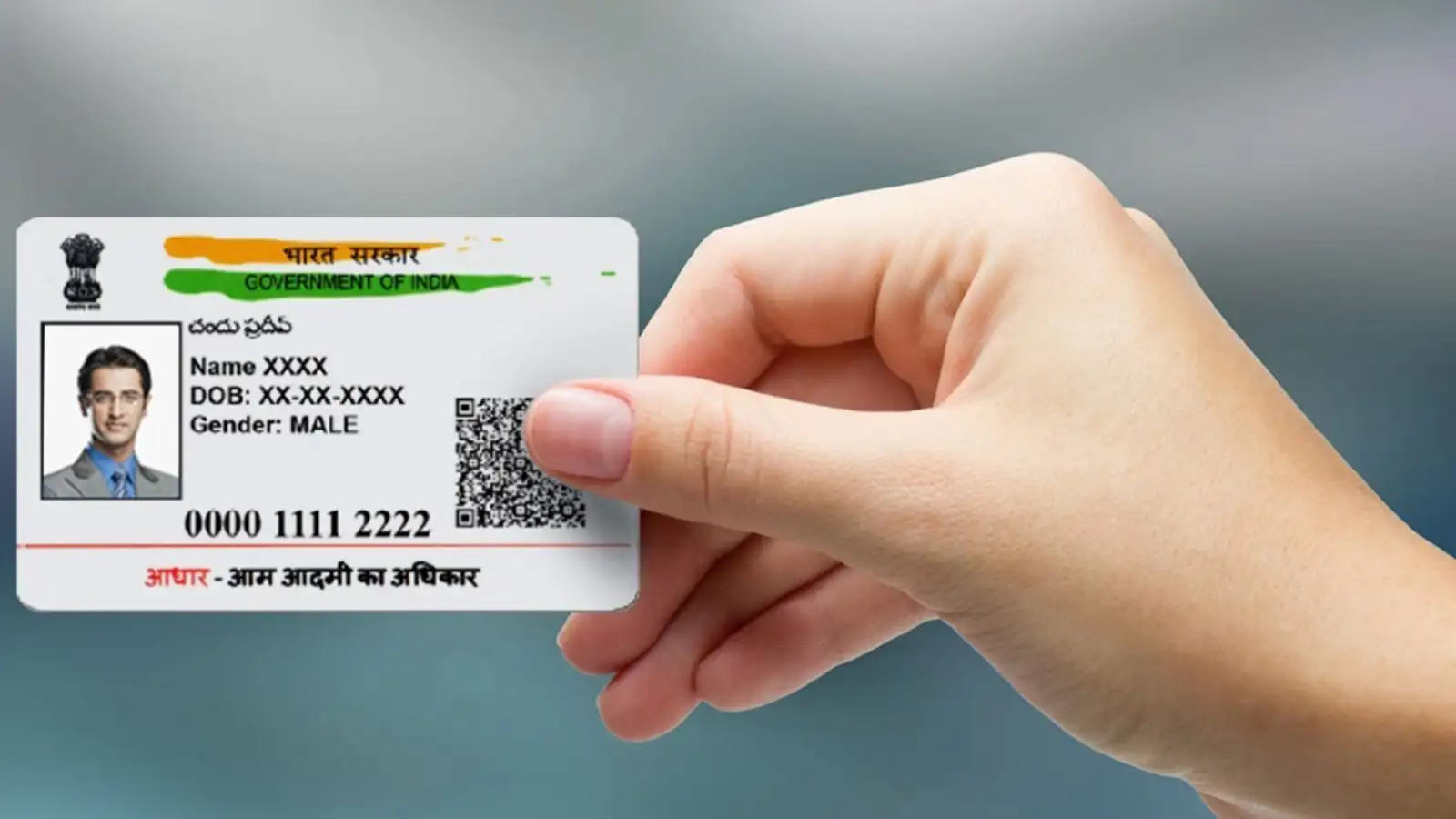
Keeping your Aadhaar-linked mobile number updated ensures that you continue to receive important OTPs and can use Aadhaar-related digital services without unnecessary hurdles.
Update Aadhaar Mobile Number Through the New Aadhaar App
The new Aadhaar app allows users to request a mobile number update digitally. Here is how to do it:- Download and install the new Aadhaar app.
- Log in using your Aadhaar number and complete face authentication.
- Go to the Services section and select Mobile Number Update.
- Tap Continue to Update Mobile Number.
- Enter the new mobile number you want to link with Aadhaar.
- Enter the OTP received on the new number.
- Complete the required face verification.
- Pay the online fee of ₹75 and submit the request.
You may also like
- SEBI to review CAS feedback, but closing auction mechanism here to stay: Chairman
- PM Surya Ghar Yojana: Under the PM Surya Ghar Yojana, a subsidy of Rs 78,000 will be available on 5 kW solar panel, know how to apply
- 8th Pay Commission: A lottery for central employees! These 5 major things will change once the 8th Pay Commission is implemented
- Govt to soon announce high-level panel on 'Banking for Viksit Bharat'
- Stock Market Shock: Zaggle Prepaid Ocean Services Crashes 20% to Lower Circuit After Q1 Profit Dip
How to Update Aadhaar Mobile Number at an Enrolment Centre
If you prefer the offline route, you can visit an Aadhaar enrolment centre.- Visit the official UIDAI website and use Locate Enrolment Centre to find a nearby centre.
- Ask the Aadhaar Help Executive for the mobile number update form.
- Fill in your details carefully and provide the required documents.
- Submit the form and documents to the executive for verification.
- Pay the applicable update fee of ₹50.
- Collect the Update Request Number (URN) slip after submitting the request.
How to Track Your Aadhaar Update
Once you have the URN, you can check the status of your mobile number update online through the official UIDAI portal. Enter your URN and other required details in the relevant status-checking section.Keeping your Aadhaar-linked mobile number updated ensures that you continue to receive important OTPs and can use Aadhaar-related digital services without unnecessary hurdles.






Loving Newspoint? Download the app now
