
MGNREGA Job Card 2026 - How to Check Name and Payment Status Online

For rural households, the MGNREGA Job Card is an important record of employment under the Mahatma Gandhi National Rural Employment Guarantee Act. The good news is that many details linked to the card can now be checked online without repeatedly visiting a government office.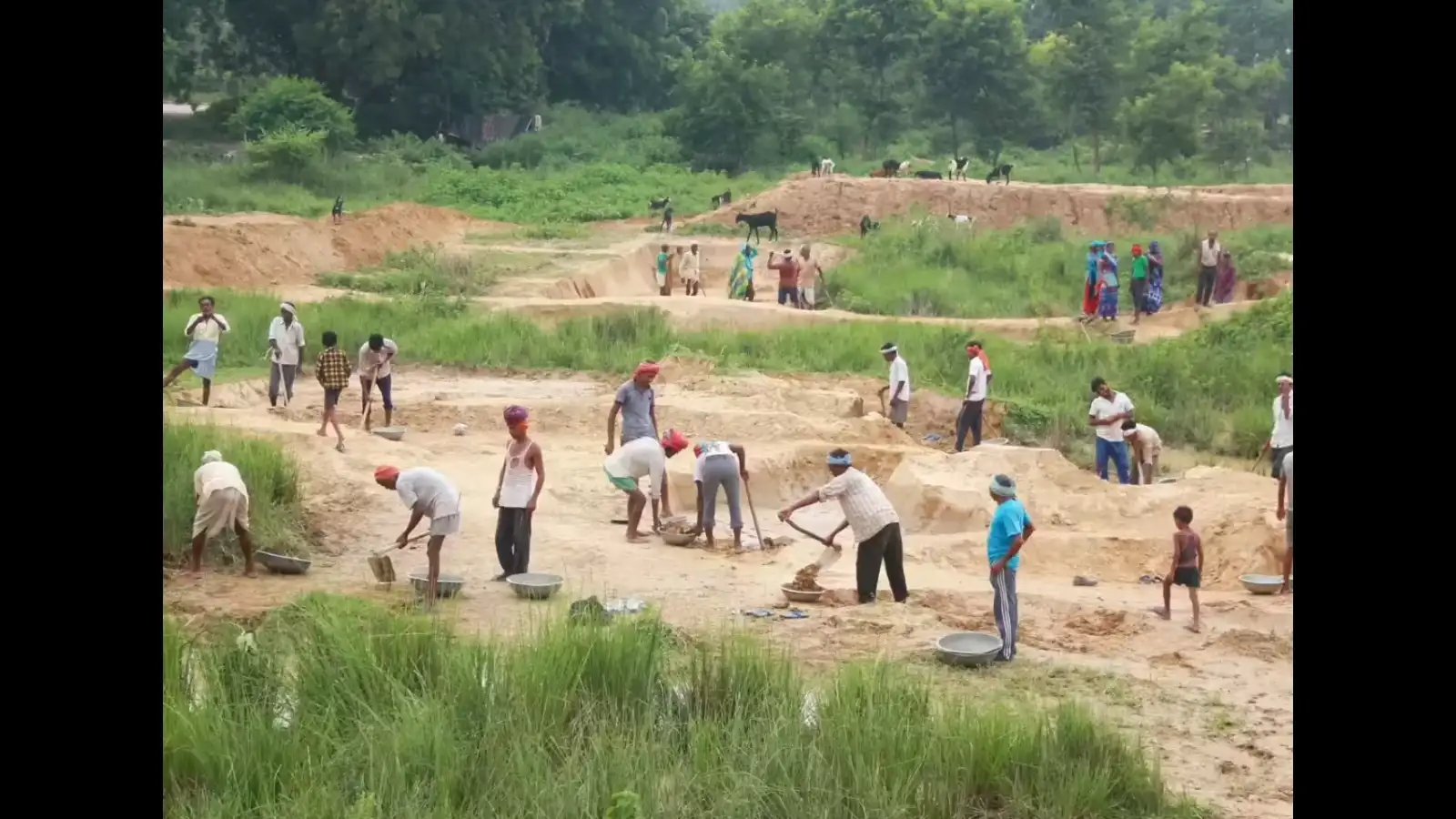
The official MGNREGA portal allows workers to check job card records, work details, muster rolls and wage-related information by selecting their state, district, block and Gram Panchayat.
The card also acts as an employment record, helping households track work undertaken under the scheme and related details.
If you do not remember it, you can still look for your record through the relevant Gram Panchayat list using your name or family details.
If the problem continues, contact your Gram Panchayat to check your registration and job card status.
After the required verification, the job card is issued to the registered household.
Checking the records from time to time can also help you keep track of your work, muster roll entries and wage-related information.
The official MGNREGA portal allows workers to check job card records, work details, muster rolls and wage-related information by selecting their state, district, block and Gram Panchayat.
What is an MGNREGA Job Card?
An MGNREGA Job Card is issued to eligible rural households registered under the employment guarantee scheme. It contains the names of adult family members who have registered for MGNREGA work.The card also acts as an employment record, helping households track work undertaken under the scheme and related details.
How to Check the MGNREGA Job Card List Online
You can check the list from a mobile phone or computer. Follow these steps:- Visit the official MGNREGA website.
- Open the ‘Job Card’, ‘Reports’ or relevant search option.
- Select your state.
- Choose your district.
- Select your block or Vikas Khand.
- Choose your Gram Panchayat.
- Click ‘Proceed’ or ‘Submit’.
- The job card list for the selected Panchayat will appear.
- Search for your name or Job Card number and open the relevant record.
What Details Can You Check?
Once you find your record, the portal can show several details related to your MGNREGA registration and employment, including:- Job Card number
- Name of the registered family
- Names of family members
- Work details
- Number of days worked
- Muster roll information
- Wage and payment-related records
How to Check MGNREGA Wage Details
The MGNREGA portal can also be used to track records related to work and wages. After locating your job card, you can check details such as the work undertaken, employment period, muster roll entries and wage-related information available in the official records.Why Should You Keep Your Job Card Number Safe?
Your Job Card number can make it quicker to locate your records online. It is therefore advisable to keep the number safely recorded for future reference.If you do not remember it, you can still look for your record through the relevant Gram Panchayat list using your name or family details.
What If Your Name Is Missing From the List?
If your name does not appear, first check whether you selected the correct state, district, block and Gram Panchayat. Also verify the spelling of your name and other details.If the problem continues, contact your Gram Panchayat to check your registration and job card status.
How to Get an MGNREGA Job Card?
If your rural household does not have an MGNREGA Job Card, adult members interested in working under the scheme can approach their Gram Panchayat for registration.After the required verification, the job card is issued to the registered household.
Check Your MGNREGA Record From Home
You do not necessarily need to visit a government office to check basic MGNREGA records. With a mobile phone and internet connection, you can access the official portal, select your state, district, block and Gram Panchayat, and find your job card details.Checking the records from time to time can also help you keep track of your work, muster roll entries and wage-related information.
Next Story