
Aadhaar Update: Steps to Update Your Mobile Number Through the UIDAI App

Aadhaar has become an important document for accessing government services, completing financial transactions and verifying identity. Keeping the details linked to it accurate is therefore essential, especially when you change your mobile number.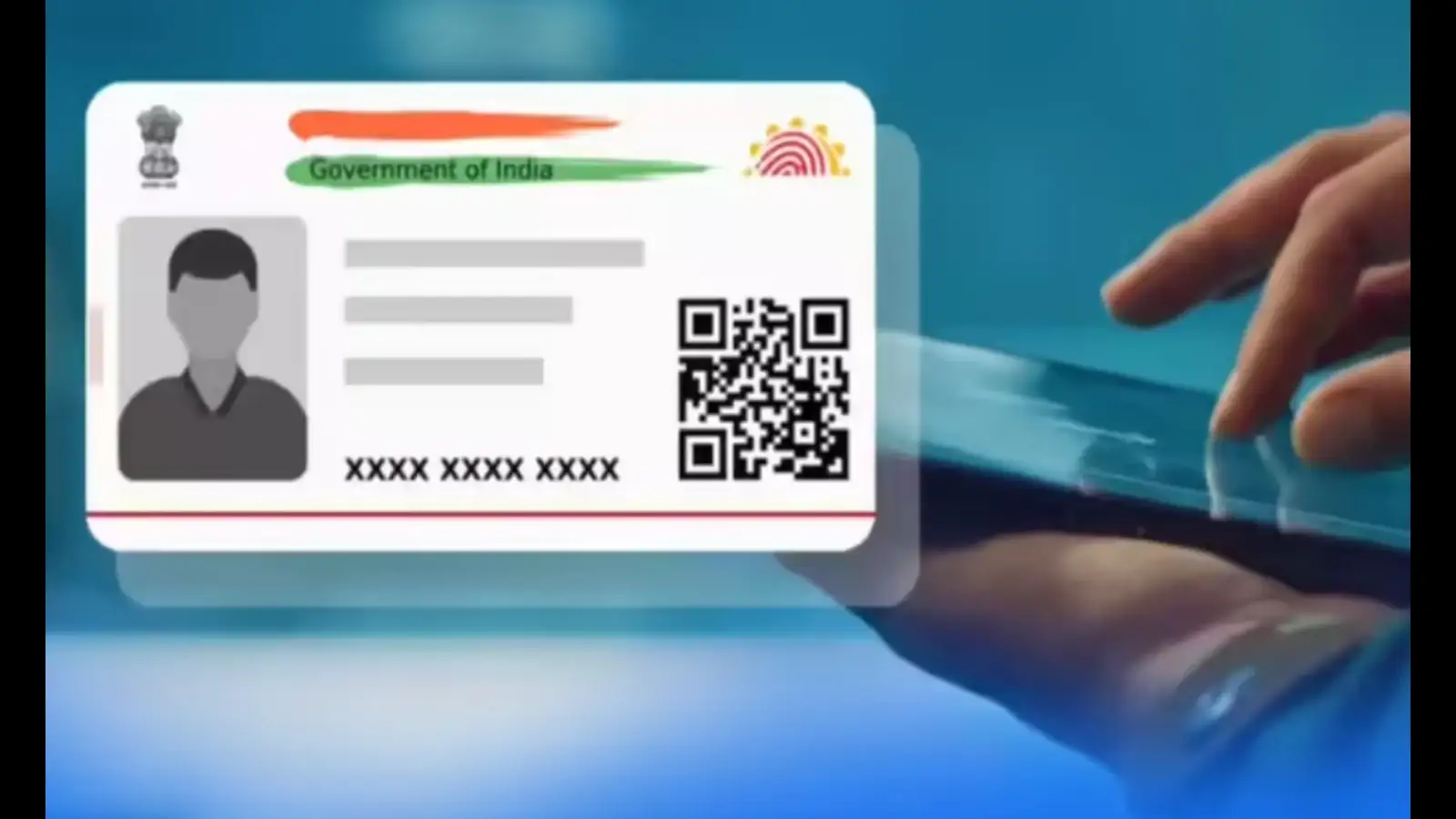
The Unique Identification Authority of India (UIDAI) has set specific limits for updating certain Aadhaar details. While you can change your registered mobile number multiple times, updates to your name, gender and date of birth are subject to restrictions. The new Aadhaar app also offers a digital option for updating mobile numbers, making the process more convenient for users.
To update your mobile number through the app, follow these steps:
If face authentication is required, choose a well-lit place with a clear background and follow the on-screen instructions. Also, check the app's biometric settings, as an enabled biometric lock may prevent authentication until the relevant setting is addressed.
The verification method available to you may depend on the current app version and UIDAI's requirements.
Before submitting an update request, verify all the information carefully and use the official UIDAI website or Aadhaar app for the latest instructions, fees and document requirements. This can help prevent avoidable delays and ensure that your Aadhaar records remain accurate.
The Unique Identification Authority of India (UIDAI) has set specific limits for updating certain Aadhaar details. While you can change your registered mobile number multiple times, updates to your name, gender and date of birth are subject to restrictions. The new Aadhaar app also offers a digital option for updating mobile numbers, making the process more convenient for users.
How Many Times Can You Update Aadhaar Details?
The number of permitted updates depends on the information you want to change. UIDAI guidelines distinguish between details that can be updated repeatedly and those that have a fixed limit.- Mobile number: You can update your registered mobile number multiple times, whenever required.
- Name: The name on your Aadhaar card can generally be updated twice.
- Gender: A gender update is generally permitted once.
- Date of birth: You can generally update your date of birth only once.
How to Change Your Aadhaar-Linked Mobile Number
UIDAI's Aadhaar app provides a digital route for updating a registered mobile number. Users can also visit an Aadhaar Seva Kendra if they prefer an in-person process or need assistance.You may also like
- Gold falls 1 pc, silver trades higher amid geopolitical risks
- India-US trade talks hit 'plateau': Sitharaman says further give-and-take 'very, very difficult'
- RBI MPC begins amid rising inflation and risks of repo rate hike
- Next Phase of GST Reforms to Simplify Compliance, Boost Economy: FM
- Sensex Opens Over 400 Points Higher And Nifty Gains 100 Points, PSU Bank Stocks Lead Rally
To update your mobile number through the app, follow these steps:
- Open the official Aadhaar app and navigate to the mobile number update option.
- Complete the verification process as instructed by the app. This may involve OTP verification and face authentication.
- Enter the new mobile number you want to link to your Aadhaar.
- Pay the applicable fee, if required, and submit the request.
- Follow the instructions provided to track or confirm the update.
Things to Check Before Updating Your Number
Before starting the process online, ensure that your phone has a stable internet connection and that you can complete the verification steps required by the app.If face authentication is required, choose a well-lit place with a clear background and follow the on-screen instructions. Also, check the app's biometric settings, as an enabled biometric lock may prevent authentication until the relevant setting is addressed.
The verification method available to you may depend on the current app version and UIDAI's requirements.
Which Documents Can Be Used for Aadhaar Updates?
Depending on the type of information being changed, UIDAI may require valid supporting documents. Examples of documents that can be relevant for address or identity updates include:- Passport
- Bank statement
- Ration card
- Voter ID card
- Disability certificate or card
- MNREGA/NREGA job card
- Electricity bill
- Water bill
- Gas connection document
- Landline telephone bill
- Postpaid mobile bill
Why Is It Important to Keep Aadhaar Details Updated?
An outdated mobile number can make it difficult to receive OTPs and complete authentication for services that use Aadhaar verification. Similarly, incorrect personal details may lead to problems when Aadhaar information is checked against other records.Before submitting an update request, verify all the information carefully and use the official UIDAI website or Aadhaar app for the latest instructions, fees and document requirements. This can help prevent avoidable delays and ensure that your Aadhaar records remain accurate.






Loving Newspoint? Download the app now
