
SBI Debit Card: How to Turn On the Contactless Tap-to-Pay Feature

Want to use your SBI debit card for quick tap-and-pay transactions? State Bank of India offers a contactless debit card that lets customers make payments by simply tapping the card near a compatible POS machine. The card can also be used for online shopping and ATM withdrawals in India and abroad.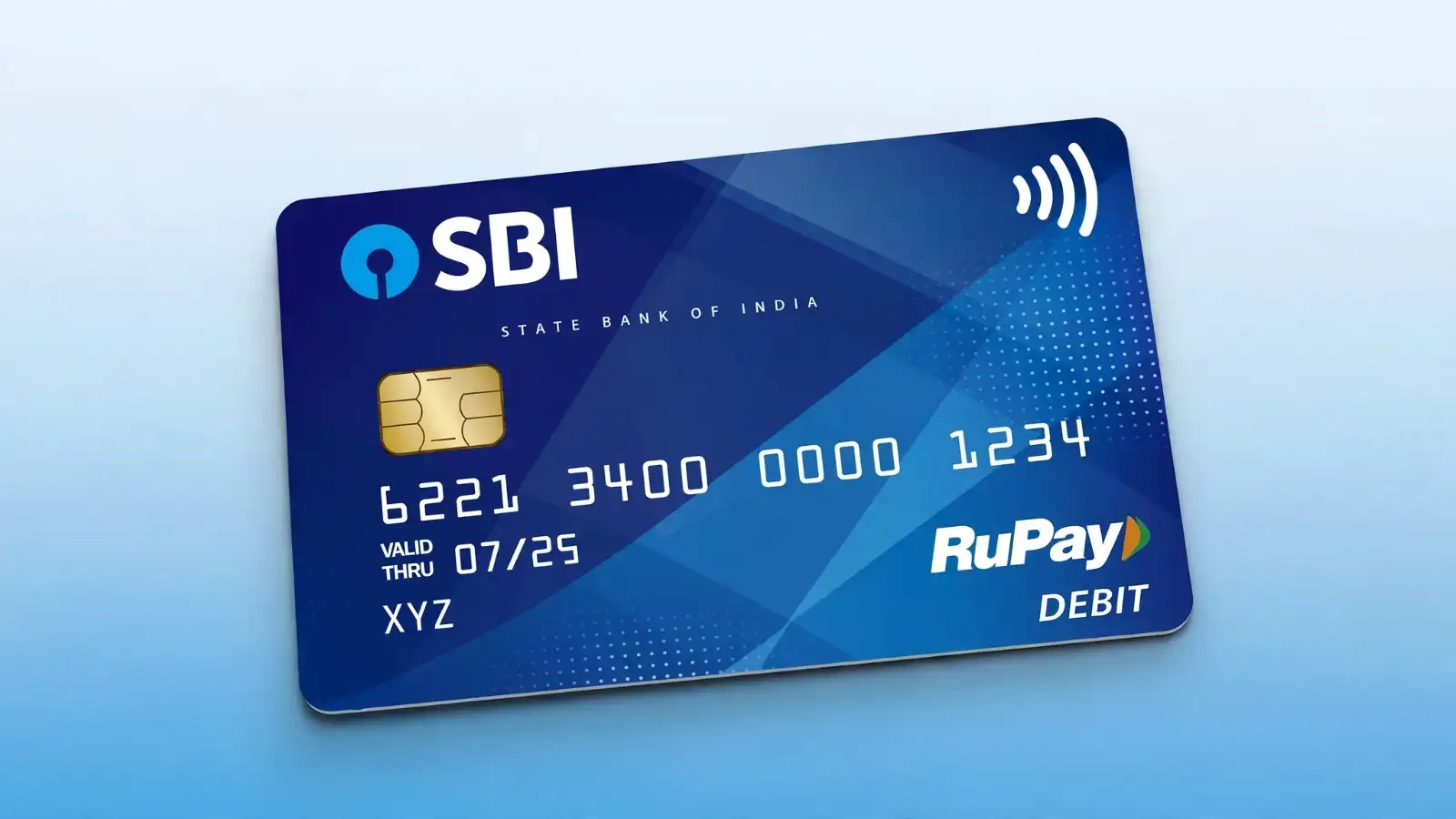
The SBI Global Contactless Debit Card comes with an EMV chip, adding an extra layer of security to transactions. However, the contactless feature needs to be enabled before you can use it.
According to SBI, contactless payments of up to ₹5,000 can be made without entering a PIN. For higher-value transactions, authentication may be required.
One important point: SBI says the contactless facility can be deactivated if the card remains unused for 12 months.
From your mobile number registered with SBI, send the last five digits of your debit card to 09223966666.
You should receive a confirmation message after the request is processed. SBI also provides SMS-based options for managing certain card services, including ATM, POS and internet transactions.
Since you can keep the card in your hand during the transaction, there is also less need to hand it over to a merchant. This can help reduce the risk of card swapping or unauthorised handling.
For users who frequently make small payments at stores, the contactless feature can make everyday transactions faster and simpler.
The SBI Global Contactless Debit Card comes with an EMV chip, adding an extra layer of security to transactions. However, the contactless feature needs to be enabled before you can use it.
How does the SBI contactless card work?
The card uses NFC technology to communicate with a contactless-enabled POS terminal. Instead of inserting or swiping the card, you simply tap or bring it close to the machine.According to SBI, contactless payments of up to ₹5,000 can be made without entering a PIN. For higher-value transactions, authentication may be required.
One important point: SBI says the contactless facility can be deactivated if the card remains unused for 12 months.
How to activate SBI contactless debit card through net banking
You can enable the NFC feature through SBI internet banking by following these steps:- Visit the official SBI website and log in with your user ID and password.
- Go to ‘e-Services’.
- Select ‘ATM Card Services’ and then ‘ATM Card Limit/Usage Change’.
- Choose your account and debit card.
- Select the relevant usage option and change the usage type to ‘NFC’.
- Select ‘Enable’ and click ‘Submit’.
How to activate SBI contactless debit card through YONO
SBI customers can also manage the NFC facility through the YONO app.- Open the YONO app and log in.
- Go to ‘Service’.
- Select ‘Manage NFC’.
- Choose your debit card and card number.
- Enable NFC and tap ‘Submit’.
Activate SBI contactless card through SMS
There is also an SMS-based option for enabling the contactless service.You may also like
- Stocks to buy: What's the outlook for Nifty for August 31-September 4 week? Check list of top stock recommendations
- HDFC Bank shares rise nearly 3% after CEO Jagdishan opts out of reappointment
- Gold price prediction today: Where are gold prices headed? Check outlook for August 31, 2026 week
- Persistent Systems Shares Plunge 3.6% as Upcoming Board Meeting on Fundraising Sparks Shareholder Dilution Fears
- Sensex Slips 133 Points, Nifty Hovers Near 24,100 Amid US-Iran Tensions and Rising Crude Prices
From your mobile number registered with SBI, send the last five digits of your debit card to 09223966666.
You should receive a confirmation message after the request is processed. SBI also provides SMS-based options for managing certain card services, including ATM, POS and internet transactions.
SBI contactless debit card charges
The SBI Global Contactless Debit Card is issued with applicable charges. The card fee is ₹200 plus GST, while re-issuance of a lost card costs ₹300 plus GST.Key benefits of SBI contactless debit card
The biggest advantage is convenience. You can complete eligible transactions with a simple tap instead of swiping or inserting the card.Since you can keep the card in your hand during the transaction, there is also less need to hand it over to a merchant. This can help reduce the risk of card swapping or unauthorised handling.
For users who frequently make small payments at stores, the contactless feature can make everyday transactions faster and simpler.






Loving Newspoint? Download the app now
