
CBSE Class 12th Result 2026 Out At results.cbse.nic.in, Check Step-By-Step Process

The Central Board of Secondary Education has officially announced the CBSE Class 12 Result 2026 on its official portals. Students who appeared for the board examinations can now check and download their results online through the CBSE website and other authorised platforms.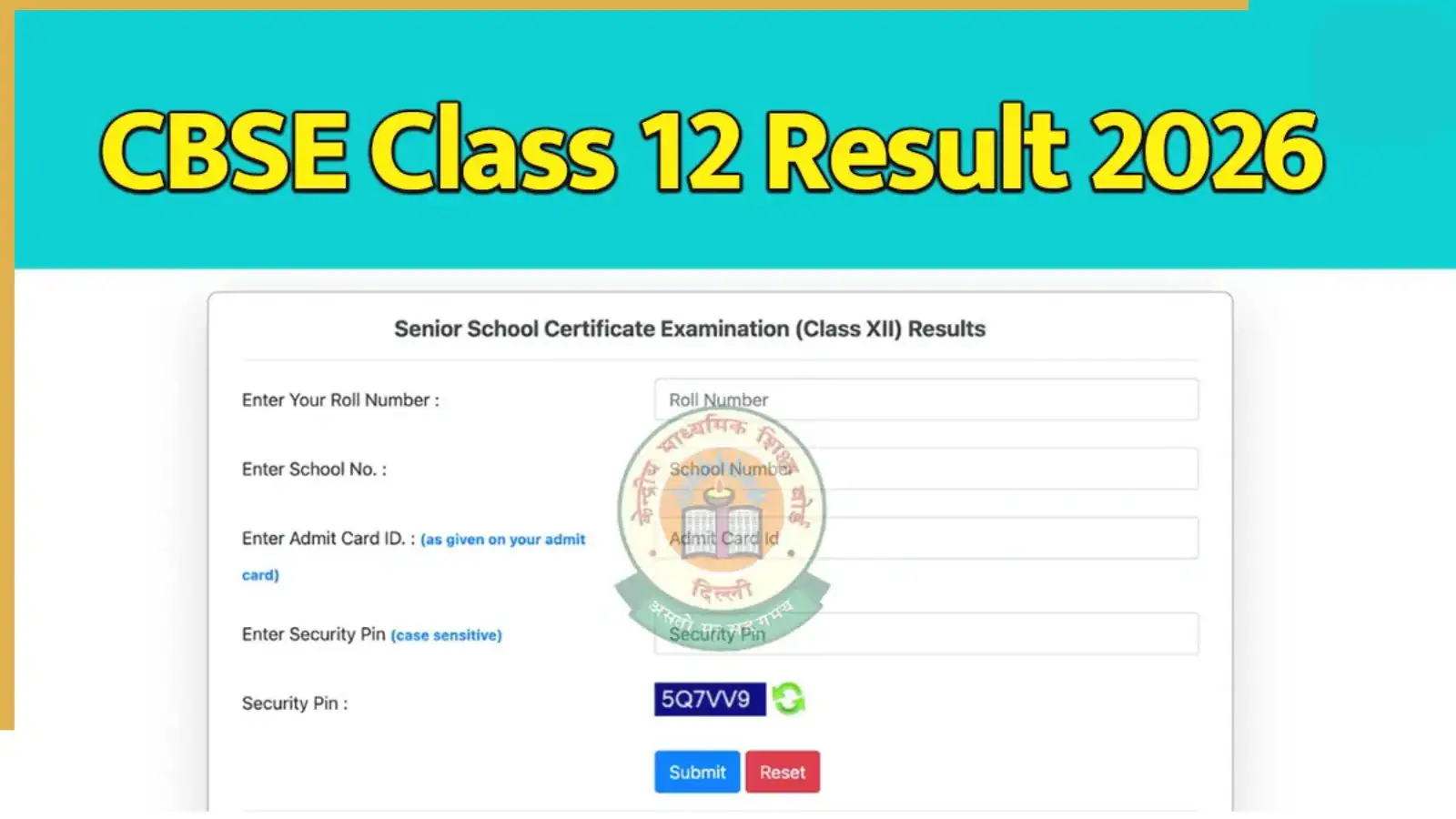
The CBSE 12th Result 2026 comes after the board examinations were conducted between February 17 and April 9, 2026. Lakhs of students from India and overseas appeared for the examination this year.
Students are advised to keep their roll number, school number and admit card ID ready to access their scorecards smoothly.
Although the result is available online, students must collect their original mark sheets and certificates from their schools later.
CBSE12 Roll Number DOB School Number Centre Number
Send it to:
7738299899
After sending the message, students will receive their CBSE board result details on their mobile phones.
The online result is provisional in nature, while the original documents will be distributed by schools later.
The CBSE 12th Result 2026 comes after the board examinations were conducted between February 17 and April 9, 2026. Lakhs of students from India and overseas appeared for the examination this year.
Students are advised to keep their roll number, school number and admit card ID ready to access their scorecards smoothly.
Official Websites To Check CBSE Class 12 Result 2026
Students can access their CBSE board result through the following official websites:Although the result is available online, students must collect their original mark sheets and certificates from their schools later.
How To Check CBSE 12th Result 2026 Online
Students can follow these easy steps to download their CBSE Class 12 scorecard online:Step 1
Visit the official website cbse.gov.in or results.cbse.nic.in.Step 2
Click on the “CBSE Class 12 Result 2026” link available on the homepage.Step 3
Enter your roll number, school number, date of birth and admit card ID.Step 4
Click on the submit button to view your result.Step 5
Download and print the provisional marksheet for future reference.How To Check CBSE Result 2026 Through IVRS
Students can also check their CBSE 12th Result 2026 through the Interactive Voice Response System (IVRS).Steps To Follow
- Call 24300699 if you are in Delhi
- Dial 011-24300699 from other parts of India
- Follow the voice instructions to hear your exam results
Check CBSE Class 12 Result Via SMS
Students without internet access can also receive their result through SMS.SMS Format
Type:CBSE12 Roll Number DOB School Number Centre Number
Send it to:
7738299899
After sending the message, students will receive their CBSE board result details on their mobile phones.
How To Download CBSE Mark Sheet From DigiLocker
Students can also access their digital documents through DigiLocker.Step 1
Visit digilocker.gov.in or open the DigiLocker app.Step 2
Log in using your Aadhaar number or registered mobile number.Step 3
Go to the “Issued Documents” section.Step 4
Select CBSE from the available boards list.Step 5
Click on “Class 12 Mark Sheet 2026”.Step 6
Enter the required details and download your digital marksheet.Important Advice For Students
Students are advised to carefully verify all details mentioned on their CBSE Class 12 Result 2026 marksheet, including name, roll number, subjects and marks obtained. In case of any discrepancy, they should immediately contact their respective schools or CBSE authorities.The online result is provisional in nature, while the original documents will be distributed by schools later.
Next Story