
Aadhaar Card Status Online: How To Check Your Application Progress Quickly & Easily

The Aadhaar card is an essential identification document for every Indian citizen, serving as both proof of identity and address. Issued by the Unique Identification Authority of India (UIDAI), this 12-digit unique number is crucial for accessing a variety of government services and benefits. After completing the Aadhaar enrolment process, many applicants want to track the progress of their application. Fortunately, there are several straightforward ways to check your Aadhaar card status online and offline, ensuring you stay updated throughout the process.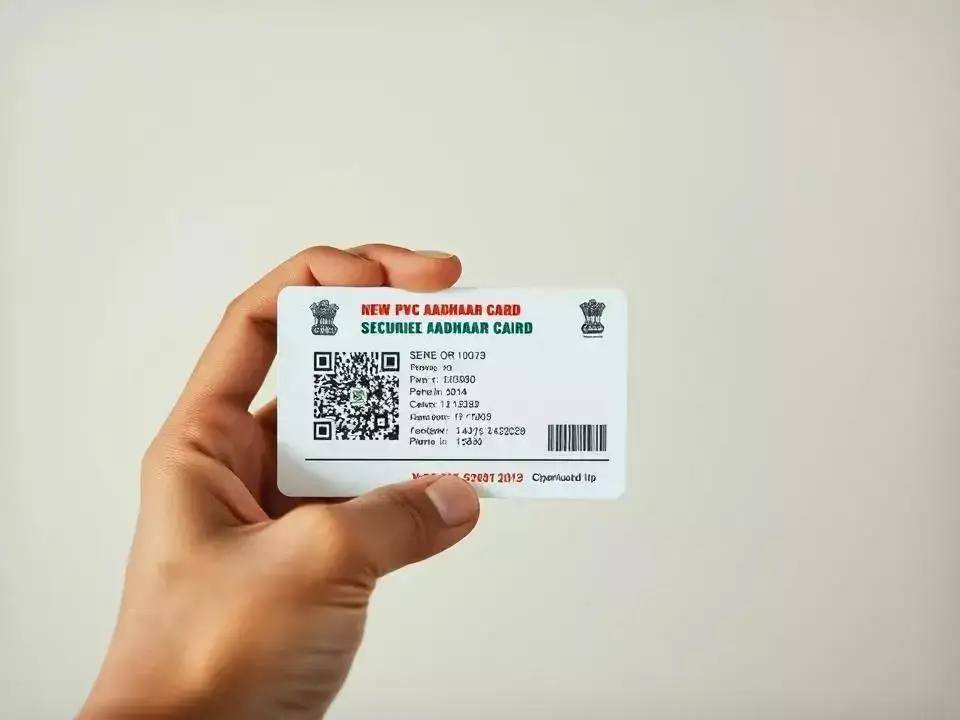
If you no longer have the acknowledgement slip, don’t worry — UIDAI allows you to recover your enrolment details by submitting personal information such as your full name, registered mobile number, and email ID. You will receive a one-time password (OTP) to verify your identity, after which you can retrieve your enrolment number and check the status online.
If your Aadhaar card has not arrived within the expected timeframe, or if the status shows any issue, you should take prompt action to rectify it. Meanwhile, you can download an electronic version of your Aadhaar card (e-Aadhaar) within 10 to 15 days of enrolment, which is equally valid for all purposes.
How to Check Aadhaar Card Status Online
After applying for Aadhaar, it typically takes around 60 to 90 days to receive the physical card. To track your application, the easiest way is through the official UIDAI website. You will need the 14-digit enrolment number and the date and time of enrolment, which are provided on the acknowledgement slip received during your application.If you no longer have the acknowledgement slip, don’t worry — UIDAI allows you to recover your enrolment details by submitting personal information such as your full name, registered mobile number, and email ID. You will receive a one-time password (OTP) to verify your identity, after which you can retrieve your enrolment number and check the status online.
You may also like
- Change in revenue record doesn't create, end property title: SC
- Monsoon session yet to be prorogued, BJP, Congress face off over women's bill
- Killed Nijjar for drug trafficking: Goldy Brar in leaked audio
- Many poor in queue, can't allow 'luxury litigation' by rich: SC
- Indian government to roll out 'Kanda Express' amid onion surge
Checking Aadhaar Status Using SMS
If you prefer using SMS, you can check your Aadhaar card status by sending a text message to 51969. Simply type ‘UID STATUS’ followed by your 14-digit enrolment number or 28-digit enrolment ID and send it. This method offers a quick and convenient option, especially for those without easy access to the internet.Using Toll-Free Helpline and Post Office for Aadhaar Status
Another option is to call the UIDAI toll-free number 1947. Keep your enrolment ID ready while calling to obtain your Aadhaar status from customer service. Additionally, if you believe your Aadhaar card has already been dispatched, you can visit your local post office with your enrolment ID to collect it directly.Importance of Tracking Your Aadhaar Application
It’s vital to regularly check the status of your Aadhaar application to ensure that it is being processed smoothly. Applications can sometimes be rejected due to incomplete information or incorrect documentation, requiring you to reapply. Being proactive helps avoid unnecessary delays and complications.If your Aadhaar card has not arrived within the expected timeframe, or if the status shows any issue, you should take prompt action to rectify it. Meanwhile, you can download an electronic version of your Aadhaar card (e-Aadhaar) within 10 to 15 days of enrolment, which is equally valid for all purposes.






Loving Newspoint? Download the app now
