
Deadline For Free Aadhaar Update Extended Again- Check Details And How To Update

The government has decided to prolong the deadline for the free update of Aadhaar details , shifting it from the initial March 14 cutoff to the new deadline of June 14, 2024.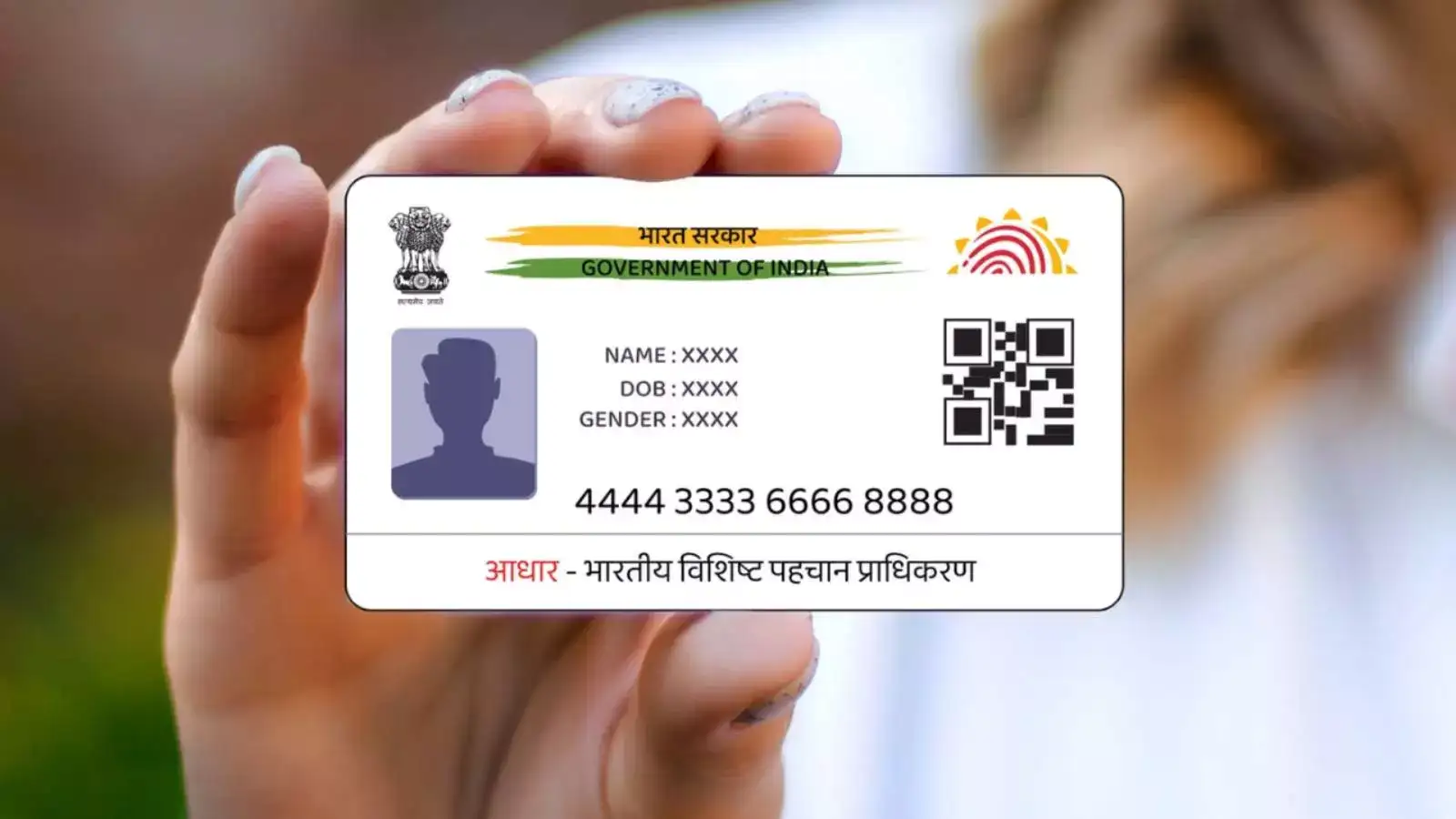
In a recent social media announcement by the UIDAI, it was stated, “UIDAI extends free online document upload facility till 14th June 2024; to benefit millions of Aadhaar holders. This free service is available only on the myAadhaar portal. UIDAI has been encouraging people to keep documents updated in their Aadhaar.”
Aadhaar, a 12-digit unique identity number issued to Indian residents based on biometric and demographic information, ensures uniqueness and helps in preventing duplicate numbers among the population. It is also instrumental in identifying and eliminating fake identities, thus preventing data leaks. The linkage of the number to an individual's biometrics ensures the absence of duplicate numbers, effectively detecting fraudulent and ghost identities.
Aadhaar Issued Over 10 Years Ago
For individuals whose Aadhaar was issued more than a decade ago and has not been updated since, the UIDAI advises submitting Proof of Identity and Proof of Address (PoI/PoA) documents to validate and update their demographic information. This process ensures improved service provision and enhances the success rate of authentication.
Updating Aadhaar Details Online
-Visit https://myaadhaar.uidai.gov.in/ and log in using your Aadhaar number and the one-time password (OTP) received on your registered mobile number.
-Verify your identity and address details displayed in your profile.
-If the details are incorrect, choose the identity document from the drop-down menu and upload it (file size less than 2 MB; file format: JPEG, PNG, or PDF).
-Select the address document and upload it using the same specifications.
-Confirm your consent.
Updating Aadhaar Details Offline
-Visit https://bhuvan.nrsc.gov.in/aadhaar/
-Click on the 'Centres Nearby' tab to locate nearby Aadhaar centers.
-Enter your location details to view nearby Aadhaar centers.
-To find Aadhaar centers within your PIN code area, click on the 'Search by PIN Code' tab.
-Enter your area PIN code to view Aadhaar centers in that specific area.
In a recent social media announcement by the UIDAI, it was stated, “UIDAI extends free online document upload facility till 14th June 2024; to benefit millions of Aadhaar holders. This free service is available only on the myAadhaar portal. UIDAI has been encouraging people to keep documents updated in their Aadhaar.”
Aadhaar, a 12-digit unique identity number issued to Indian residents based on biometric and demographic information, ensures uniqueness and helps in preventing duplicate numbers among the population. It is also instrumental in identifying and eliminating fake identities, thus preventing data leaks. The linkage of the number to an individual's biometrics ensures the absence of duplicate numbers, effectively detecting fraudulent and ghost identities.
You may also like
- Gauhati University, Thailand discuss academic, research collaboration
- Jamia approves 1-year postgrad courses via ODL, online modes
- Bombay HC warns Vijay Mallya against sharing court documents
- Shah calls for decisive battle against drugs by 2029
- Bombay HC warns Vijay Mallya against sharing court documents on social media
Aadhaar Issued Over 10 Years Ago
For individuals whose Aadhaar was issued more than a decade ago and has not been updated since, the UIDAI advises submitting Proof of Identity and Proof of Address (PoI/PoA) documents to validate and update their demographic information. This process ensures improved service provision and enhances the success rate of authentication.
Updating Aadhaar Details Online
-Visit https://myaadhaar.uidai.gov.in/ and log in using your Aadhaar number and the one-time password (OTP) received on your registered mobile number.
-Verify your identity and address details displayed in your profile.
-If the details are incorrect, choose the identity document from the drop-down menu and upload it (file size less than 2 MB; file format: JPEG, PNG, or PDF).
-Select the address document and upload it using the same specifications.
-Confirm your consent.
Updating Aadhaar Details Offline
-Visit https://bhuvan.nrsc.gov.in/aadhaar/
-Click on the 'Centres Nearby' tab to locate nearby Aadhaar centers.
-Enter your location details to view nearby Aadhaar centers.
-To find Aadhaar centers within your PIN code area, click on the 'Search by PIN Code' tab.
-Enter your area PIN code to view Aadhaar centers in that specific area.






Loving Newspoint? Download the app now
