
PPP Family ID Explained: Simple Guide To Search, Download & Update Details

Haryana’s Family ID scheme—also known as the Parivar Pehchan Patra (PPP)—is a digital initiative designed to streamline access to public welfare services. By assigning each family a unique identification number, the system allows for targeted delivery of state and central government benefits. The scheme simplifies application processes, reduces paperwork, and ensures timely benefits to eligible families. Whether you need to apply, update details, or download your Family ID, this comprehensive guide covers all the essential steps for residents and eligible individuals outside the state.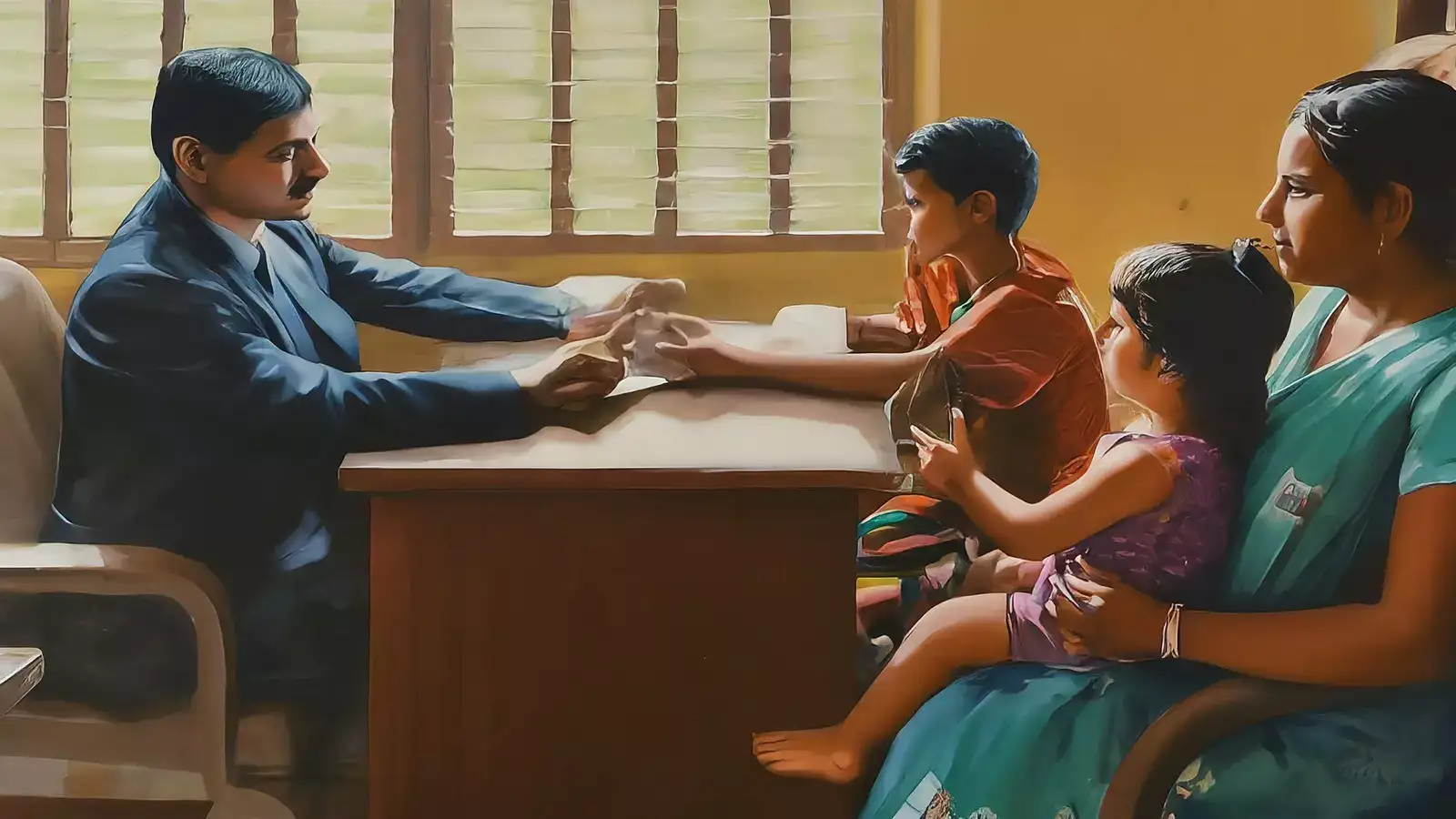
Families residing in Haryana receive an 8-digit permanent ID, while those outside the state who require access to services in Haryana receive a temporary 9-digit ID beginning with a ‘T’.
Reduced need for documentation and multiple applications across departments
Centralised records accessible to all departments, eliminating duplication
Quicker support during crises, such as pandemics or natural disasters
Fraud prevention through verified, transparent beneficiary lists
Voter ID and bank details (if applicable)
Care must be taken to ensure the accuracy of information submitted, as this data forms the basis of scheme eligibility.
Voter ID card (for those aged 18+)
Birth certificate or school records as proof of age
Bank passbook or statement
BPL or ration card (if applicable)
Submitting complete and accurate documents helps ensure smooth processing.
The PPP Family ID scheme is reshaping welfare access in Haryana by providing a single point of identification for families. It simplifies applications, enables timely benefits, and enhances transparency. Whether you’re registering for the first time or updating your information, understanding how the system works can help you take full advantage of its features.
Disclaimer: This article is intended for informational purposes only. For official guidance, contact government helplines or visit authorised centres. Always verify information with relevant authorities before taking action.
What Is the Family ID Scheme?
The Family ID scheme in Haryana is a digital identity system that records family units under a unique identifier. Each family is assigned a number that consolidates their demographic and eligibility information. This allows government departments to automate and personalise welfare delivery, from pensions and ration cards to education and employment schemes.Families residing in Haryana receive an 8-digit permanent ID, while those outside the state who require access to services in Haryana receive a temporary 9-digit ID beginning with a ‘T’.
Benefits of the Family ID System
The Family ID initiative brings a host of advantages:- Automatic enrolment in government schemes based on real-time data (e.g., pensions upon turning 60)
Who Can Register?
There are two types of registrations under the PPP system:- Permanent residents of Haryana, eligible for an 8-digit Family ID
- Non-residents accessing services in Haryana, who are issued a 9-digit temporary ID
How to Apply for a Family ID in Haryana
Self-registration for Family ID is not currently available online. Instead, individuals must visit an authorised centre, such as:- Common Service Centres (CSCs)
- Saral Kendras
- Registered PPP operators
Filling the Application Form: What to Include
The form typically includes:- Aadhaar number (mandatory for all members)
- Full name, age, and gender
- Relationship to head of family
- Marital status and caste category
- Educational qualifications and occupation
Documents Required for Registration
When visiting a registration centre, you’ll need to carry:- Aadhaar card (mandatory)
- PAN card (if available)
How to Check If You Have a Family ID
To verify whether your Family ID has been generated:- Visit the official Family ID portal
- Enter your Aadhaar number
- Validate using the OTP sent to your registered mobile
- View your status and download the Family ID if available
Steps to Update Family Details
There are two methods for updating your details:- Self-update mode: Log in to the portal and make changes directly
- Assisted update mode: Visit a CSC, Saral Kendra, or authorised PPP operator
Updating Mobile Number Linked to Family ID
To update your mobile number:- Go to the official portal
- Navigate to ‘Update Mobile Number’ under the citizen section
- Enter Aadhaar and new number
- Submit OTP and confirm the change
How to Download and Print Your Family ID
Once your Family ID is issued:- Visit the portal and log in using Aadhaar or Family ID
- Navigate to the download or print section
- View the digital copy of your Family ID
- Save or print it for official use
You may also like
- Over 61,000 wait for kidney transplants
- MP Congress Rejig: Jitu Patwari-Led State Executive Committee To Shrink From 208 To 125, Inactive Leaders Face Axe
- OH-NIONS! Onion Prices Bring Tears In Indore As Retail Rates Hit ₹70/Kg, Wholesale- Retail Gap Widens
- Maharashtra: Aadhaar-Linked RC Transfer Rule Puts Used-Vehicle Owners In Fix Over Name Mismatches
- 160 killed in deadly Nepal deluge; at least 133 Indians among 844 missing
Need Help? Here’s How to Get Support
For queries or technical assistance, you can:- Call the helpline: 0172-3968400 (available Monday to Saturday, 8 AM to 8 PM)
- Email: support@meraparivar.haryana.gov.in
The PPP Family ID scheme is reshaping welfare access in Haryana by providing a single point of identification for families. It simplifies applications, enables timely benefits, and enhances transparency. Whether you’re registering for the first time or updating your information, understanding how the system works can help you take full advantage of its features.
Disclaimer: This article is intended for informational purposes only. For official guidance, contact government helplines or visit authorised centres. Always verify information with relevant authorities before taking action.






Loving Newspoint? Download the app now
