
Securing Your Internet Banking: 7 Tips For Safety

Internet banking offers a convenient way to handle various financial tasks, such as bill payments, funds transfer, and fixed deposit creation. However, the convenience comes with the risk of phishing , where attackers attempt to obtain confidential banking information fraudulently. To ensure a safe online banking experience, consider the following seven tips: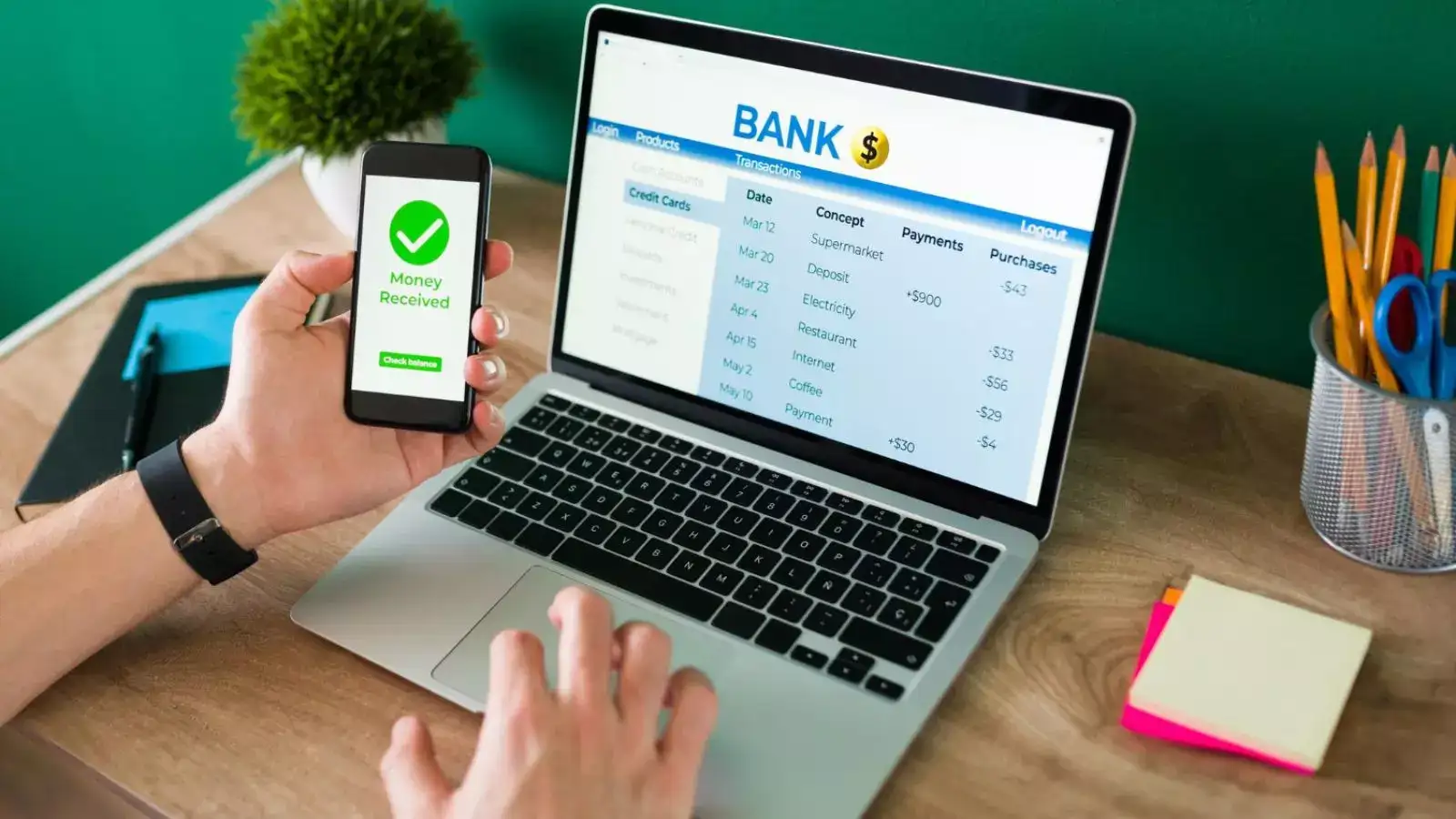
Regularly Change Your Password :
Upon initial login, use the password provided by the bank, but change it promptly for added security. Additionally, regularly update your password and ensure its confidentiality.
Avoid Public Computers :
Refrain from accessing your bank account on shared computers in cyber cafes or libraries, as these environments increase the risk of password exposure. If necessary, clear browsing data, temporary files, and never save login credentials on public computers.
Guard Your Personal Details:
Be cautious about sharing your banking details, as legitimate banks will never request confidential information through phone calls or emails. Use your login ID and password only on the secure official website, identified by the 'https://' in the URL.
Monitor Your Savings Account:
After each online transaction, regularly check your savings account to verify that the correct amount has been deducted. If discrepancies are detected, promptly notify the bank to address the issue.
Use Licensed Anti-Virus Software:
Employ licensed anti-virus software to protect your computer from online threats. Avoid pirated versions, as they may not offer sufficient protection against new viruses. Regularly update your anti-virus software to safeguard your confidential information.
Disconnect from the Internet When Not in Use:
Reduce the risk of unauthorised access by disconnecting from the internet when your computer is not in use. This precaution helps prevent malicious hackers from accessing your system and stealing sensitive banking information.
Manually Enter Your Bank's URL:
Instead of clicking on links provided in emails, manually type your bank's URL into the browser's address bar. This practice minimises the risk of falling victim to phishing scams where fraudulent websites mimic the appearance of authentic banking sites.
By following these smart tips, you can enhance the security of your internet banking activities and minimise the risk of unauthorized access or fraudulent attempts to obtain your confidential information.
Regularly Change Your Password :
Upon initial login, use the password provided by the bank, but change it promptly for added security. Additionally, regularly update your password and ensure its confidentiality.
Avoid Public Computers :
Refrain from accessing your bank account on shared computers in cyber cafes or libraries, as these environments increase the risk of password exposure. If necessary, clear browsing data, temporary files, and never save login credentials on public computers.
You may also like
- 'That's My Husband': Taylor Swfit Flexes Wedding Ring After Travis Kelce Scores Touchdown; Video Goes Viral
- High number of SIR notices result of rule change after Bihar experience
- Indore BRTS Commuters Flag Longer Travel Times And Ticketing Irregularities
- World Alzheimer's Day Highlights Need For Timely Dementia Diagnosis In Bhopal
- SIR assault on Constitution, says Congress
Guard Your Personal Details:
Be cautious about sharing your banking details, as legitimate banks will never request confidential information through phone calls or emails. Use your login ID and password only on the secure official website, identified by the 'https://' in the URL.
Monitor Your Savings Account:
After each online transaction, regularly check your savings account to verify that the correct amount has been deducted. If discrepancies are detected, promptly notify the bank to address the issue.
Use Licensed Anti-Virus Software:
Employ licensed anti-virus software to protect your computer from online threats. Avoid pirated versions, as they may not offer sufficient protection against new viruses. Regularly update your anti-virus software to safeguard your confidential information.
Disconnect from the Internet When Not in Use:
Reduce the risk of unauthorised access by disconnecting from the internet when your computer is not in use. This precaution helps prevent malicious hackers from accessing your system and stealing sensitive banking information.
Manually Enter Your Bank's URL:
Instead of clicking on links provided in emails, manually type your bank's URL into the browser's address bar. This practice minimises the risk of falling victim to phishing scams where fraudulent websites mimic the appearance of authentic banking sites.
By following these smart tips, you can enhance the security of your internet banking activities and minimise the risk of unauthorized access or fraudulent attempts to obtain your confidential information.






Loving Newspoint? Download the app now
