
5 Comfortable Ergonomic Office Chairs Under ₹15,000 For Work From Home

Working from home often means spending hours at the same desk, so your chair can make a big difference to everyday comfort. If you’re looking for an ergonomic office chair under ₹15,000, focus on features such as lumbar support, adjustable armrests, a supportive backrest and tilt functionality. But there’s another detail that is easy to overlook: your desk height. Even a good chair may not feel comfortable if your desk and chair are not properly aligned.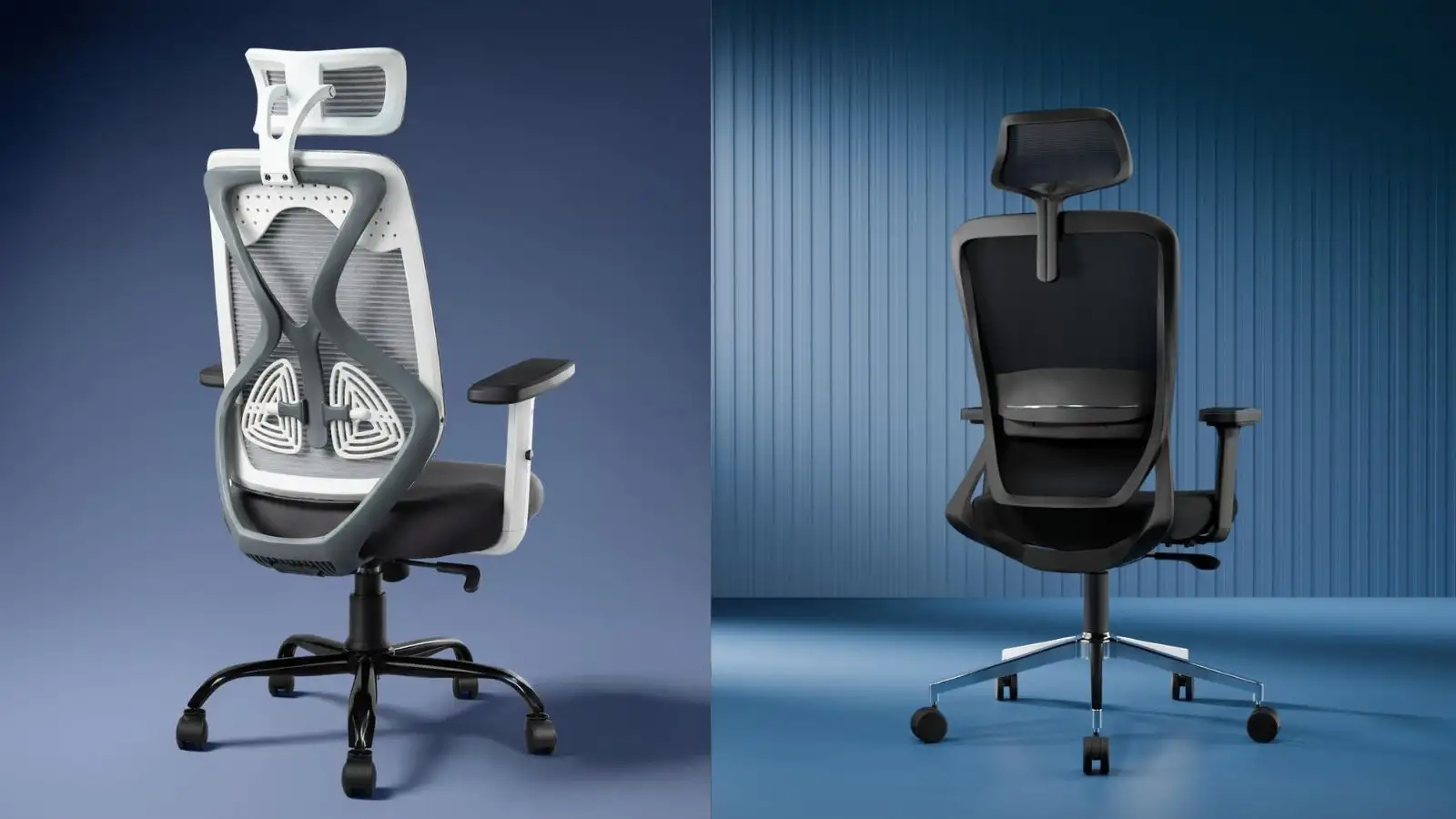
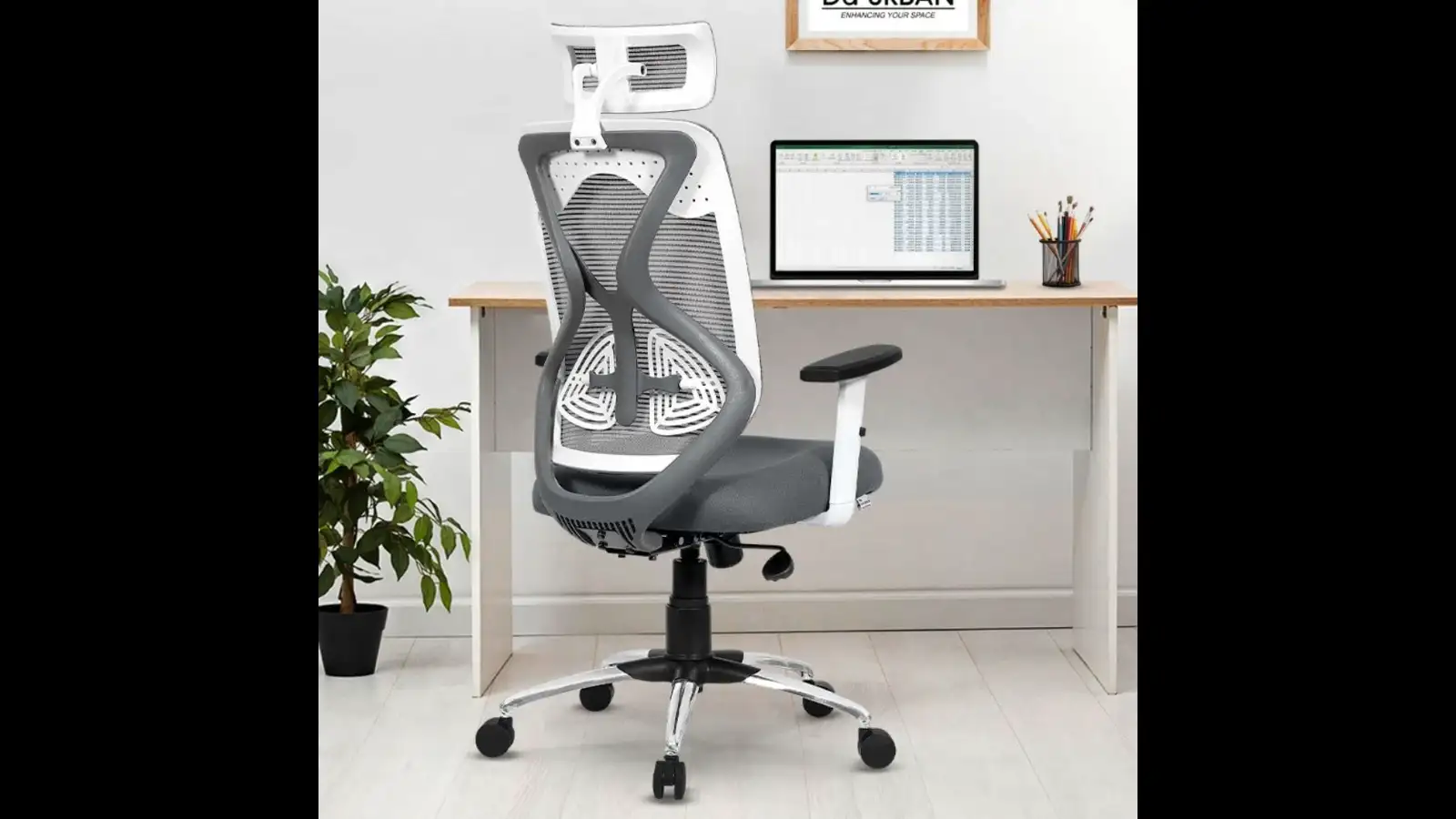 The Da URBAN Merlion is designed for everyday home and office use, with a high-back mesh design, adjustable lumbar support and adjustable armrests. Its tilt-lock mechanism also lets you change your sitting position when you want to lean back.
With a 3-year warranty, it can be a practical option if you want an ergonomic office chair for long working hours.
Key features:
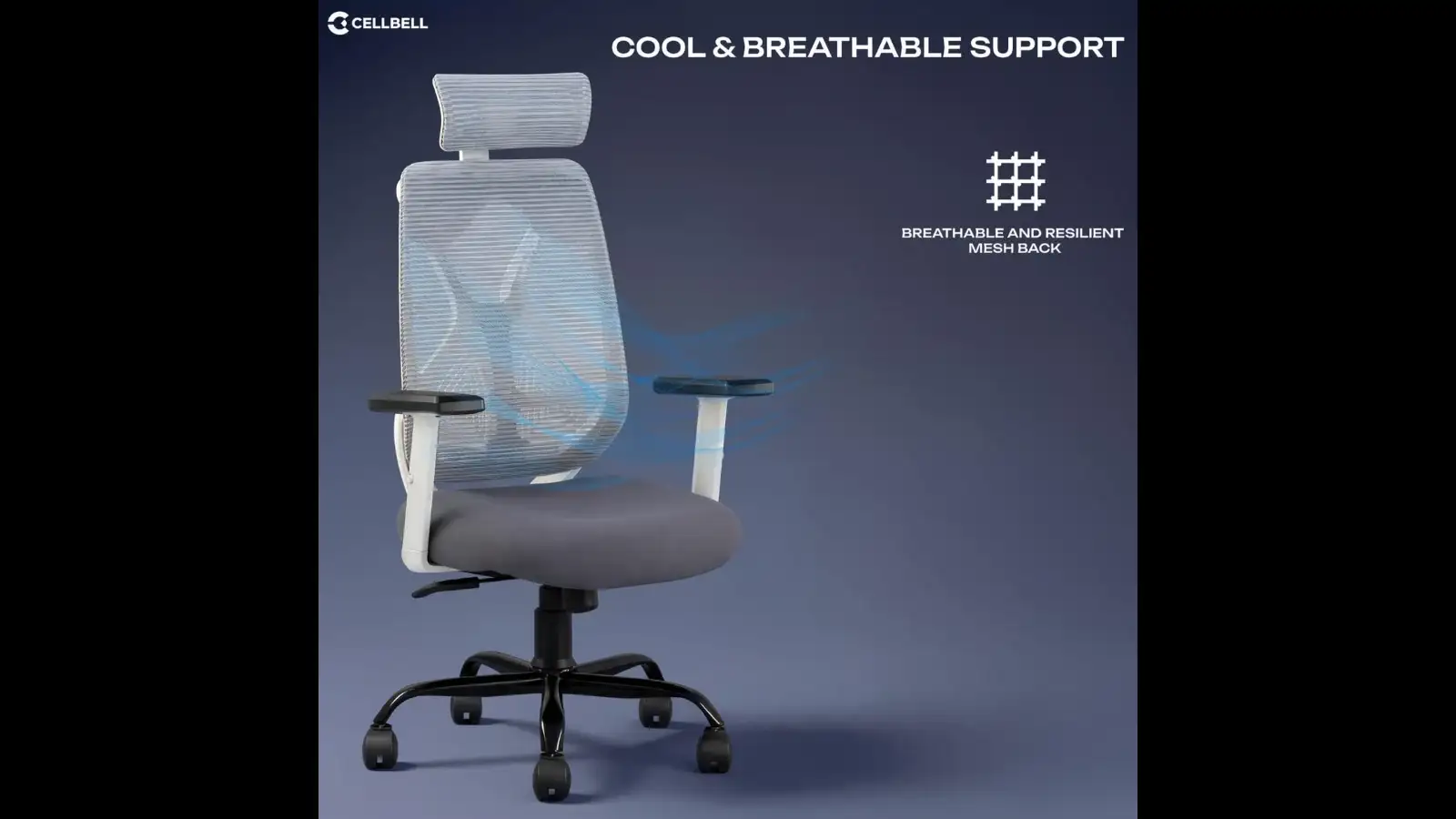 The CELLBELL C190 Berlin is a high-back mesh chair designed for regular desk work. Its mesh back makes it a suitable option if you prefer a breathable chair for longer sitting sessions.
Its simple design can also work well if you want a comfortable computer chair for your home office without a bulky appearance.
Key features:
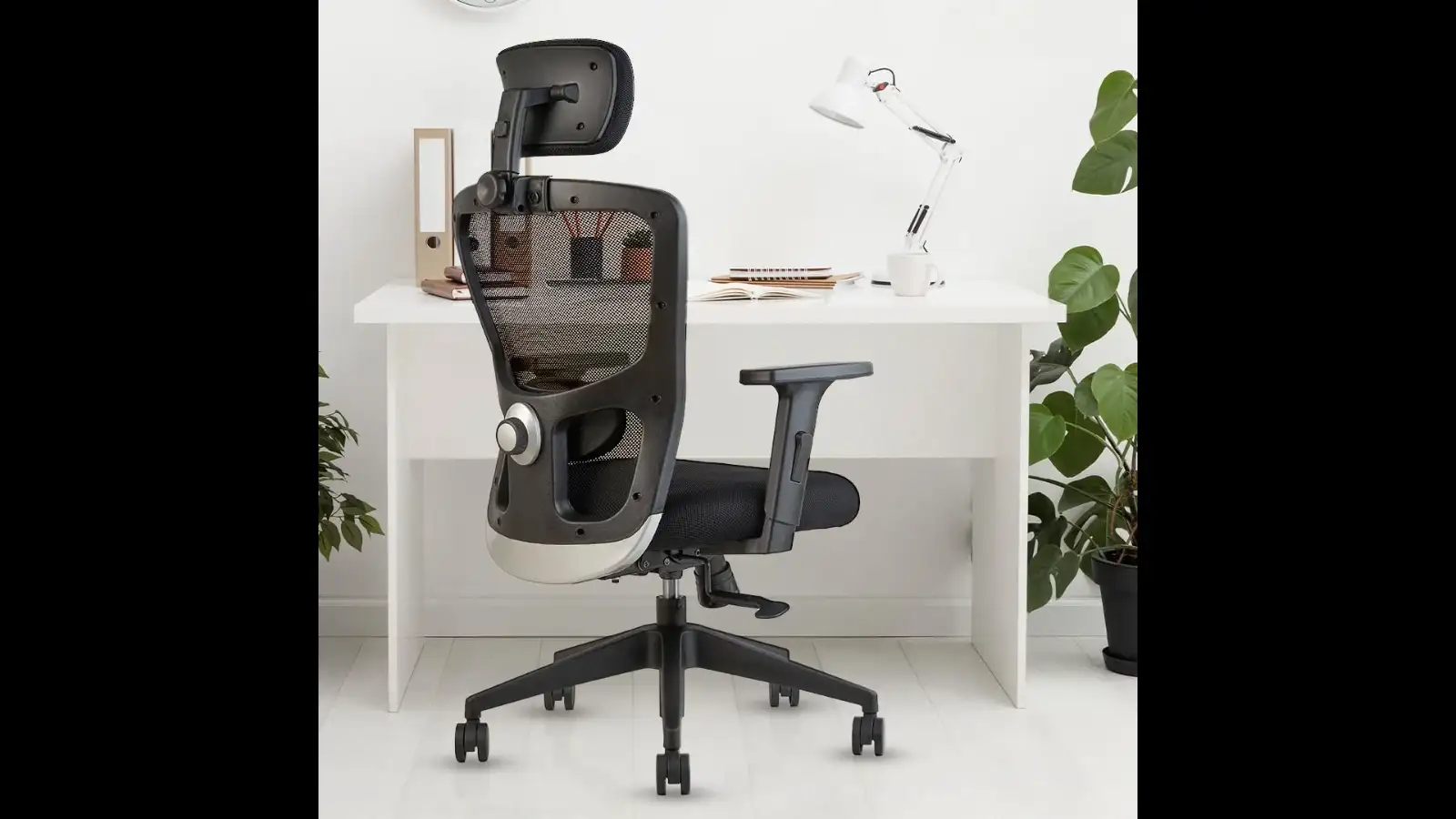 The INNOWIN Jazz comes with lumbar support and a multi-tilt lock, giving you greater flexibility while working. Its strong nylon base is designed for everyday use, while the high-back mesh design keeps the overall look simple and office-friendly.
It is worth considering if your search is for an ergonomic chair for work from home with lumbar support.
Key features:
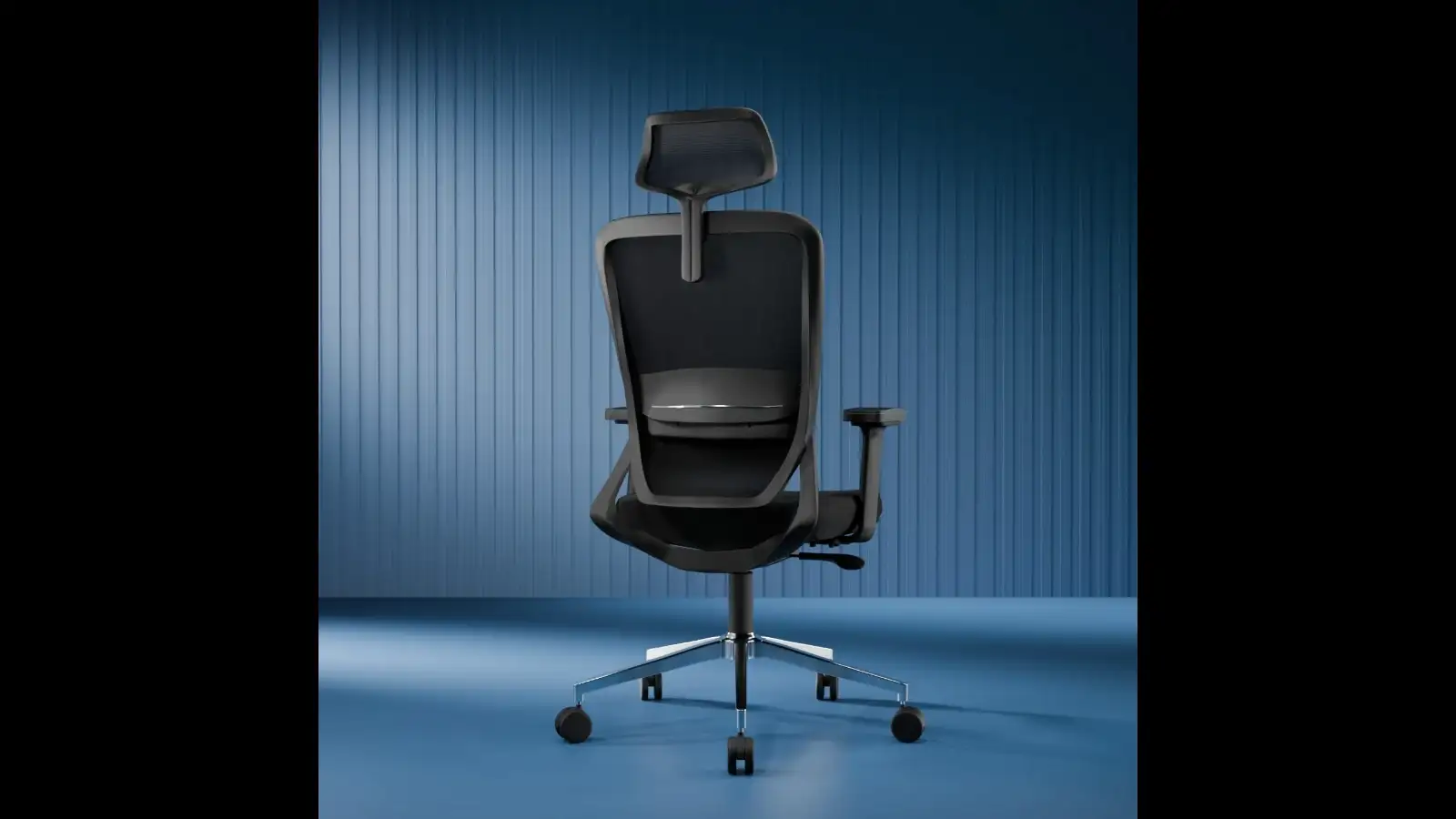 The Ease Premium is aimed at users who want more adjustability from their office chair. It features adjustable lumbar support, 3D armrests and auto tilt-lock recline.
The heavy-duty metal base adds to its sturdy design, while the high-back mesh construction makes it suitable for working, studying or even gaming.
Key features:
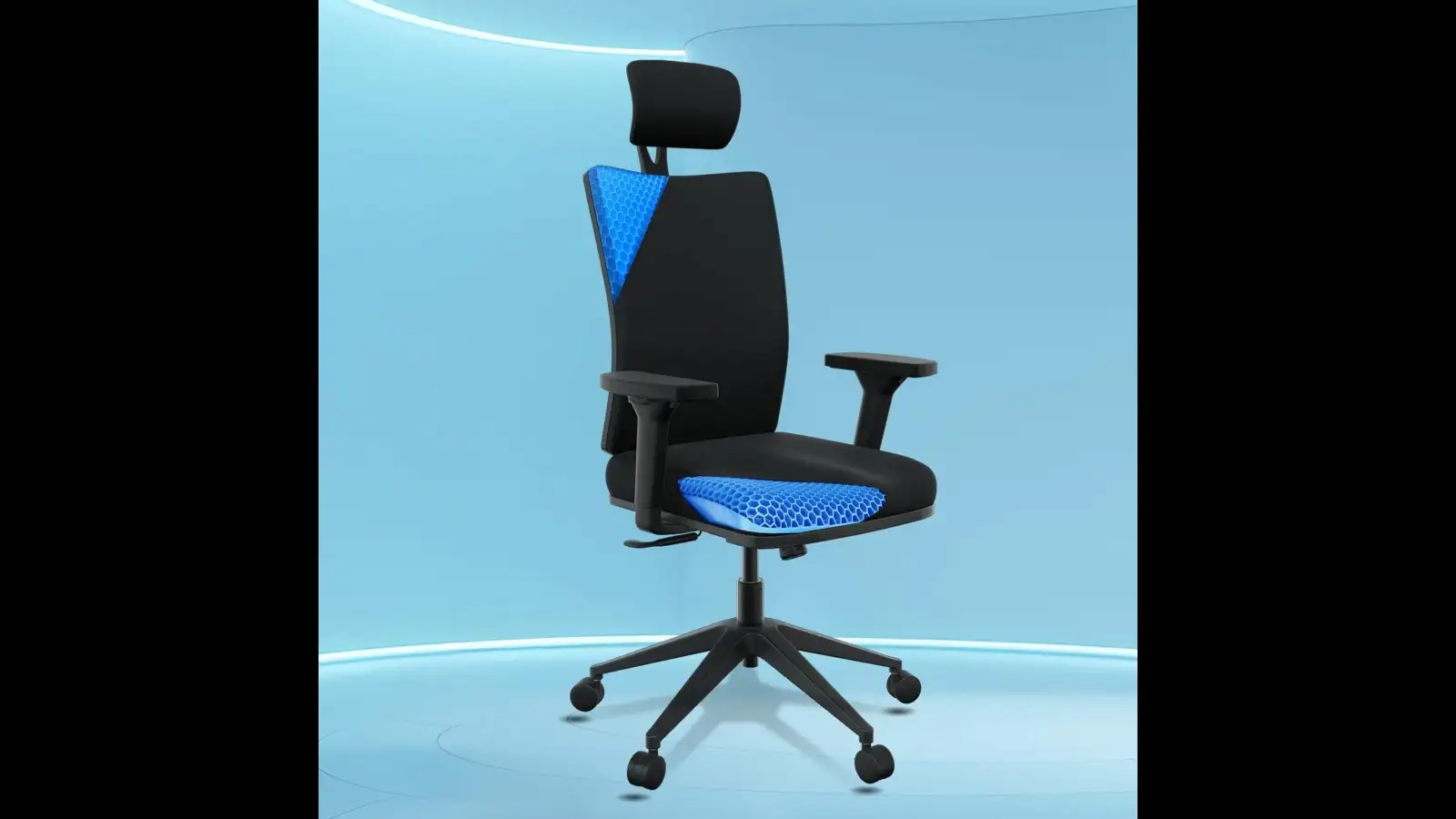 The Sleep Company Onyx features a SmartGRID seat and adjustable lumbar support, making it an option for people who prioritise supportive seating.
Its high-back design works well for home, office and study setups, while free installation adds convenience when setting up your workspace.
Key features:
When you sit comfortably:
The goal is to adjust the chair and desk together rather than choosing a chair in isolation.
The best option depends on your needs, but look for lumbar support, adjustable armrests, tilt functionality and a supportive backrest.
What is the best office chair for working from home?
A comfortable ergonomic chair with adjustable lumbar support, suitable seat height and breathable mesh can be a good choice for working from home.
What should be the height of a work desk?
A standard desk is commonly around 28–30 inches (71–76 cm) high, but the ideal height depends on your chair, body proportions and typing position.
Is desk height important for an ergonomic chair?
Yes. Your chair, desk and monitor should be adjusted together so your arms, legs and back can stay in a comfortable working position.
Disclaimer: The information provided in this article is intended to help readers make informed purchasing decisions and should not be interpreted as an endorsement of any product or brand by Times Internet. Some links may be affiliate links, through which Time Internet may earn a commission if you make a qualifying purchase, at no extra cost to you.
What Makes an Office Chair Comfortable?
A comfortable office chair should support your back without forcing you into one fixed position. Look for:- Adjustable lumbar support
- Adjustable armrests
- A supportive high backrest
- Tilt or recline functionality
- Breathable mesh for long working sessions
- A sturdy base
- Adjustable seat height
1. Da URBAN Merlion Office Chair
With a 3-year warranty, it can be a practical option if you want an ergonomic office chair for long working hours.
Key features:
- High-back mesh design
- Adjustable lumbar support
- Adjustable armrests
- Tilt-lock mechanism
- 3-year warranty
2. CELLBELL C190 Berlin Office Chair
Its simple design can also work well if you want a comfortable computer chair for your home office without a bulky appearance.
Key features:
- High-back design
- Mesh back
- Suitable for home and office
- Comfortable everyday seating
3. INNOWIN Jazz High Back Office Chair
It is worth considering if your search is for an ergonomic chair for work from home with lumbar support.
Key features:
- High-back mesh
- Lumbar support
- Multi-tilt lock
- Strong nylon base
- 3-year limited warranty
4. Ease Premium Ergonomic Mesh Office Chair
The heavy-duty metal base adds to its sturdy design, while the high-back mesh construction makes it suitable for working, studying or even gaming.
Key features:
- Adjustable lumbar support
- 3D armrests
- Auto tilt-lock recline
- High-back mesh
- Heavy-duty metal base
5. The Sleep Company Onyx Orthopedic Office Chair
Its high-back design works well for home, office and study setups, while free installation adds convenience when setting up your workspace.
Key features:
- SmartGRID seat
- Adjustable lumbar support
- High-back design
- Ergonomic seating
- Free installation
Don't Ignore Your Desk Height
Buying an ergonomic chair is only half the setup. Your desk height should work with your chair height.When you sit comfortably:
- Your feet should rest flat on the floor.
- Your knees should be around a 90-degree angle.
- Your elbows should sit comfortably near your sides when using the keyboard.
- Your forearms should be roughly parallel to the floor.
- Your monitor should be positioned so you don't constantly bend your neck downward.
The goal is to adjust the chair and desk together rather than choosing a chair in isolation.
Which Chair Should You Pick?
| Your priority | Chair to consider |
| Adjustable lumbar support + armrests | Da URBAN Merlion |
| Simple mesh design | CELLBELL C190 |
| Multi-tilt functionality | INNOWIN Jazz |
| More adjustment options | Ease Premium |
| SmartGRID seating | The Sleep Company Onyx |
FAQs
Which is the best ergonomic office chair under ₹15,000?The best option depends on your needs, but look for lumbar support, adjustable armrests, tilt functionality and a supportive backrest.
What is the best office chair for working from home?
A comfortable ergonomic chair with adjustable lumbar support, suitable seat height and breathable mesh can be a good choice for working from home.
What should be the height of a work desk?
A standard desk is commonly around 28–30 inches (71–76 cm) high, but the ideal height depends on your chair, body proportions and typing position.
Is desk height important for an ergonomic chair?
Yes. Your chair, desk and monitor should be adjusted together so your arms, legs and back can stay in a comfortable working position.
Disclaimer: The information provided in this article is intended to help readers make informed purchasing decisions and should not be interpreted as an endorsement of any product or brand by Times Internet. Some links may be affiliate links, through which Time Internet may earn a commission if you make a qualifying purchase, at no extra cost to you.
Next Story