
How To Design A Home Office That Balances Productivity & Comfort

In an era where remote and hybrid work have become the norm, the importance of a thoughtfully designed home office cannot be overstated. Your work environment has a direct impact on your efficiency, energy, and wellbeing. A cluttered, uncomfortable space can hinder concentration, while a calm, ergonomic, and well-organised area can enhance both productivity and job satisfaction. Whether you're working full-time from home or need a space for occasional tasks, creating the right setup is key. Here’s how you can design a home office that strikes the perfect balance between comfort and performance.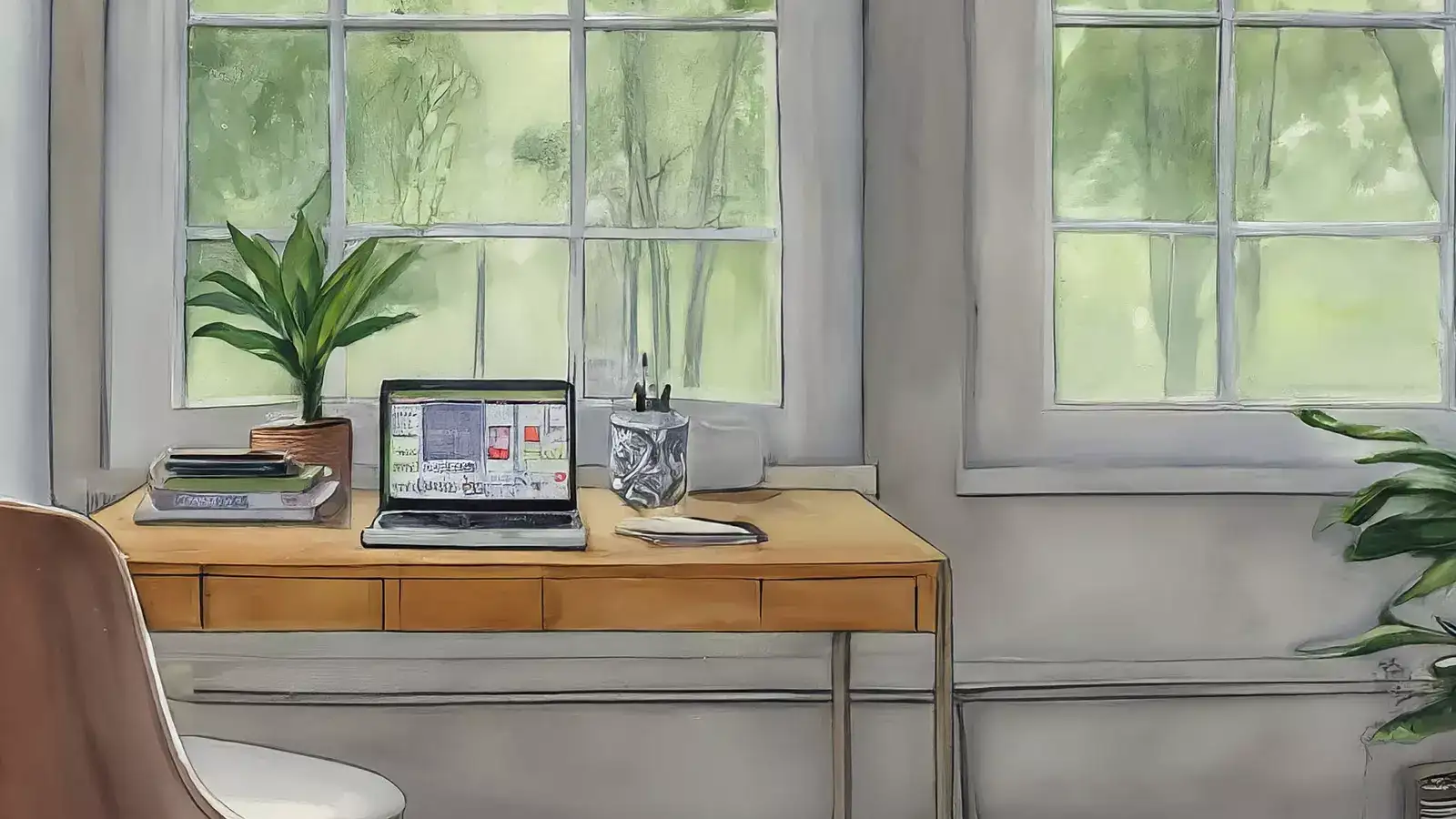
Try to avoid working from your bed or sofa. Not only is it bad for posture, but it also makes it harder to mentally switch between work mode and relaxation time. A defined work zone helps build consistency and focus.
Consider an external keyboard and mouse if you're working on a laptop for extended hours. A footrest and wrist support cushions can also make a big difference in long-term comfort. If your budget allows, a height-adjustable desk gives you the flexibility to alternate between sitting and standing.
Complement daylight with layered artificial lighting—overhead lights for general brightness and a desk lamp for task lighting. Opt for warm white LED bulbs, which are gentler on the eyes during prolonged work sessions.
Label items clearly and regularly declutter your desk. A clean workspace makes it easier to concentrate, saves time when searching for items, and projects a professional feel—especially useful during video calls.
Opt for a minimalist design that feels calm but doesn’t strip the space of personality. Use colour schemes that support productivity—shades of blue for calm, green for freshness, and muted neutrals for a professional tone.
Choose wireless devices where possible and install a multi-plug extension board to avoid clutter on your desktop. Proper cable management not only keeps the space neat but also reduces the risk of accidents and distractions.
Movement is key—set reminders to walk around or stretch every hour. This simple practice improves circulation and keeps you energised throughout the day.
You can also use digital tools like focus timers and website blockers to stay on task. The more intentionally you design your environment to reduce distractions, the better your output.
Designing a home office that promotes productivity and comfort is about finding what suits your work style best. With the right combination of location, ergonomic furniture, thoughtful lighting, and organisation, you can create a space that not only helps you work smarter but also supports your wellbeing. Over time, this investment pays off in improved focus, reduced stress, and better work-life balance—all from the comfort of your own home.
Choose The Right Location At Home
The first step to building a productive home office is selecting the right spot. Ideally, it should be a quiet area away from daily household activity and distractions. If you can’t dedicate an entire room, choose a corner in a bedroom or living space that receives good natural light and allows for separation between work and personal life.Try to avoid working from your bed or sofa. Not only is it bad for posture, but it also makes it harder to mentally switch between work mode and relaxation time. A defined work zone helps build consistency and focus.
Invest In An Ergonomic Setup
Comfort fuels productivity, and ergonomics lie at the heart of it. Invest in a supportive chair that keeps your back aligned and a desk that allows your elbows to rest at a 90-degree angle. Your screen should be at eye level to avoid neck strain.Consider an external keyboard and mouse if you're working on a laptop for extended hours. A footrest and wrist support cushions can also make a big difference in long-term comfort. If your budget allows, a height-adjustable desk gives you the flexibility to alternate between sitting and standing.
Use Lighting To Your Advantage
Good lighting is crucial for reducing eye strain and improving focus. Natural light is ideal, so position your desk near a window if possible. However, avoid placing screens directly against the window to prevent glare.Complement daylight with layered artificial lighting—overhead lights for general brightness and a desk lamp for task lighting. Opt for warm white LED bulbs, which are gentler on the eyes during prolonged work sessions.
Keep Your Workspace Organised
A tidy space promotes a tidy mind. Clutter can be mentally exhausting, so invest in storage solutions that keep your work area clean. Use filing cabinets, desk organisers, or wall-mounted shelves to store documents and office supplies.Label items clearly and regularly declutter your desk. A clean workspace makes it easier to concentrate, saves time when searching for items, and projects a professional feel—especially useful during video calls.
Personalise Without Overloading
Adding personal touches to your workspace makes it more inviting. Consider including framed photos, artwork, or a few indoor plants to bring warmth and life to your office. However, avoid overdoing it—too many decorative elements can create visual noise and reduce your ability to focus.Opt for a minimalist design that feels calm but doesn’t strip the space of personality. Use colour schemes that support productivity—shades of blue for calm, green for freshness, and muted neutrals for a professional tone.
Manage Cables And Tech Clutter
With multiple devices and chargers in one space, cable management is essential. Use cable organisers, clips, or under-desk trays to keep wires hidden and prevent them from becoming a tangled mess.Choose wireless devices where possible and install a multi-plug extension board to avoid clutter on your desktop. Proper cable management not only keeps the space neat but also reduces the risk of accidents and distractions.
Incorporate Break Areas Or Movement Zones
If space permits, create a small corner with a reading chair, yoga mat, or stretching space. Regular breaks are important for both physical and mental health, and having a designated spot for short pauses can refresh your mind.Movement is key—set reminders to walk around or stretch every hour. This simple practice improves circulation and keeps you energised throughout the day.
Create A Distraction-Free Zone
Noise and interruptions can drastically reduce productivity. Use noise-cancelling headphones if you live in a busy household, or play instrumental music to maintain focus. Inform family members or housemates of your work hours to minimise interruptions.You can also use digital tools like focus timers and website blockers to stay on task. The more intentionally you design your environment to reduce distractions, the better your output.
Designing a home office that promotes productivity and comfort is about finding what suits your work style best. With the right combination of location, ergonomic furniture, thoughtful lighting, and organisation, you can create a space that not only helps you work smarter but also supports your wellbeing. Over time, this investment pays off in improved focus, reduced stress, and better work-life balance—all from the comfort of your own home.
Next Story