
How to Stretch Safely and Reset Your Body During Screen Time

Hours at a desk can leave the neck, shoulders, back and wrists stiff. Stretching breaks do not need to be intense to be useful. Pauses to change position, move the joints and look away from a screen can interrupt long spells of sitting and make the working day feel more manageable.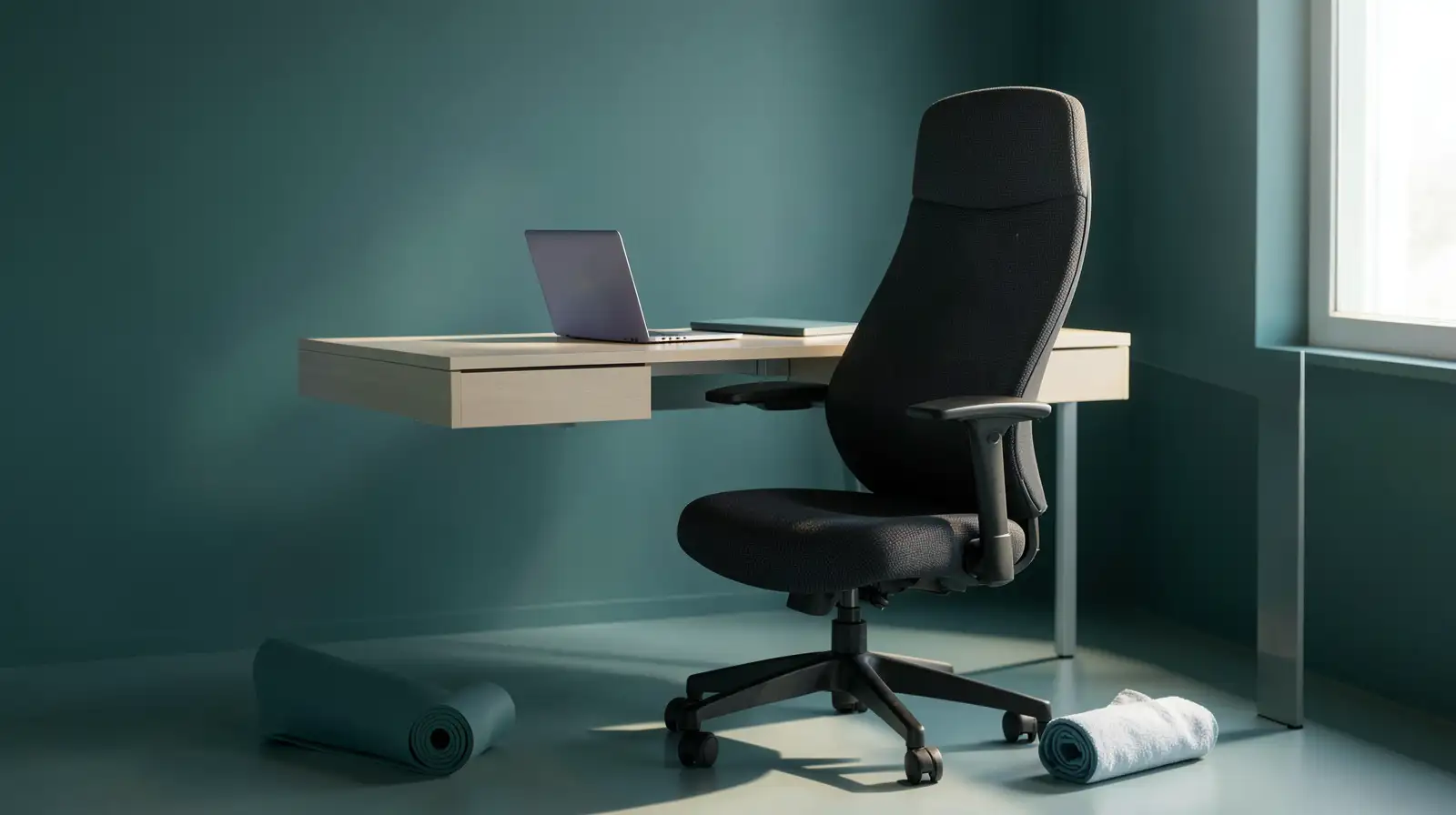
There is no routine that suits every body or workplace. Move gently, avoid forcing a painful range and adjust the setup that encourages discomfort. Regular movement complements good ergonomics; it is not a cure for pain or a substitute for medical advice when symptoms continue, worsen or interfere with activities.
For the shoulders, roll them backwards a few times, then gently draw the shoulder blades together before relaxing. Open and close your hands and move your wrists through a comfortable range after long periods of typing. Stand up, walk a little and look at something in the distance to give your eyes a break from the screen.
Adjust your chair so your feet are supported and your screen is at a comfortable height. Keep the keyboard and mouse close enough that you do not have to reach constantly. If you use a laptop for long periods, a separate keyboard and mouse may help you create a more comfortable setup. Small ergonomic changes often matter as much as the stretches themselves.
Desk stretches work best as brief movement breaks within a broader routine that includes comfortable equipment and regular activity.
There is no routine that suits every body or workplace. Move gently, avoid forcing a painful range and adjust the setup that encourages discomfort. Regular movement complements good ergonomics; it is not a cure for pain or a substitute for medical advice when symptoms continue, worsen or interfere with activities.
Try gentle desk stretches
Start with a posture reset rather than a forceful stretch. Sit or stand tall, relax your shoulders and take a few comfortable breaths. Slowly turn your head to look over one shoulder, return to the centre and repeat on the other side. Keep the movement small and pain-free; do not pull your head with your hand or bounce at the end of the range.You may also like
- Steffi Graf and Andre Agassi won 30 Grand Slam titles together, but never expected their kids to follow their legacy: Here's why the sporting legends chose to give the kids freedom to explore their own passions and enjoy childhood without the pressure
- A PAN card will not feature the photographs of one's parents! Here is how to update a minor's PAN card upon reaching adulthood..
- LIC Plan: Upon diagnosis of cancer, a lump sum will be credited to your account, and all future premium installments will be waived..
- Around 1500, artists in North India painted six scenes of Alexander the Great for an Iskandarnama manuscript; 526 years later, the illustrations sold in London for £70,760, more than 88 times the highest estimate
- Overnight Oats for Weight Loss: Benefits, Recipe and the Right Way to Eat Them
For the shoulders, roll them backwards a few times, then gently draw the shoulder blades together before relaxing. Open and close your hands and move your wrists through a comfortable range after long periods of typing. Stand up, walk a little and look at something in the distance to give your eyes a break from the screen.
Change position through the day
A stretch is not a reason to stay in the same posture for the next three hours. Alternate between sitting and standing if your workspace allows it, take brief walking breaks and vary tasks when possible. Set a reminder if work makes you lose track of time, but keep the schedule flexible enough to fit meetings and concentration-heavy tasks.Adjust your chair so your feet are supported and your screen is at a comfortable height. Keep the keyboard and mouse close enough that you do not have to reach constantly. If you use a laptop for long periods, a separate keyboard and mouse may help you create a more comfortable setup. Small ergonomic changes often matter as much as the stretches themselves.
Respond to pain sensibly
Stretching should feel gentle and pain-free, not sharp or forceful. Stop any movement that causes pain, tingling, dizziness or worsening symptoms. If discomfort keeps returning, affects sleep or interferes with everyday activities, seek advice from a qualified healthcare professional rather than assuming that more stretching is the answer. People with existing injuries or medical conditions may need individual guidance.Desk stretches work best as brief movement breaks within a broader routine that includes comfortable equipment and regular activity.






Loving Newspoint? Download the app now
