
Spending Hours at a Computer? Simple Screen-Use Changes That May Help Reduce Everyday Discomfort

Long periods of screen use can leave some people with tired eyes, headaches or discomfort around the neck and shoulders. These symptoms can have several causes, so they should not automatically be blamed on devices alone. Small changes to the work setup and regular breaks may make screen-based tasks more comfortable. Lighting, viewing distance, posture and the need for prescription lenses can all matter. Rather than relying on one popular trick, notice when discomfort appears and adjust the conditions you can control. Persistent or worsening symptoms deserve advice from an appropriate healthcare professional.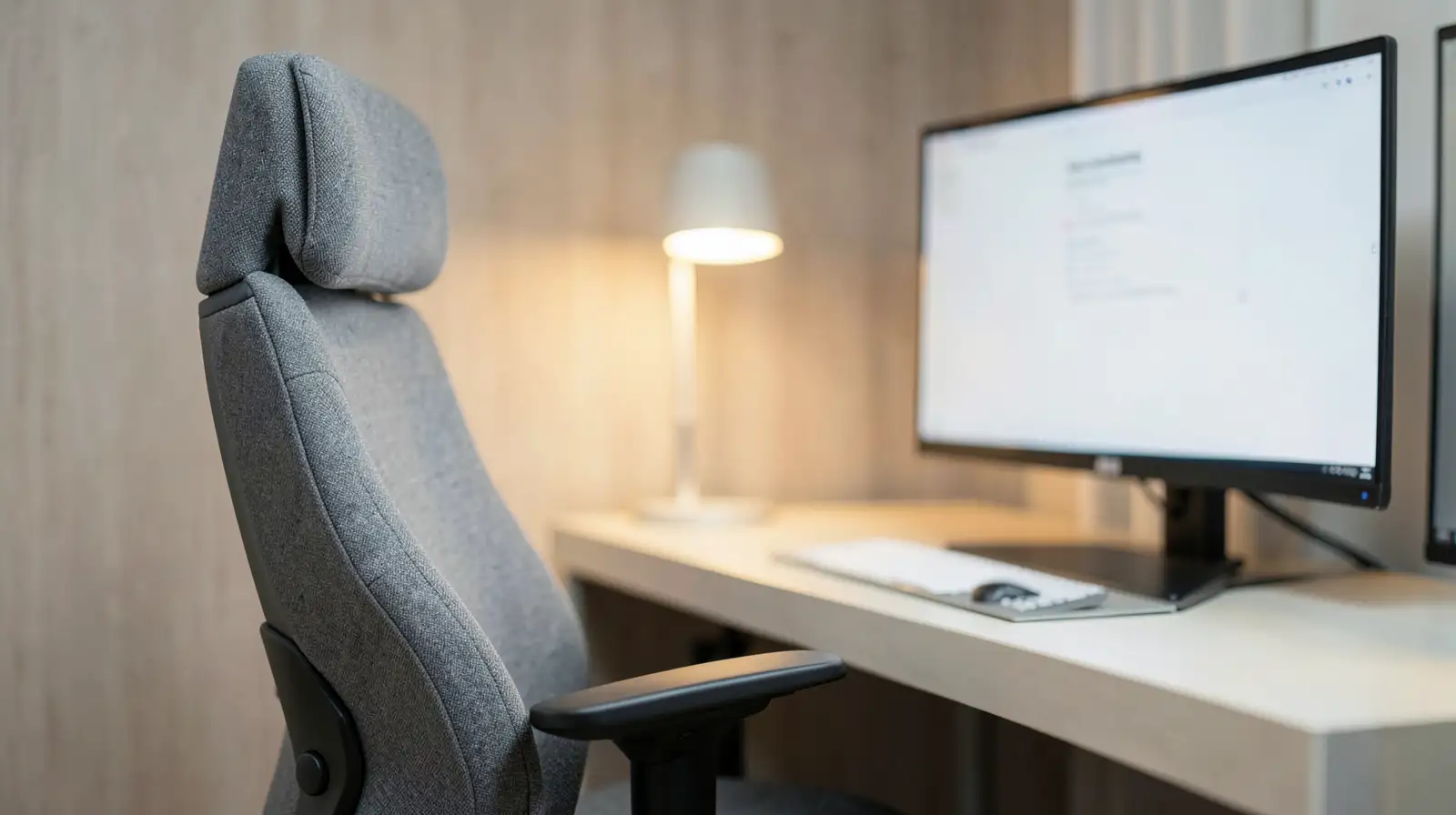
The best setup is comfortable and sustainable.
Reduce glare from windows and overhead lights where possible. You may find that changing the screen angle, adjusting brightness or moving a lamp makes text easier to see. Avoid making the display unnecessarily bright in a dim room, but do not assume one brightness setting suits every environment.
If you regularly squint or move closer to read, consider whether the text size needs adjustment or your eyesight requires assessment.
Some people find the 20-20-20 approach useful: approximately every 20 minutes, look at something around 20 feet away for 20 seconds. It is a simple reminder to look away from the screen, not a guaranteed treatment for eye discomfort.
If work is demanding, use reminders or connect breaks to existing activities, such as finishing a meeting or sending a report. The goal is to make movement and visual breaks realistic rather than adding another complicated task to your schedule.
If you work on a laptop for extended periods, a separate keyboard and mouse can help you position the screen and hands more independently. However, equipment is useful only if the resulting arrangement fits your body and tasks.
Do not assume every symptom comes from poor posture or too much screen time. A comfortable setup is helpful, but it cannot replace appropriate assessment when problems continue.
The best setup is comfortable and sustainable.
Adjust the screen and lighting
Position the screen so you can read comfortably without constantly leaning forward or tilting your head. The ideal height and distance depend on your eyesight, screen size and working posture, so adjust the setup until you can maintain a relaxed position.Reduce glare from windows and overhead lights where possible. You may find that changing the screen angle, adjusting brightness or moving a lamp makes text easier to see. Avoid making the display unnecessarily bright in a dim room, but do not assume one brightness setting suits every environment.
If you regularly squint or move closer to read, consider whether the text size needs adjustment or your eyesight requires assessment.
You may also like
- “In Indian families, parents won't go for medical tests because…”: Ekta Kapoor on the mindset of many Indian parents and her father Jeetendra's money lesson
- 'My son': Indian pilot Smit Machchhar recalls the thought that kept him fighting during the terrifying mid-air attack
- When his mother fell seriously ill, Bihar's Monu Meturbala prayed for her recovery and made a promise to Lord Shiva; today, the 19-year-old is running thousands of kilometres to visit 12 Jyotirlingas
- 10 Amazing Benefits of Reetha for Hair
- 5 Daily Habits To Help You Prevent Hair Loss
Take breaks and change position
Staying in one position for long periods can contribute to stiffness. Build short movement breaks into the day, stand up when practical and change posture regularly. A brief walk to refill your water bottle can provide a natural pause between tasks.Some people find the 20-20-20 approach useful: approximately every 20 minutes, look at something around 20 feet away for 20 seconds. It is a simple reminder to look away from the screen, not a guaranteed treatment for eye discomfort.
If work is demanding, use reminders or connect breaks to existing activities, such as finishing a meeting or sending a report. The goal is to make movement and visual breaks realistic rather than adding another complicated task to your schedule.
Review your desk arrangement
Keep the keyboard and mouse within comfortable reach so you do not need to stretch your shoulders forward repeatedly. Adjust your chair and desk where possible, allowing your feet to rest securely and your arms to remain relaxed.If you work on a laptop for extended periods, a separate keyboard and mouse can help you position the screen and hands more independently. However, equipment is useful only if the resulting arrangement fits your body and tasks.
Know when to seek advice
Persistent headaches, blurred vision, eye pain or worsening discomfort deserve professional assessment. A healthcare professional or eye-care specialist can help identify possible causes and recommend suitable treatment or adjustments.Do not assume every symptom comes from poor posture or too much screen time. A comfortable setup is helpful, but it cannot replace appropriate assessment when problems continue.






Loving Newspoint? Download the app now
