Android’s New Tap-to-Share Feature Brings AirDrop-Like Convenience

Sharing a photo between two phones should not feel like a technical exercise. Yet Android users have often had to open the share menu, find the right device and wait for the connection to appear. Google is now making that process considerably simpler. Its latest Quick Share update introduces a tap-to-share experience that feels remarkably similar to the effortless interaction iPhone users have enjoyed with AirDrop-style sharing. The feature is beginning with selected Android phones, making it possible to bring compatible devices close together and start sharing with far fewer steps. For people who regularly exchange photos, videos or contact details, this could become one of Android's most useful everyday upgrades.
Hero Image


How Android's Tap-to-Share Feature Works

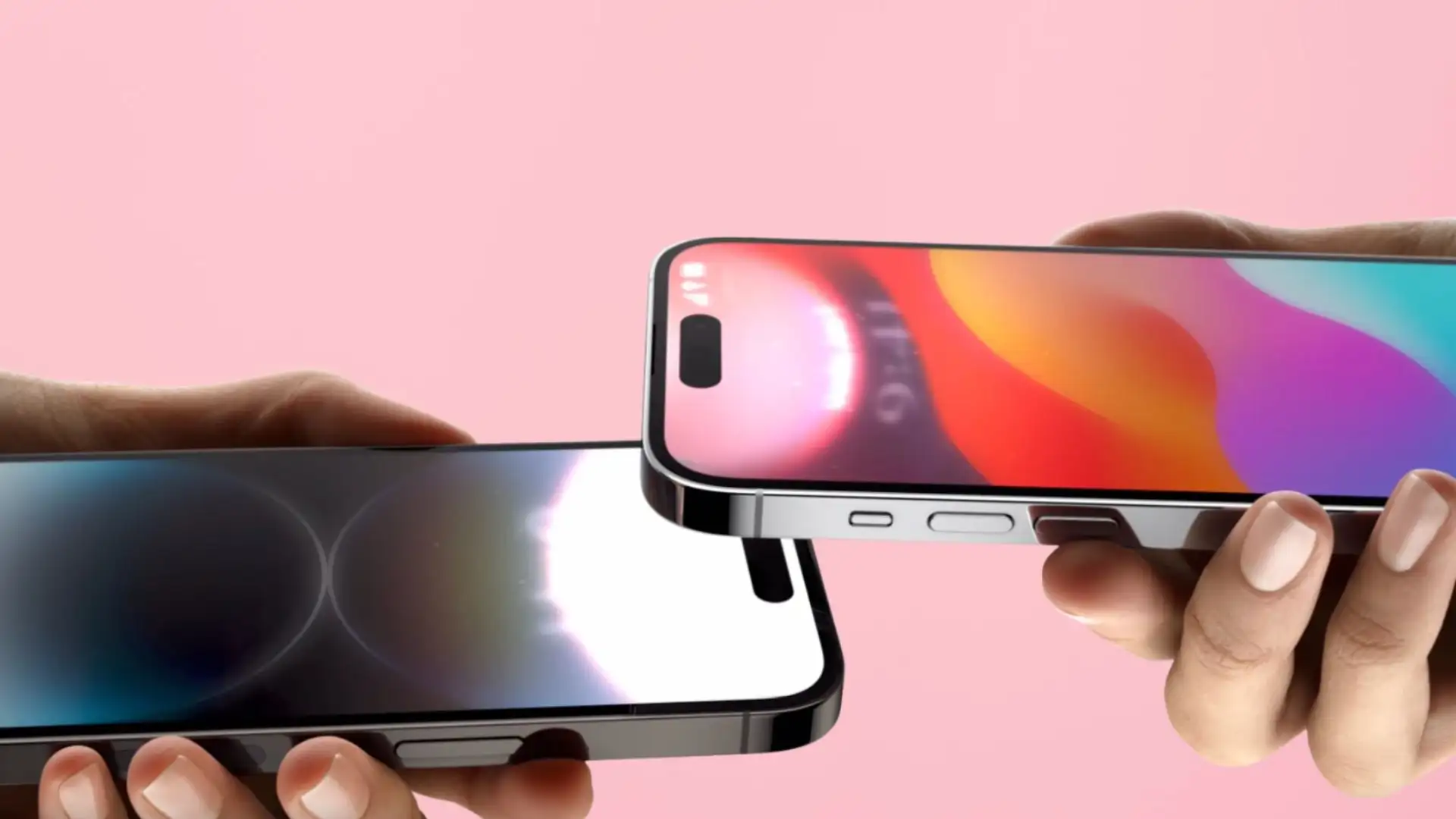
The new feature builds on Google's existing Quick Share system rather than replacing it. Quick Share already allows Android users to transfer files between nearby devices using wireless connections. Google has now added a more natural interaction: bring compatible phones close together after opening the relevant sharing interface, and the devices can recognise one another for the transfer.

The initial rollout is focused on Pixel 6 and newer phones, with support for additional devices expected to expand. That means not every Android phone will immediately get the feature, which is important to remember before assuming that any two Android handsets can simply be tapped together.


Why This Feels Like Apple's AirDrop

Apple has long benefited from making nearby sharing feel almost invisible to the user. Instead of worrying about cables, messaging apps or cloud uploads, users can simply select something and send it to a nearby device.

Android has had Quick Share for years, but the new tap interaction makes the experience more intuitive. It is particularly useful when two people are standing next to each other and want to exchange several large photographs or videos without reducing their quality through a messaging service.


Interestingly, Quick Share has also evolved beyond Android-only sharing. Compatible Android phones can now exchange files with iPhones using Apple's AirDrop, although the recipient needs to have the appropriate AirDrop visibility setting enabled.

A Small Change That Could Matter Every Day

Imagine taking 20 photographs at a family gathering and wanting to send them to someone standing beside you. Instead of creating a messaging group or uploading them to the cloud, nearby sharing can move them directly between devices.

The technology itself is not entirely new. Nearby wireless sharing has existed on smartphones for years. What is changing is the interaction. By reducing the number of taps and menus involved, Google is making a technically sophisticated process feel almost physical.

That matters because the best smartphone features are often the ones people do not have to think about.


Quick Share Is Becoming More Than File Transfer

Google's broader Quick Share strategy shows how Android is moving towards a more connected ecosystem. Users can already share files with Android devices, Chromebooks and supported Windows PCs, while QR-code sharing provides another option when nearby device discovery is inconvenient.

The tap-to-share feature therefore represents more than a novelty. It is another step towards making Android devices communicate with one another with less friction.

What Android Users Should Expect

The feature is rolling out gradually, so availability will depend on the phone model and software version. Users should also remember that Quick Share retains privacy controls, and transfers require acceptance when sharing with another person.

For Android users, the significance is simple: sharing is becoming less about navigating a phone and more about bringing two devices together. That may sound like a small change, but convenience often starts with exactly that kind of detail.