
Battery Saving Tips: Hidden Smartphone Features That Instantly Extend Battery Life

Battery saving tips are a must-know for anyone whose smartphone drains too quickly. Many users struggle with fast battery depletion, unaware that their devices already come with powerful, hidden features designed to extend battery life . By simply activating these built-in settings, you can keep your phone running longer without changing your daily habits.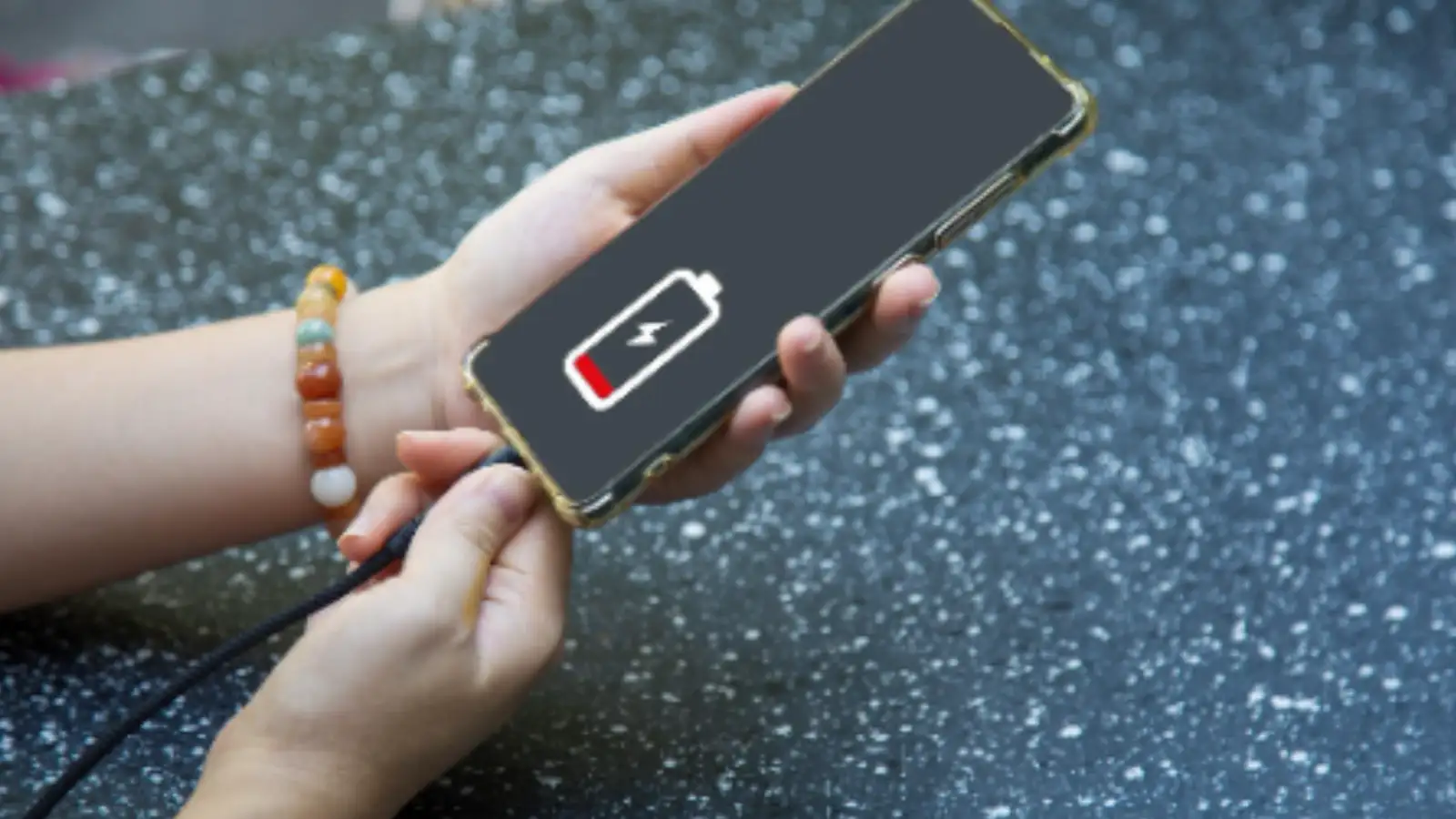
Use Built-In Battery Saver or Low Power Mode
One of the simplest yet most effective ways to save battery is by enabling the battery saver or low power mode, available on both Android phones and iPhones. This mode automatically reduces background activity, dims screen brightness, and slows down non-essential processes.
Tech experts highlight that turning this mode on can add several hours of battery life, especially when your device is running low. Some phones even restrict specific apps and switch off unnecessary functions, giving you maximum usage time when it matters most.
Control Background Apps and Refreshing
Apps running in the background are silent battery drainers. Even when not in use, many apps constantly refresh data, consuming power.
Making these changes can noticeably extend your battery life without impacting your everyday smartphone experience.
Small Tweaks That Make a Big Difference
Several minor adjustments can have a surprisingly large impact on battery longevity:
These small changes can add hours to your phone’s battery life without compromising functionality.
Why Users Often Miss These Features
Despite being available on almost every modern smartphone, these battery-saving features are often overlooked. Many users rely on automatic activation at low battery levels, while others simply don’t know they exist.
Tech specialists recommend manually turning them on during long commutes, travel, or any time you anticipate being away from a charger. Doing so ensures your smartphone lasts through even the busiest of days.
Your smartphone already comes equipped with powerful tools to save battery - you just need to activate them. By using low power mode, controlling background apps, and making small but effective tweaks, you can enjoy longer battery life and worry less about running out of charge.
Use Built-In Battery Saver or Low Power Mode
One of the simplest yet most effective ways to save battery is by enabling the battery saver or low power mode, available on both Android phones and iPhones. This mode automatically reduces background activity, dims screen brightness, and slows down non-essential processes.
Tech experts highlight that turning this mode on can add several hours of battery life, especially when your device is running low. Some phones even restrict specific apps and switch off unnecessary functions, giving you maximum usage time when it matters most.
Control Background Apps and Refreshing
Apps running in the background are silent battery drainers. Even when not in use, many apps constantly refresh data, consuming power.
- Turn off background app refresh for apps you rarely use.
- Limit notifications to prevent frequent screen wake-ups.
- Restrict background syncing for apps that don’t require constant updates.
Making these changes can noticeably extend your battery life without impacting your everyday smartphone experience.
Small Tweaks That Make a Big Difference
Several minor adjustments can have a surprisingly large impact on battery longevity:
- Enable Dark Mode: On OLED screens, dark backgrounds consume less power.
- Turn off location tracking when not needed.
- Disable always-on display features.
- Use AI-powered options like “Adaptive Battery” on some Android devices, which learns your usage patterns and limits power to seldom-used apps.
These small changes can add hours to your phone’s battery life without compromising functionality.
Why Users Often Miss These Features
Despite being available on almost every modern smartphone, these battery-saving features are often overlooked. Many users rely on automatic activation at low battery levels, while others simply don’t know they exist.
Tech specialists recommend manually turning them on during long commutes, travel, or any time you anticipate being away from a charger. Doing so ensures your smartphone lasts through even the busiest of days.
Your smartphone already comes equipped with powerful tools to save battery - you just need to activate them. By using low power mode, controlling background apps, and making small but effective tweaks, you can enjoy longer battery life and worry less about running out of charge.
Next Story