
Cloud Storage Tips To Keep Your Laptop Organised And Free From Digital Clutter

An overloaded laptop can quickly become frustrating, particularly when downloads, photos, videos, documents and duplicate files begin occupying valuable storage. While deleting everything you no longer need is one solution, cloud storage can provide a more practical way to manage files without immediately removing them for good. By moving selected data online, you can free up laptop space while retaining access to important files whenever required. A few simple habits can also prevent digital clutter from building up again. However, cloud storage works best when used alongside sensible file organisation and regular backups rather than as a substitute for them.
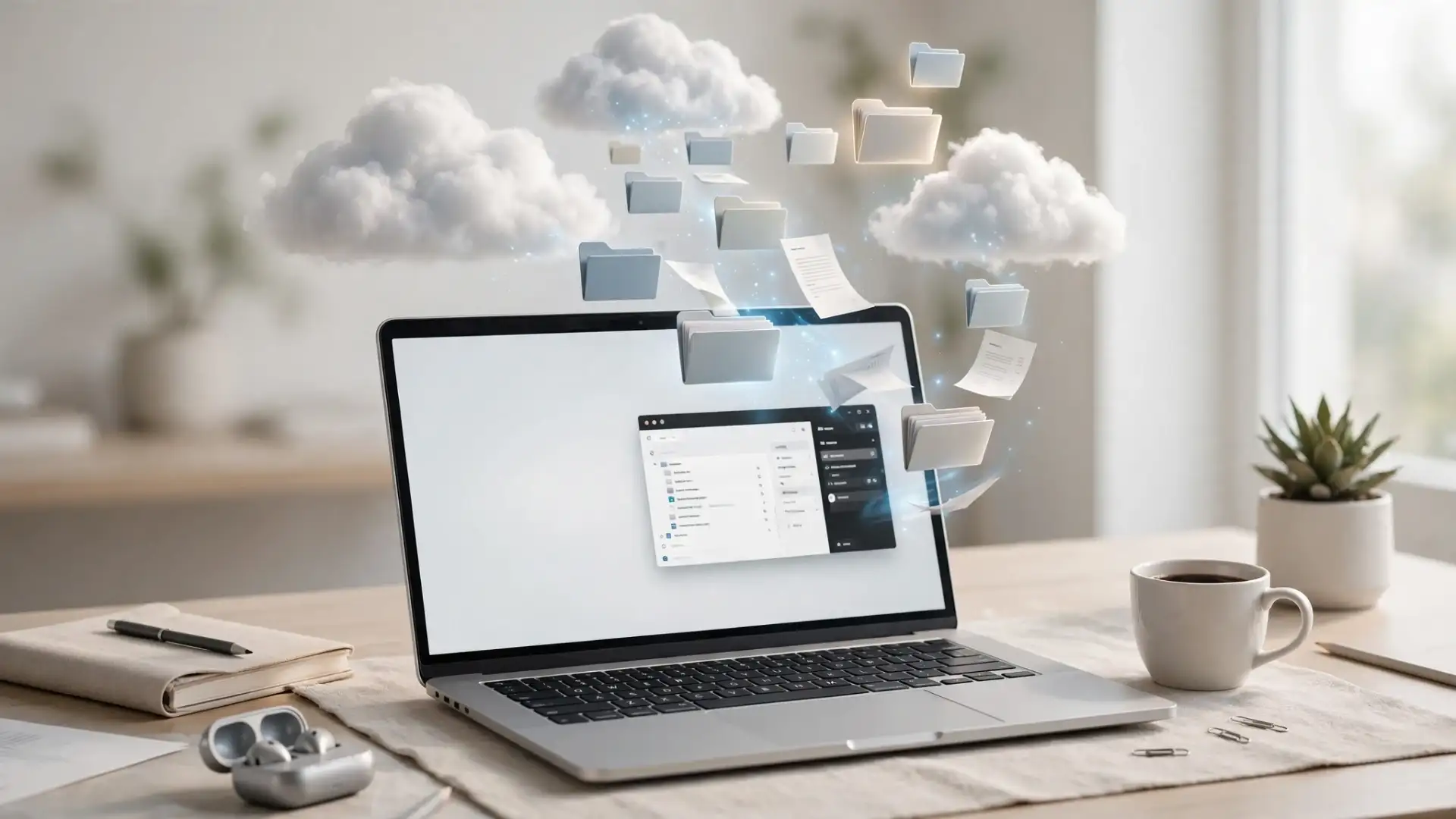
Move Large Files To The Cloud
Videos, high-resolution photographs and large project folders can consume substantial amounts of laptop storage. If you do not need to keep every file stored locally, consider moving older or less frequently used data to a trusted cloud storage service.Many services offer synchronisation features that allow files to appear on your laptop without necessarily keeping every item downloaded permanently. Check the service's storage settings before enabling such features, as the exact options vary between platforms.
Keep Downloads And Duplicates Under Control
The Downloads folder is often one of the easiest places to find unnecessary files. Installation packages, email attachments, old PDFs and duplicate images can accumulate unnoticed.Set aside a few minutes each month to review this folder and remove files you no longer need. According to digital organisation experts, regularly sorting files is generally more manageable than attempting a major clean-up after storage becomes critically low.
You may also like
- BoatStone 900 Bluetooth speaker review: The party speaker that punches well above its price
- Elon Musk-owned Tesla to launch Cybercab robotaxi service in Austin this month; employees to get first ride
- US green card approvals drop 35%, Indians hit hardest; what US immigration authority data says
- India's first AI-powered payments foundation model launched by Razorpay to boost digital growth
- Three PhD scholars to receive Rs 1 lakh yearly under Prof Rajinder Kumar Fellowship
You can also search for duplicate photographs, documents and videos before uploading everything to the cloud. Keeping multiple copies of the same file defeats the purpose of decluttering.
Organise Your Cloud Storage Properly
Moving files online does not automatically make them organised. Create clearly named folders for categories such as work, personal documents, photographs and completed projects.Use consistent file names and, where useful, create separate folders by year or project. This makes searching easier and reduces the temptation to keep unnecessary local copies.
Review What Stays On Your Laptop
Not every file needs to be uploaded. Frequently used documents may be more convenient to keep locally, while older material can remain in cloud storage.Industry watchers note that a simple local-versus-cloud system can make laptop storage management easier. Keep essential working files close at hand, move rarely used material online and delete genuine duplicates or unwanted downloads.
Finally, remember that cloud storage is not automatically a complete backup strategy. For irreplaceable files, maintaining another independent copy can provide additional protection if an account becomes inaccessible or files are accidentally deleted.
Image Courtesy: Meta AI






Loving Newspoint? Download the app now
