
Does Closing Background Apps Actually Save Battery?

It is an almost automatic habit. You finish using an app, open the recent-apps screen and swipe it away. Some people do this dozens of times a day, believing that a cleaner app list means a healthier battery. But modern smartphones are designed to manage applications very differently from older computers. In many situations, repeatedly closing background apps does little to improve battery life and can even make certain tasks less efficient when you reopen them. The real question is not whether an app appears in the recent-apps list, but whether it is actually consuming resources in the background.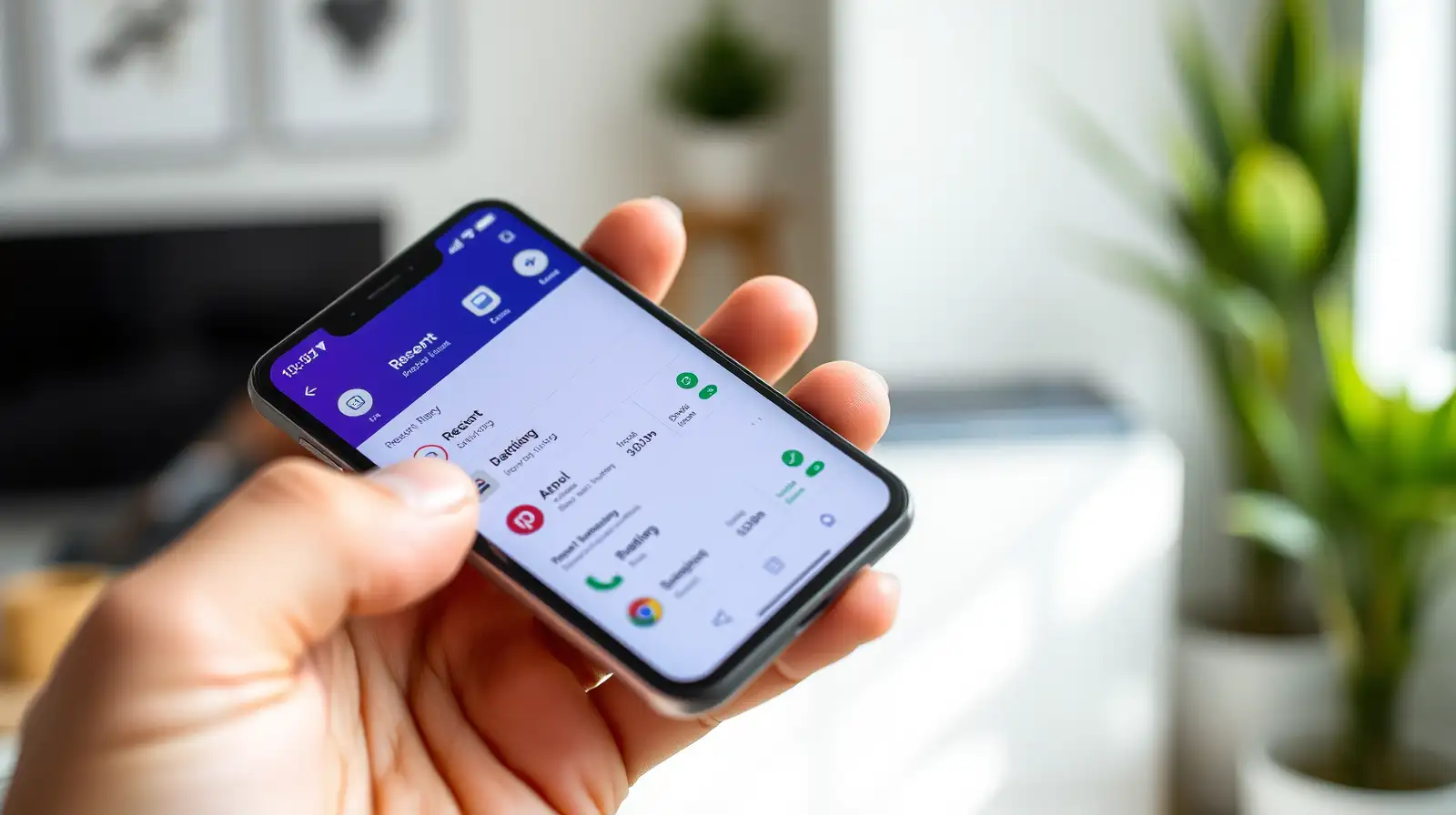
Modern operating systems such as Android and iOS are designed to suspend applications when they are no longer being used. The system can keep certain information available in memory so that the app can reopen quickly.
This means an app sitting in the recent-apps list may be doing virtually nothing.
Removing it from the list therefore does not automatically produce a meaningful battery saving.
The operating system decides which processes should remain active, which should be suspended and which can be removed when resources are required elsewhere.
If your phone needs additional memory, it can automatically clear inactive processes. Manually doing the same thing repeatedly is often unnecessary.
In fact, reopening an app from scratch can require additional processing and network activity, particularly if it has to reload content.
Certain applications genuinely perform background tasks. Navigation services, fitness trackers, cloud synchronisation, messaging platforms and some media apps may continue doing useful work after you stop looking at them.
These activities can consume battery, but closing every app is not necessarily the best solution.
Instead, modern phones provide battery or app-management settings that show which applications are actually consuming significant power.
An application that repeatedly accesses location information, refreshes data or performs background synchronisation can consume more energy than a dormant application sitting in memory.
Reviewing permissions and background activity can therefore be more useful than repeatedly swiping everything away.
If an app has frozen, is behaving incorrectly or appears to be consuming an unusual amount of battery, closing and reopening it can sometimes resolve the problem.
Likewise, if an application is clearly malfunctioning, restarting it is a reasonable troubleshooting step.
But making a habit of forcefully closing every application after every use is unlikely to transform battery life.
Reducing excessive screen brightness, limiting unnecessary background activity, using Wi-Fi where appropriate and addressing poorly optimised apps can have a much greater effect.
The surprising lesson is that the tidy-looking recent-apps screen is not a battery meter. Your smartphone is already making decisions about which applications deserve attention.
Sometimes, the most efficient thing you can do is simply let the operating system manage the phone as it was designed to.
The Recent Apps Screen Can Be Misleading
Seeing an application in your phone's recent-apps screen does not necessarily mean that it is actively running.Modern operating systems such as Android and iOS are designed to suspend applications when they are no longer being used. The system can keep certain information available in memory so that the app can reopen quickly.
This means an app sitting in the recent-apps list may be doing virtually nothing.
Removing it from the list therefore does not automatically produce a meaningful battery saving.
Smartphones Already Manage Memory
Today's phones are considerably better at managing memory than many people realise.The operating system decides which processes should remain active, which should be suspended and which can be removed when resources are required elsewhere.
If your phone needs additional memory, it can automatically clear inactive processes. Manually doing the same thing repeatedly is often unnecessary.
In fact, reopening an app from scratch can require additional processing and network activity, particularly if it has to reload content.
Some Apps Really Can Use Battery
There is an important exception.Certain applications genuinely perform background tasks. Navigation services, fitness trackers, cloud synchronisation, messaging platforms and some media apps may continue doing useful work after you stop looking at them.
These activities can consume battery, but closing every app is not necessarily the best solution.
Instead, modern phones provide battery or app-management settings that show which applications are actually consuming significant power.
Location Services Can Be a Bigger Factor
If battery life is your concern, location access can sometimes matter more than the number of apps appearing in the recent-apps menu.An application that repeatedly accesses location information, refreshes data or performs background synchronisation can consume more energy than a dormant application sitting in memory.
Reviewing permissions and background activity can therefore be more useful than repeatedly swiping everything away.
When Closing an App Makes Sense
There are situations where manually closing an application is sensible.If an app has frozen, is behaving incorrectly or appears to be consuming an unusual amount of battery, closing and reopening it can sometimes resolve the problem.
Likewise, if an application is clearly malfunctioning, restarting it is a reasonable troubleshooting step.
But making a habit of forcefully closing every application after every use is unlikely to transform battery life.
The Better Way to Save Battery
Instead of obsessively clearing recent apps, look at your phone's battery usage report.Reducing excessive screen brightness, limiting unnecessary background activity, using Wi-Fi where appropriate and addressing poorly optimised apps can have a much greater effect.
The surprising lesson is that the tidy-looking recent-apps screen is not a battery meter. Your smartphone is already making decisions about which applications deserve attention.
Sometimes, the most efficient thing you can do is simply let the operating system manage the phone as it was designed to.
Next Story