
Facing UPI Transaction Issues? Here’s How To File A Complaint & Track It

The Unified Payments Interface (UPI) has revolutionised the way financial transactions are conducted in India, offering real-time, seamless payments with just a few taps on a smartphone. However, like any technology, UPI is not immune to occasional hiccups. Whether it's issues with account linking, problems with PINs, or transaction failures, users might encounter a range of problems. Fortunately, UPI platforms offer a robust complaint resolution mechanism to address these issues. In this guide, we'll explore the types of UPI issues you might face and how to file a complaint online to resolve them efficiently.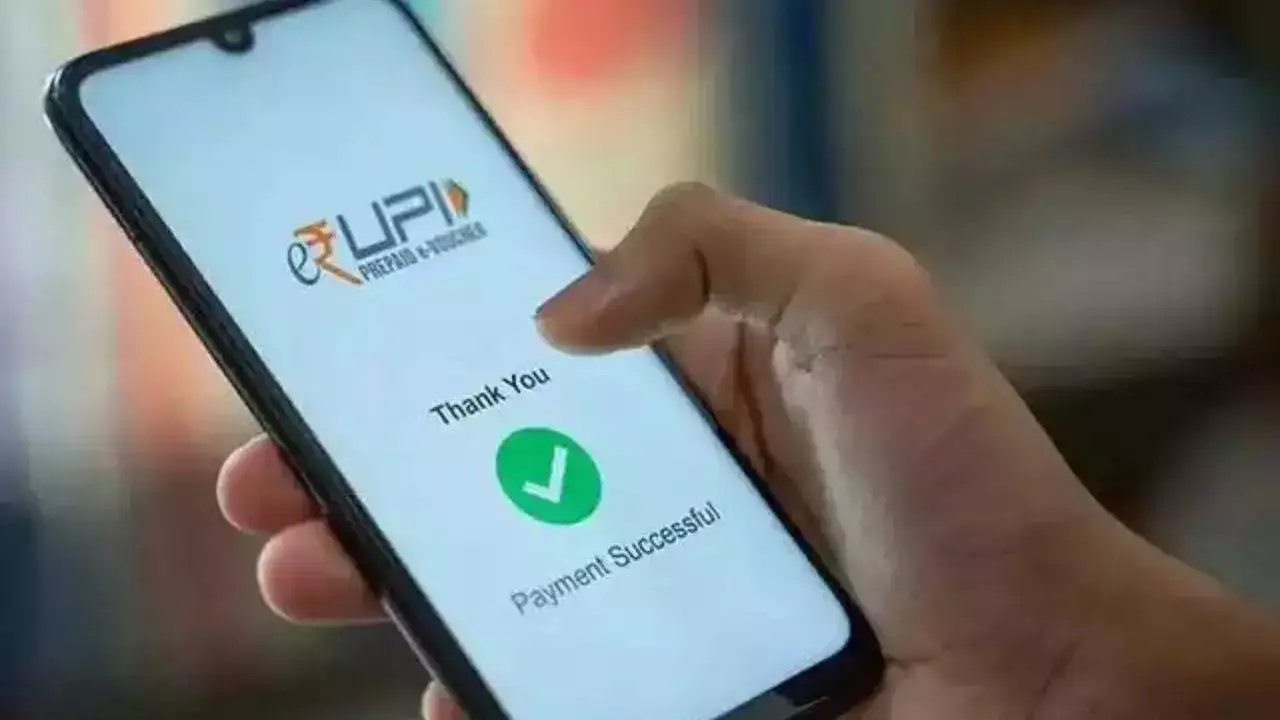
Common UPI Issues and How They Affect Users
Account-Related Issues
One of the first steps in using UPI is linking your bank account to the app. While this process is generally straightforward, users may sometimes experience difficulties. Common problems include challenges in updating account information, linking or removing accounts, or errors when trying to deregister an account. These issues can prevent users from making transactions and need to be addressed promptly.
PIN-Related Problems
The UPI PIN is a critical security feature that authorises transactions. However, issues with setting or entering the PIN can occur. Users might find themselves unable to set a PIN, receiving errors about exceeding the allowed number of PIN attempts, or facing a situation where the PIN is blocked. Incorrect PIN entries can also lead to transaction failures, adding to user frustration.
Transaction Processing Issues
Processing problems are perhaps the most concerning for users, as they often involve money being deducted from the account without a successful transaction. Other related issues include transactions being sent to the wrong account, transactions being stuck in a pending state, or errors indicating that the transaction has been declined. Users may also encounter problems with transactions timing out or exceeding the threshold limits set by their bank or the UPI app.
Other Technical Glitches
Aside from the more common issues, users may also face technical glitches such as being unable to log in to the UPI app, failure to register on the platform, or errors related to One-Time Passwords (OTPs). These issues can be particularly frustrating as they prevent users from accessing the app altogether.
How to File a UPI Complaint Online: A Detailed Guide
Filing a UPI complaint is a straightforward process, but it requires accurate information and a few steps to ensure the issue is resolved efficiently. Here's how you can do it:
Step 1: Visit the NPCI Website
Start by visiting the official website of the National Payments Corporation of India (NPCI). Navigate to the ‘What We Do’ tab, select the ‘UPI’ option, and click on the ‘Dispute Redressal Mechanism’ to access the complaint filing section.
Step 2: Select the Transaction Type
Scroll down the page until you find the ‘Transaction’ option under the ‘Complaint’ section. Here, you will need to choose the nature of the transaction that corresponds to your complaint. This could range from account linking issues to failed transactions.
Step 3: Provide Detailed Information
After selecting the transaction type, you will need to provide detailed information about the issue. This includes your bank name, transaction ID, UPI ID, the amount involved, the date of the transaction, and your email ID. Additionally, you'll be required to provide your registered mobile number and upload a photo of your bank account statement showing the issue.
Step 4: Contact UPI Customer Care
If you prefer, you can also reach out to UPI customer care for assistance. The toll-free helpline number is 18001201740, available 24x7 to address any questions or issues related to UPI transactions.
Information Needed to File a UPI Complaint
When filing a UPI complaint, it's crucial to provide all necessary details to facilitate a swift resolution. Here’s a checklist of what you’ll need
Once you've filed your complaint, it's important to stay informed about its status. You can easily check the progress by following these steps
Step 1: Go to the NPCI complaint webpage and click on the 'Check Complaint Status' link.
Step 2: Select your product type and enter your bank details.
Step 3: Input your Complaint Reference Number (CRN) and the Captcha code.
Step 4: Press the 'Get Status' button to view the current status of your complaint.
Ensuring a Smooth UPI Experience
Filing a UPI complaint is a necessary step to resolve any issues or errors that may arise during transactions. By following the steps outlined above and providing accurate details, you can ensure that your complaint is handled efficiently. Remember to check the status of your complaint regularly to stay updated on the resolution process.
In the rapidly evolving world of digital payments, being informed and proactive is key to ensuring a smooth and secure UPI experience.
Common UPI Issues and How They Affect Users
Account-Related Issues
One of the first steps in using UPI is linking your bank account to the app. While this process is generally straightforward, users may sometimes experience difficulties. Common problems include challenges in updating account information, linking or removing accounts, or errors when trying to deregister an account. These issues can prevent users from making transactions and need to be addressed promptly.
PIN-Related Problems
The UPI PIN is a critical security feature that authorises transactions. However, issues with setting or entering the PIN can occur. Users might find themselves unable to set a PIN, receiving errors about exceeding the allowed number of PIN attempts, or facing a situation where the PIN is blocked. Incorrect PIN entries can also lead to transaction failures, adding to user frustration.
Transaction Processing Issues
Processing problems are perhaps the most concerning for users, as they often involve money being deducted from the account without a successful transaction. Other related issues include transactions being sent to the wrong account, transactions being stuck in a pending state, or errors indicating that the transaction has been declined. Users may also encounter problems with transactions timing out or exceeding the threshold limits set by their bank or the UPI app.
Other Technical Glitches
Aside from the more common issues, users may also face technical glitches such as being unable to log in to the UPI app, failure to register on the platform, or errors related to One-Time Passwords (OTPs). These issues can be particularly frustrating as they prevent users from accessing the app altogether.
How to File a UPI Complaint Online: A Detailed Guide
Filing a UPI complaint is a straightforward process, but it requires accurate information and a few steps to ensure the issue is resolved efficiently. Here's how you can do it:
Step 1: Visit the NPCI Website
Start by visiting the official website of the National Payments Corporation of India (NPCI). Navigate to the ‘What We Do’ tab, select the ‘UPI’ option, and click on the ‘Dispute Redressal Mechanism’ to access the complaint filing section.
Step 2: Select the Transaction Type
Scroll down the page until you find the ‘Transaction’ option under the ‘Complaint’ section. Here, you will need to choose the nature of the transaction that corresponds to your complaint. This could range from account linking issues to failed transactions.
Step 3: Provide Detailed Information
After selecting the transaction type, you will need to provide detailed information about the issue. This includes your bank name, transaction ID, UPI ID, the amount involved, the date of the transaction, and your email ID. Additionally, you'll be required to provide your registered mobile number and upload a photo of your bank account statement showing the issue.
Step 4: Contact UPI Customer Care
If you prefer, you can also reach out to UPI customer care for assistance. The toll-free helpline number is 18001201740, available 24x7 to address any questions or issues related to UPI transactions.
Information Needed to File a UPI Complaint
When filing a UPI complaint, it's crucial to provide all necessary details to facilitate a swift resolution. Here’s a checklist of what you’ll need
- Transaction Details: Include the date, time, transaction ID, and amount involved.
- Bank Information: Provide the name of the bank, the account holder’s name, and the account number.
- Error Screenshots: Attach screenshots of any error messages or unusual screens encountered during the transaction.
- Explanation of the Issue: Offer a detailed description of the problem you faced.
- Contact Information: Share your name, phone number, and email address to ensure you can be contacted for updates.
Once you've filed your complaint, it's important to stay informed about its status. You can easily check the progress by following these steps
Step 1: Go to the NPCI complaint webpage and click on the 'Check Complaint Status' link.
Step 2: Select your product type and enter your bank details.
Step 3: Input your Complaint Reference Number (CRN) and the Captcha code.
Step 4: Press the 'Get Status' button to view the current status of your complaint.
Ensuring a Smooth UPI Experience
Filing a UPI complaint is a necessary step to resolve any issues or errors that may arise during transactions. By following the steps outlined above and providing accurate details, you can ensure that your complaint is handled efficiently. Remember to check the status of your complaint regularly to stay updated on the resolution process.
In the rapidly evolving world of digital payments, being informed and proactive is key to ensuring a smooth and secure UPI experience.
Next Story