
Hidden Android Features That Can Help You Save Time Every Single Day Without Extra Apps

Android smartphones are packed with features that go far beyond calling, messaging and social media. However, many users only scratch the surface of what their devices can actually do. Hidden inside Android settings are several smart tools and shortcuts designed to improve productivity, speed up daily tasks and make smartphone usage far more convenient.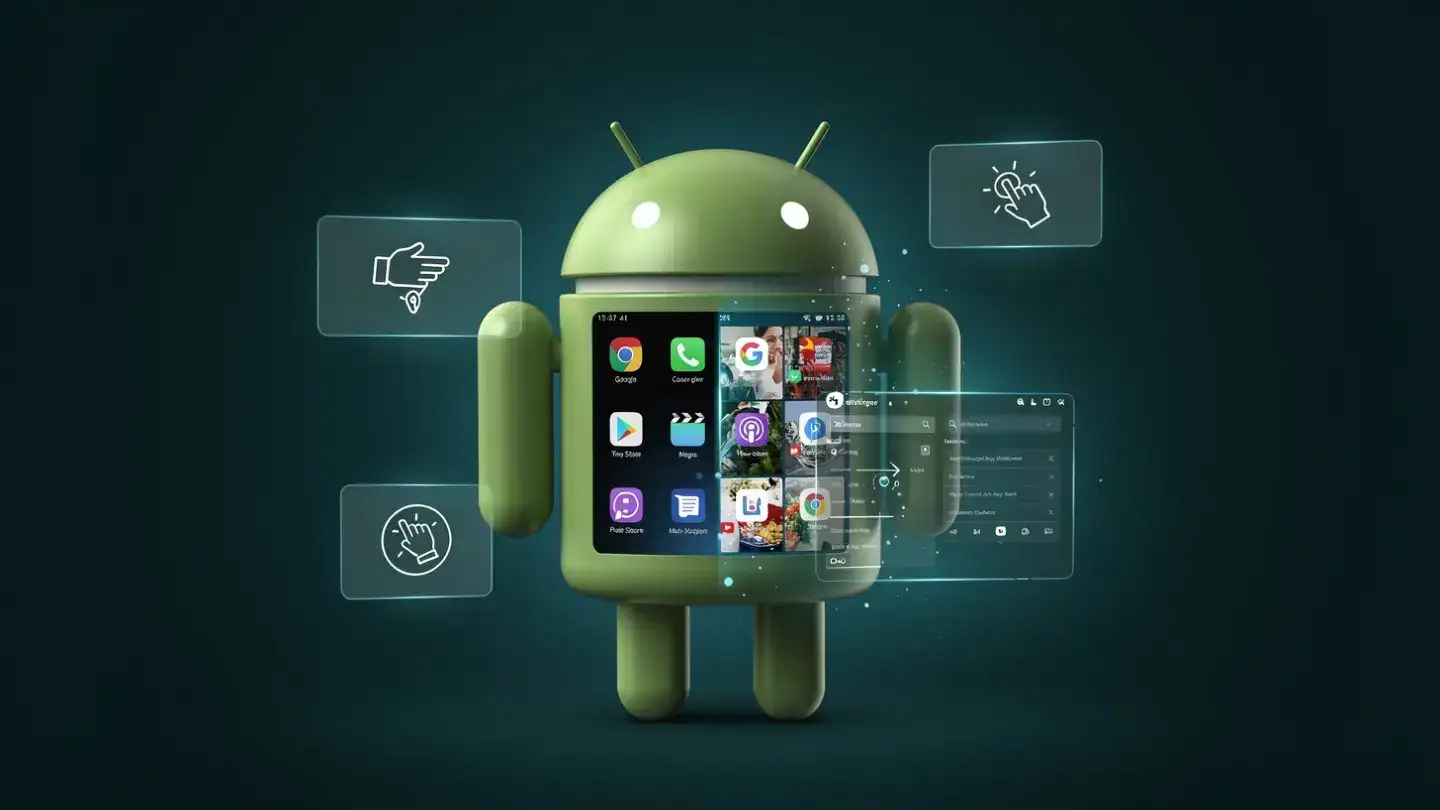
Most people spend hours every week performing repetitive actions on their phones without realising that Android already offers quicker alternatives. Whether it is copying text, switching between apps, managing notifications or handling multitasking, modern Android devices include numerous built-in functions that quietly save valuable time throughout the day.
The best part is that most of these features do not require additional applications or technical expertise. With a few simple adjustments and habits, users can transform their smartphone into a far more efficient productivity tool.
For example, users can watch a video while replying to messages, browse documents while taking notes or compare products while shopping online. This feature is especially useful for students, professionals and anyone who frequently multitasks on their device.
On most Android smartphones, split-screen mode can be activated from the recent apps menu. Although available for years, many users still overlook it entirely.
Using multitasking features effectively can significantly improve mobile productivity during work and personal tasks.
Instead of copying and pasting manually, users can directly call a number, open navigation or visit a website with a single tap. This small feature saves several steps during everyday smartphone use.
Similarly, Google Lens integration allows users to copy text directly from images or photographs. This is particularly useful when extracting information from posters, handwritten notes or printed documents.
These Android shortcuts may appear simple, but they reduce repetitive effort considerably over time.
Widgets remain one of Android’s biggest strengths. Weather updates, calendars, note-taking tools and music controls can all be accessed directly from the home screen without opening full applications.
Users can also pin important conversations, scan QR codes directly from quick settings or add shortcuts for commonly used actions. Some Android devices even allow double-tap gestures on the back panel to launch apps, take screenshots or open the camera.
Small changes like these improve workflow efficiency and reduce unnecessary screen navigation.
Notification channels allow users to customise alerts individually for each app category. Instead of disabling all notifications entirely, users can prioritise only important updates while muting less useful alerts.
Focus Mode and Do Not Disturb settings are also valuable productivity tools. These features temporarily pause distracting apps during work, study or meetings while still allowing calls or urgent notifications.
Managing notifications properly not only saves time but also improves concentration throughout the day.
Users can set reminders, send messages, open apps, create shopping lists or control smart home devices using simple voice commands. Voice typing has also improved significantly and now works accurately for emails, notes and search queries.
For users who spend long hours commuting or multitasking, voice commands reduce the need for constant manual interaction with the phone.
Voice-based Android productivity tools can save several minutes every day when used consistently.
Instead of losing copied text immediately after pasting, Android can store recent copied items temporarily for quick reuse. This becomes especially useful when filling forms, sharing addresses or transferring repeated information.
Screenshot tools have also evolved beyond basic image capture. Users can now take scrolling screenshots, instantly crop content, extract text from screenshots or share selected portions directly.
These hidden Android features eliminate extra editing and sharing steps that users often perform manually.
App timers, bedtime modes and usage dashboards reveal where time is being spent unnecessarily. Many users discover they spend more time than expected on social media or entertainment apps.
Once identified, these habits can be managed more effectively through built-in controls. Reducing excessive app usage often leads to better productivity and improved battery performance as well.
Frequently used functions such as hotspot, flashlight, screen recording, QR scanning and dark mode can all be placed within immediate reach. This avoids navigating deep into settings repeatedly.
Customising quick settings based on individual habits creates a smoother smartphone experience and reduces frustration during busy schedules.
Android smartphones already contain numerous built-in tools designed to simplify modern life, yet many users never explore them fully. Features such as split-screen multitasking, smart text selection, clipboard management and notification controls quietly improve productivity without requiring additional downloads or expensive upgrades.
Learning and using these hidden Android features consistently can make everyday smartphone tasks faster, smoother and far less repetitive. In a world where people depend heavily on their devices, even saving a few minutes daily can make a meaningful difference over time.
Image Courtesy: Meta AI
Most people spend hours every week performing repetitive actions on their phones without realising that Android already offers quicker alternatives. Whether it is copying text, switching between apps, managing notifications or handling multitasking, modern Android devices include numerous built-in functions that quietly save valuable time throughout the day.
The best part is that most of these features do not require additional applications or technical expertise. With a few simple adjustments and habits, users can transform their smartphone into a far more efficient productivity tool.
Split-Screen Mode Makes Multitasking Easier
One of the most useful hidden Android features is split-screen multitasking. This allows users to run two apps simultaneously on the same screen, reducing the need to constantly switch between applications.For example, users can watch a video while replying to messages, browse documents while taking notes or compare products while shopping online. This feature is especially useful for students, professionals and anyone who frequently multitasks on their device.
On most Android smartphones, split-screen mode can be activated from the recent apps menu. Although available for years, many users still overlook it entirely.
Using multitasking features effectively can significantly improve mobile productivity during work and personal tasks.
Smart Text Selection Saves Extra Steps
Android devices now include intelligent text selection tools powered by machine learning. When users highlight text such as phone numbers, addresses or website links, Android often suggests relevant actions automatically.Instead of copying and pasting manually, users can directly call a number, open navigation or visit a website with a single tap. This small feature saves several steps during everyday smartphone use.
Similarly, Google Lens integration allows users to copy text directly from images or photographs. This is particularly useful when extracting information from posters, handwritten notes or printed documents.
These Android shortcuts may appear simple, but they reduce repetitive effort considerably over time.
Pin Important Apps And Actions
Many Android users waste time searching for frequently used apps or settings. Customising quick access tools can solve this problem instantly.Widgets remain one of Android’s biggest strengths. Weather updates, calendars, note-taking tools and music controls can all be accessed directly from the home screen without opening full applications.
Users can also pin important conversations, scan QR codes directly from quick settings or add shortcuts for commonly used actions. Some Android devices even allow double-tap gestures on the back panel to launch apps, take screenshots or open the camera.
Small changes like these improve workflow efficiency and reduce unnecessary screen navigation.
Notification Management Can Improve Focus
Smartphones constantly compete for attention through notifications, alerts and pop-ups. Android includes several hidden controls that help users manage distractions more effectively.Notification channels allow users to customise alerts individually for each app category. Instead of disabling all notifications entirely, users can prioritise only important updates while muting less useful alerts.
Focus Mode and Do Not Disturb settings are also valuable productivity tools. These features temporarily pause distracting apps during work, study or meetings while still allowing calls or urgent notifications.
Managing notifications properly not only saves time but also improves concentration throughout the day.
Use Voice Commands More Effectively
Voice assistants have become far more capable than many users realise. Android smartphones support hands-free actions that can speed up several daily activities.Users can set reminders, send messages, open apps, create shopping lists or control smart home devices using simple voice commands. Voice typing has also improved significantly and now works accurately for emails, notes and search queries.
For users who spend long hours commuting or multitasking, voice commands reduce the need for constant manual interaction with the phone.
Voice-based Android productivity tools can save several minutes every day when used consistently.
Clipboard And Screenshot Tools Are Surprisingly Useful
Modern Android devices now offer advanced clipboard management systems that many people ignore completely.Instead of losing copied text immediately after pasting, Android can store recent copied items temporarily for quick reuse. This becomes especially useful when filling forms, sharing addresses or transferring repeated information.
Screenshot tools have also evolved beyond basic image capture. Users can now take scrolling screenshots, instantly crop content, extract text from screenshots or share selected portions directly.
These hidden Android features eliminate extra editing and sharing steps that users often perform manually.
Digital Wellbeing Features Improve Efficiency
Android’s Digital Wellbeing settings are not just about reducing screen time. They also help users understand smartphone habits and improve daily efficiency.App timers, bedtime modes and usage dashboards reveal where time is being spent unnecessarily. Many users discover they spend more time than expected on social media or entertainment apps.
You may also like
- UpGrad, Unacademy file application with CCI for merger
- Samsung fans race to get cheaper Galaxy phone now £99 but 'selling fast'
- Uber CEO Dara Khosrowshahi admits that company is slowing hiring and the reason is AI; says: If every person at this company can increase their productivity by ...
- India, Canada emerging as strategic partners in critical minerals sector
- IndiaAI, ICMR join hands to boost responsible AI adoption in healthcare
Once identified, these habits can be managed more effectively through built-in controls. Reducing excessive app usage often leads to better productivity and improved battery performance as well.
Quick Settings Can Be Fully Customised
The quick settings panel is another underrated Android feature that can save time daily. Users can rearrange controls based on their personal priorities.Frequently used functions such as hotspot, flashlight, screen recording, QR scanning and dark mode can all be placed within immediate reach. This avoids navigating deep into settings repeatedly.
Customising quick settings based on individual habits creates a smoother smartphone experience and reduces frustration during busy schedules.
Android smartphones already contain numerous built-in tools designed to simplify modern life, yet many users never explore them fully. Features such as split-screen multitasking, smart text selection, clipboard management and notification controls quietly improve productivity without requiring additional downloads or expensive upgrades.
Learning and using these hidden Android features consistently can make everyday smartphone tasks faster, smoother and far less repetitive. In a world where people depend heavily on their devices, even saving a few minutes daily can make a meaningful difference over time.
Image Courtesy: Meta AI






More from our partners


Loving Newspoint? Download the app now
