
How To Make Your Smartphone Battery Last Longer Throughout The Day Without Turning Off Essential Features

How To Boost Smartphone Battery Life Without Disabling Key Features: Smartphones have become essential for work, entertainment, payments, communication and navigation. However, one common problem continues to frustrate users across all price segments — poor battery life. Many people immediately switch off Wi-Fi, Bluetooth, GPS or background apps to conserve power, but doing so can reduce the overall smartphone experience and limit important functions.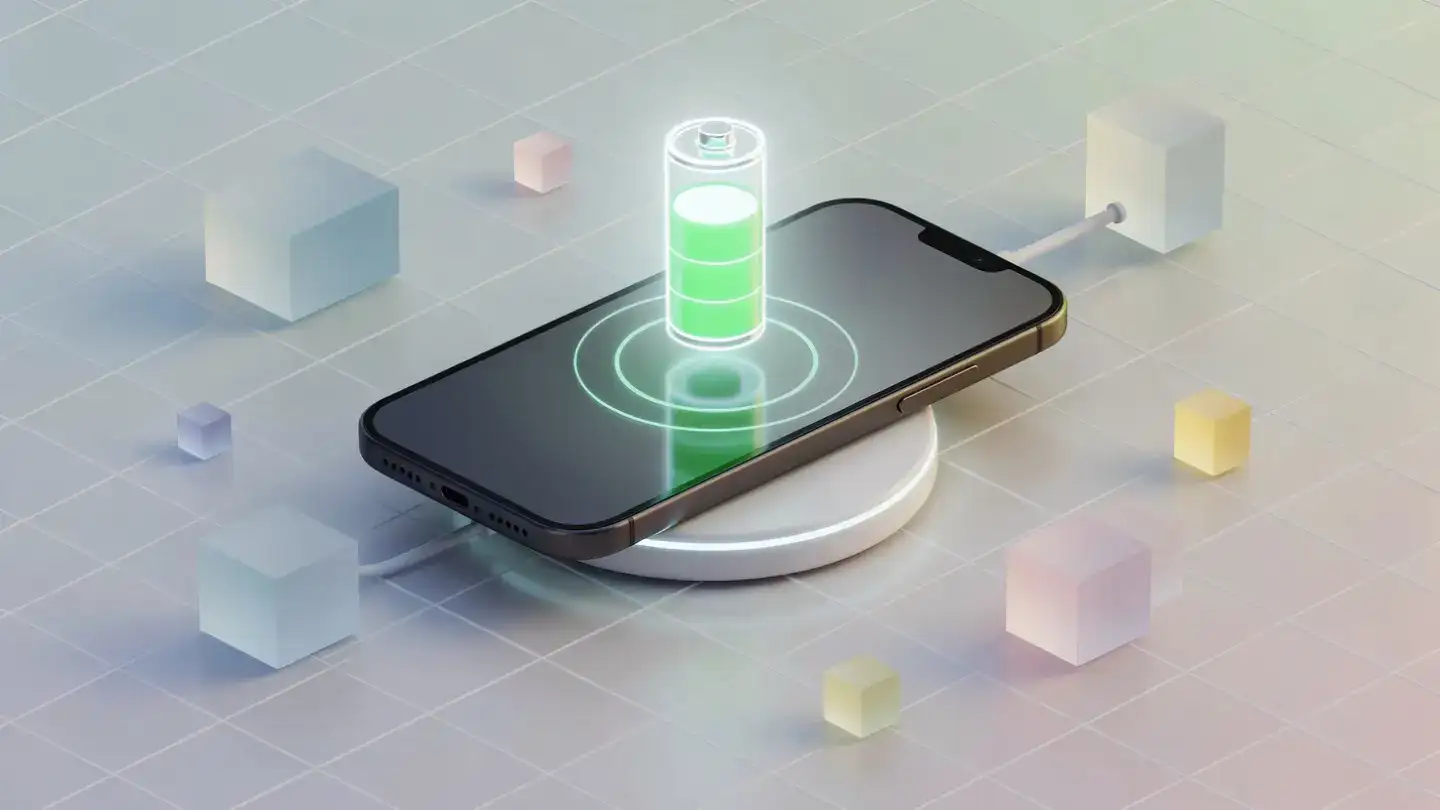
The good news is that extending battery life no longer requires sacrificing convenience. Modern smartphones already include intelligent battery management systems, and with a few smart adjustments, users can significantly improve battery performance without disabling key features. From display optimisation to charging habits, several practical methods can help a device last longer throughout the day.
Lowering screen brightness slightly can make a noticeable difference. Most smartphones now offer adaptive brightness, which automatically adjusts the screen based on surrounding light conditions. Keeping this feature enabled often balances visibility and battery consumption effectively.
Dark mode is another useful option, especially on smartphones with OLED or AMOLED displays. Darker pixels consume less power on such panels, helping reduce battery drain during daily use.
Reducing screen timeout duration also helps. If the display stays active unnecessarily after use, battery power continues to drain in the background. A shorter timeout keeps energy usage under control without affecting functionality.
Instead, users should focus on identifying apps that consume excessive power in the background. Battery usage statistics available in device settings can help locate such applications.
Social media platforms, video editing tools and gaming apps often run background activities even when not actively used. Restricting unnecessary background refresh for selected apps can improve smartphone battery life without affecting essential notifications.
Using lite or web-based versions of heavy applications may also reduce power consumption on older devices.
Running outdated software can lead to battery drain due to unresolved bugs or inefficient app compatibility. Keeping both the operating system and installed apps updated ensures smoother battery management.
At the same time, users should avoid installing unnecessary applications that constantly run services in the background. A cleaner device generally performs better and consumes less power.
Adaptive Battery features on Android devices and Optimised Battery Charging on iPhones are particularly useful. They learn charging patterns and reduce stress on the battery over time, helping maintain long-term battery health.
Instead of activating extreme battery saver modes permanently, users can rely on these intelligent systems for balanced performance and energy efficiency.
Experts generally recommend keeping battery levels between 20 and 80 per cent whenever possible. Frequently draining the battery completely or charging it to 100 per cent for extended periods may increase long-term wear.
Using original or certified chargers also matters. Cheap chargers may generate excessive heat, which negatively affects battery lifespan and smartphone performance .
Heat is one of the biggest enemies of lithium-ion batteries. Avoid exposing smartphones to direct sunlight or charging them under pillows, blankets or poorly ventilated areas.
Rather than turning them off permanently, users can optimise how they function. For example, enabling Wi-Fi instead of relying on weak mobile networks can actually save battery because mobile radios consume more power in poor signal conditions.
Similarly, location access can be limited to “while using the app” rather than allowing constant background tracking. This maintains convenience while reducing unnecessary battery drain.
Bluetooth accessories such as smartwatches and earbuds generally consume minimal power on newer devices, so disabling Bluetooth completely may not provide major benefits.
Reviewing notification settings and disabling alerts from less important apps can reduce background activity significantly. Widgets updating live weather, stock prices or news feeds also consume power regularly.
Keeping only essential widgets on the home screen helps improve phone battery performance without affecting usability.
Many smartphones now include battery health indicators within settings. A significantly degraded battery may require replacement to restore proper performance.
Replacing an ageing battery is often more affordable than purchasing a new smartphone entirely and can dramatically improve daily usability.
Smartphone users no longer need to compromise heavily to achieve better battery performance. With intelligent settings, healthier charging habits and smarter app management, devices can deliver longer usage without disabling the features people rely on every day. Small changes made consistently often produce the biggest improvements in long-term battery life and overall smartphone efficiency.
Image Courtesy: Meta AI
The good news is that extending battery life no longer requires sacrificing convenience. Modern smartphones already include intelligent battery management systems, and with a few smart adjustments, users can significantly improve battery performance without disabling key features. From display optimisation to charging habits, several practical methods can help a device last longer throughout the day.
Adjust Display Settings Smartly
The display remains one of the biggest battery consumers in any smartphone. Instead of reducing usability completely, users can optimise settings for better efficiency.Lowering screen brightness slightly can make a noticeable difference. Most smartphones now offer adaptive brightness, which automatically adjusts the screen based on surrounding light conditions. Keeping this feature enabled often balances visibility and battery consumption effectively.
Dark mode is another useful option, especially on smartphones with OLED or AMOLED displays. Darker pixels consume less power on such panels, helping reduce battery drain during daily use.
Reducing screen timeout duration also helps. If the display stays active unnecessarily after use, battery power continues to drain in the background. A shorter timeout keeps energy usage under control without affecting functionality.
Keep Apps Under Control
Many users assume closing every app manually saves battery, but modern operating systems are designed to manage apps efficiently. Constantly force-closing apps may actually increase battery consumption because the phone has to reopen them repeatedly.Instead, users should focus on identifying apps that consume excessive power in the background. Battery usage statistics available in device settings can help locate such applications.
Social media platforms, video editing tools and gaming apps often run background activities even when not actively used. Restricting unnecessary background refresh for selected apps can improve smartphone battery life without affecting essential notifications.
Using lite or web-based versions of heavy applications may also reduce power consumption on older devices.
Update Software Regularly
Software updates are not only meant for new features. Smartphone brands frequently release updates that improve power efficiency and optimise system performance.Running outdated software can lead to battery drain due to unresolved bugs or inefficient app compatibility. Keeping both the operating system and installed apps updated ensures smoother battery management.
At the same time, users should avoid installing unnecessary applications that constantly run services in the background. A cleaner device generally performs better and consumes less power.
Use Battery Optimisation Features
Most Android smartphones and iPhones now include built-in battery optimisation tools. These systems analyse user behaviour and intelligently limit battery usage for rarely used apps.Adaptive Battery features on Android devices and Optimised Battery Charging on iPhones are particularly useful. They learn charging patterns and reduce stress on the battery over time, helping maintain long-term battery health.
Instead of activating extreme battery saver modes permanently, users can rely on these intelligent systems for balanced performance and energy efficiency.
Improve Charging Habits
Battery health gradually declines with poor charging practices. One of the best battery saving tips is maintaining healthier charging habits rather than constantly chasing fast charging.Experts generally recommend keeping battery levels between 20 and 80 per cent whenever possible. Frequently draining the battery completely or charging it to 100 per cent for extended periods may increase long-term wear.
Using original or certified chargers also matters. Cheap chargers may generate excessive heat, which negatively affects battery lifespan and smartphone performance .
Heat is one of the biggest enemies of lithium-ion batteries. Avoid exposing smartphones to direct sunlight or charging them under pillows, blankets or poorly ventilated areas.
Manage Connectivity More Efficiently
Users often disable Wi-Fi, Bluetooth and location services entirely to save power. However, modern smartphones are designed to manage these features more efficiently than before.Rather than turning them off permanently, users can optimise how they function. For example, enabling Wi-Fi instead of relying on weak mobile networks can actually save battery because mobile radios consume more power in poor signal conditions.
Similarly, location access can be limited to “while using the app” rather than allowing constant background tracking. This maintains convenience while reducing unnecessary battery drain.
Bluetooth accessories such as smartwatches and earbuds generally consume minimal power on newer devices, so disabling Bluetooth completely may not provide major benefits.
You may also like
- UpGrad, Unacademy file application with CCI for merger
- Samsung fans race to get cheaper Galaxy phone now £99 but 'selling fast'
- Uber CEO Dara Khosrowshahi admits that company is slowing hiring and the reason is AI; says: If every person at this company can increase their productivity by ...
- India, Canada emerging as strategic partners in critical minerals sector
- IndiaAI, ICMR join hands to boost responsible AI adoption in healthcare
Reduce Unnecessary Notifications And Widgets
Frequent notifications continuously wake the smartphone display and processor, leading to additional battery usage throughout the day.Reviewing notification settings and disabling alerts from less important apps can reduce background activity significantly. Widgets updating live weather, stock prices or news feeds also consume power regularly.
Keeping only essential widgets on the home screen helps improve phone battery performance without affecting usability.
Monitor Battery Health Over Time
Battery degradation is natural after years of use. If a smartphone suddenly experiences severe battery drain despite optimisation efforts, checking battery health may be necessary.Many smartphones now include battery health indicators within settings. A significantly degraded battery may require replacement to restore proper performance.
Replacing an ageing battery is often more affordable than purchasing a new smartphone entirely and can dramatically improve daily usability.
Smartphone users no longer need to compromise heavily to achieve better battery performance. With intelligent settings, healthier charging habits and smarter app management, devices can deliver longer usage without disabling the features people rely on every day. Small changes made consistently often produce the biggest improvements in long-term battery life and overall smartphone efficiency.
Image Courtesy: Meta AI






More from our partners


Loving Newspoint? Download the app now
