
How To Optimise Your Smartphone Battery Life While Keeping Full Functionality

Smartphone batteries are designed to power a range of demanding features, from high-resolution displays to background apps that constantly sync data. However, frequent charging and rapid battery drain can disrupt your day. While power-saving mode is an easy solution, it often limits performance, dims the display, and restricts background activity. The good news is that with the right usage habits and settings, you can extend your battery life without sacrificing the smooth experience you enjoy. These practical steps will help you maintain full functionality while reducing unnecessary power consumption.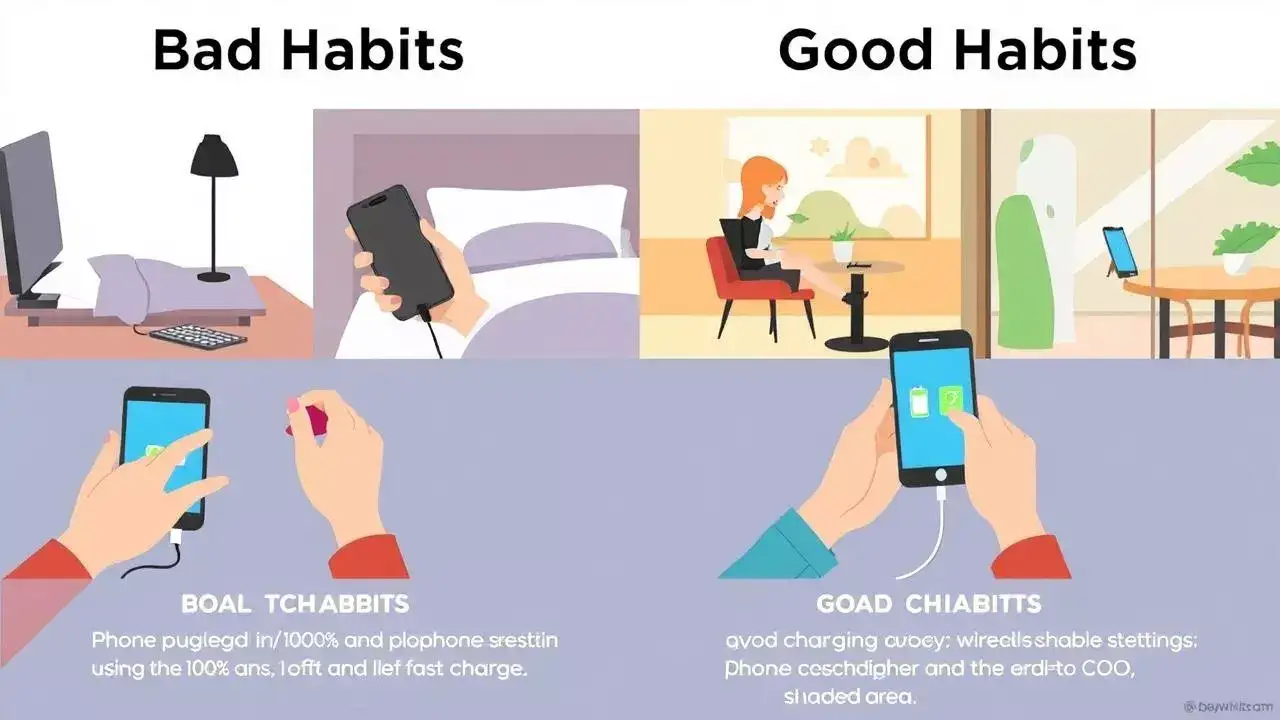
Maximising battery life does not have to mean compromising performance or relying on restrictive power-saving modes. By managing your display, background apps, connectivity settings, and charging habits, you can keep your phone running longer while enjoying its full capabilities. These small changes in usage can add up to significant improvements, giving you more hours of productive and enjoyable smartphone time each day.
Disclaimer: The information in this article is intended for general guidance only. Battery performance can vary depending on device model, usage patterns, and environmental factors. For device-specific recommendations, consult your smartphone manufacturer’s guidelines or an authorised service professional.
Adjust Screen Brightness And Timeout Settings
The display is one of the largest power consumers in a smartphone. Keeping your brightness at an unnecessarily high level drains the battery faster. Instead, enable adaptive brightness so the phone adjusts automatically based on your environment, or set it manually to a comfortable lower level. Similarly, reduce your screen timeout so it turns off more quickly when not in use. Even shaving a few seconds off your display-on time can add hours to your daily battery life.Manage Background App Activity
Many apps continue to run in the background, consuming power even when you are not actively using them. Check your battery settings to see which apps are using the most energy, then restrict background activity for those that are not essential. Disabling auto-sync for apps like social media or email that you do not need in real time can also significantly reduce battery drain without affecting your main phone functions.Turn Off Unused Connectivity Features
Features such as Bluetooth, Wi-Fi, mobile hotspot, GPS, and NFC use power even when you are not actively using them. Get into the habit of turning off these features when they are not needed. For example, disable Bluetooth if you are not connected to wireless headphones, or switch off GPS unless you are using navigation. Many phones also offer quick toggles so you can control these features with a single swipe.Optimise App Notifications
Constant notifications not only interrupt your workflow but also consume battery. Every notification lights up the screen, vibrates the phone, or plays a sound. Go through your notification settings and disable alerts for non-essential apps. This will not only save power but also reduce distractions, making your phone usage more productive and efficient.Keep Software And Apps Updated
Phone manufacturers and app developers frequently release updates that include performance and battery optimisations. Keeping your system and apps up to date ensures you have the latest efficiency improvements. Delaying updates may leave you with software that consumes more power than necessary. It is also worth uninstalling apps you no longer use, as they may still be running background processes.Choose Dark Mode Where Possible
If your phone has an OLED or AMOLED display, enabling dark mode can help conserve battery life. These screens consume less power when displaying darker colours because they only light up the necessary pixels. Many apps and system interfaces now support dark mode, making it an easy change that can add extra hours to your usage time without affecting performance.Charge Smartly To Maintain Battery Health
The way you charge your phone can influence its long-term battery life. Avoid letting the battery drain completely to 0% regularly, as this puts stress on the cells. Instead, try to keep your charge between 20% and 80% for optimal health. Using the original charger or a certified alternative also ensures efficient charging without overheating, which can degrade the battery over time.Minimise Widgets And Live Wallpapers
While visually appealing, live wallpapers and interactive widgets can use processing power and keep the screen active more often than necessary. Switching to static wallpapers and reducing the number of home screen widgets can slightly improve battery life without affecting your overall experience.Use Airplane Mode In Low-Signal Areas
When you are in an area with poor mobile signal, your phone works harder to maintain a connection, which drains the battery faster. If you do not need calls or data for a while, switching to airplane mode can conserve power until you are back in a stronger coverage area.Maximising battery life does not have to mean compromising performance or relying on restrictive power-saving modes. By managing your display, background apps, connectivity settings, and charging habits, you can keep your phone running longer while enjoying its full capabilities. These small changes in usage can add up to significant improvements, giving you more hours of productive and enjoyable smartphone time each day.
Disclaimer: The information in this article is intended for general guidance only. Battery performance can vary depending on device model, usage patterns, and environmental factors. For device-specific recommendations, consult your smartphone manufacturer’s guidelines or an authorised service professional.
Next Story