
How to Secure Your Devices If One Gets Stolen: Essential Steps to Protect Your Data and Accounts

A stolen phone , laptop or tablet can quickly become more than a financial loss. If the device is unlocked or poorly protected, personal photos, messages, documents, saved passwords and account access may also be exposed.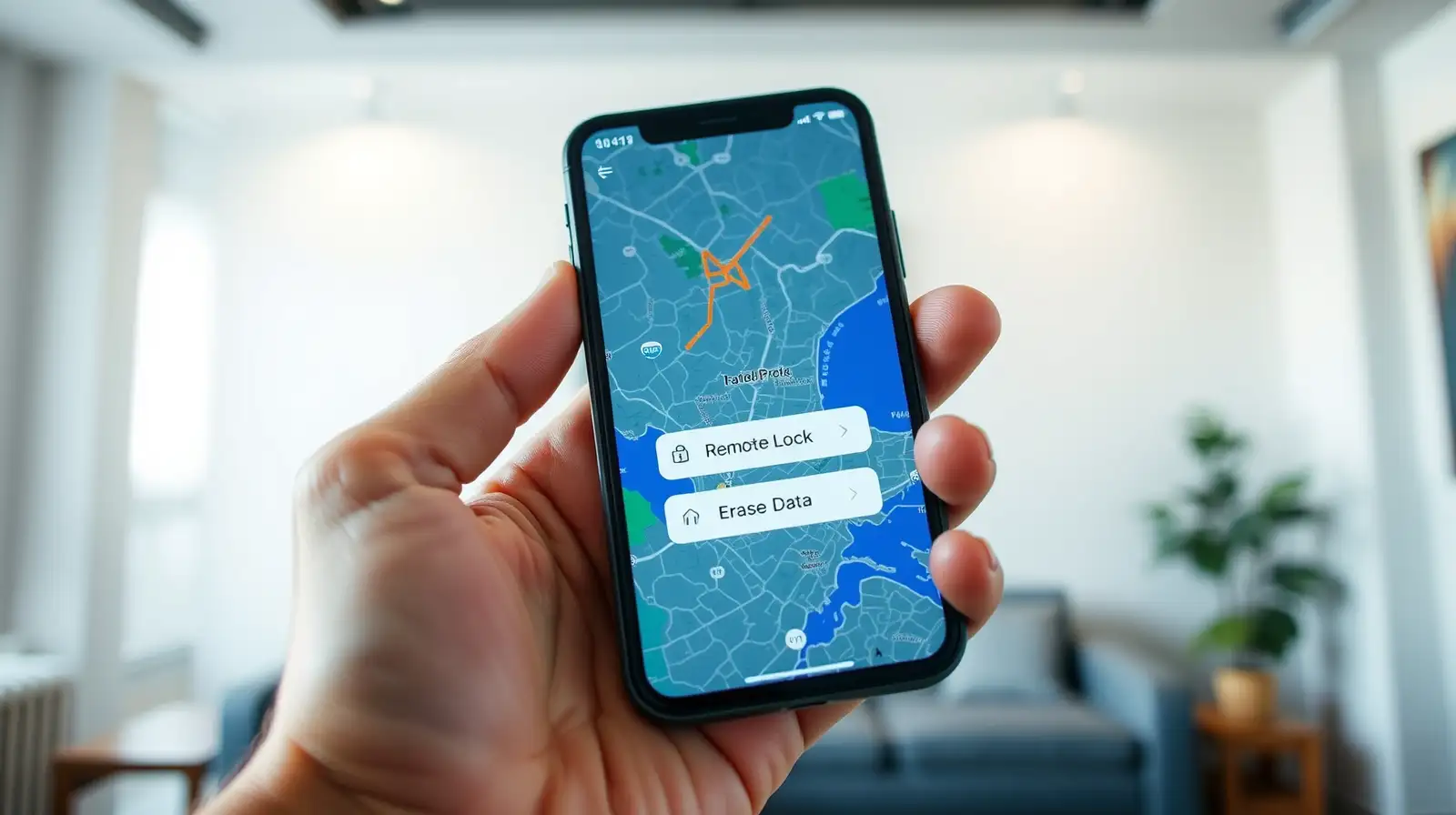
The right security steps taken before and after theft can reduce that risk significantly, especially when key security features are already enabled in advance. Modern devices offer tools that can help you locate, lock or erase a missing device remotely. Experts also recommend strengthening account protection and reviewing connected sessions promptly, so a stolen device does not become an easy route into other digital services.
For laptops, check the operating system’s tracking and account-recovery settings. Keep screen locks enabled and use a strong PIN or password rather than an easily guessed code. Automatic updates should also remain switched on, because security patches can close known vulnerabilities.
Two-factor authentication strengthens account security . Authenticator apps or hardware security keys can be particularly useful because they reduce reliance on a password alone. Experts also advise keeping backup codes in a secure place that is not stored only on the stolen device.
A remote wipe can be useful when recovery seems unlikely, but understand that it may remove data permanently. Check first that important files are backed up securely.
Finally, review what information was stored on the device. Removing unnecessary saved passwords, limiting lock-screen notifications and encrypting sensitive data can reduce the impact of a future theft. A few preventative settings can make device theft far less damaging.
The right security steps taken before and after theft can reduce that risk significantly, especially when key security features are already enabled in advance. Modern devices offer tools that can help you locate, lock or erase a missing device remotely. Experts also recommend strengthening account protection and reviewing connected sessions promptly, so a stolen device does not become an easy route into other digital services.
Enable remote protection before theft
Do not wait until a device disappears to check its recovery options. On phones and tablets, turn on device tracking and remote-management features, such as Find My or Find My Device, so you can mark it as lost, lock it or erase it remotely.For laptops, check the operating system’s tracking and account-recovery settings. Keep screen locks enabled and use a strong PIN or password rather than an easily guessed code. Automatic updates should also remain switched on, because security patches can close known vulnerabilities.
Protect accounts beyond the device
A stolen phone or other device may expose accounts if passwords are saved locally or sessions remain active. Change the passwords for your primary email, banking, cloud storage and other sensitive services from a trusted device. If the stolen device was signed into those accounts, sign out of its active sessions where the service allows it.You may also like
- Lee calls for thorough probe into personal data leaks at financial institutions
- Microsoft co-founder Bill Gates says technology has truly stunned him only three times in his life, and the third happened this year when he looked closely at...
- Larry Ellison bought eight homes near his Florida mansion, quite purchase made several residents upset, making homeowners association adopt restrictions
- Market outlook: RBI policy stance, Q2 earnings, West Asia tensions key triggers next week
- Oppo F35 Pro 5G and F35 5G Set to Launch in India on October 5: Check Specs and Geekbench Scores
Two-factor authentication strengthens account security . Authenticator apps or hardware security keys can be particularly useful because they reduce reliance on a password alone. Experts also advise keeping backup codes in a secure place that is not stored only on the stolen device.
Report, lock and erase quickly
If theft occurs, contact your mobile network provider to suspend the SIM or eSIM where appropriate. For smartphones, use the remote-lock or lost-mode feature promptly. Do not attempt to recover the device yourself if its location appears on a map; contact the police instead.A remote wipe can be useful when recovery seems unlikely, but understand that it may remove data permanently. Check first that important files are backed up securely.
Review your digital security
After securing the stolen device, monitor important accounts for unfamiliar log-ins, password changes or unusual activity. Check your banking and payment apps especially carefully, and contact the relevant provider immediately if anything looks suspicious.Finally, review what information was stored on the device. Removing unnecessary saved passwords, limiting lock-screen notifications and encrypting sensitive data can reduce the impact of a future theft. A few preventative settings can make device theft far less damaging.






Loving Newspoint? Download the app now
