
How To Track Screen Time Across All Your Devices And Get A Clearer Picture Of Your Digital Habits

Tracking screen time becomes difficult when your day is split between a phone, tablet, laptop and other connected devices. Checking each gadget separately may show useful numbers, but it can leave you without a clear picture of your overall digital routine.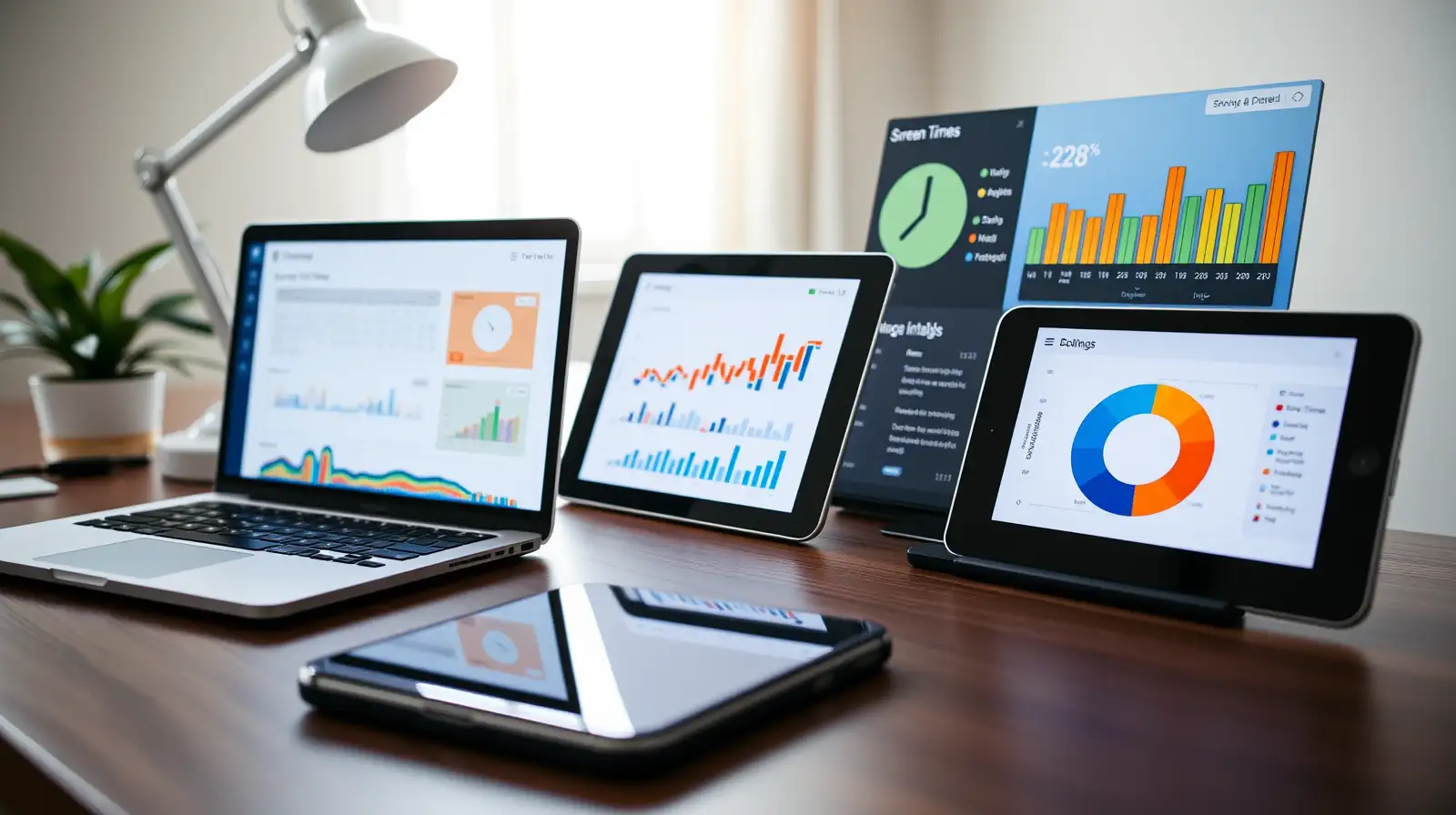
A better approach is to combine built-in screen-time tools with account-based activity reports where available. This can help you see which devices, apps and activities take up the most time. Whether your goal is reducing social media use, managing family devices or simply building healthier digital habits, a cross-device view can make overall screen time easier to understand.
Windows and Mac users can also check activity through built-in settings, although the level of detail varies. Start by enabling these tools on every device you regularly use.
This matters because checking your phone alone could miss hours spent watching videos on a tablet or browsing on a computer. Industry watchers note that separating work, entertainment and communication by device can make screen-time patterns harder to interpret.
Be careful with the final number. One hour of active phone use and one hour of a laptop displaying a video are both screen exposure, but they may represent very different activities. Experts often recommend looking at the purpose and context of use rather than focusing only on a single total.
Use those patterns to set realistic limits. App timers, scheduled downtime, notification controls and device-free periods can help reduce unnecessary use without requiring you to stop using screens altogether.
The most useful screen time tracking system is one you can maintain consistently. Combining built-in tools, account settings and a simple manual record can give you a clearer view of how your devices fit into your daily routine.
A better approach is to combine built-in screen-time tools with account-based activity reports where available. This can help you see which devices, apps and activities take up the most time. Whether your goal is reducing social media use, managing family devices or simply building healthier digital habits, a cross-device view can make overall screen time easier to understand.
Start with built-in tracking tools
Most modern devices have a native screen-time or digital wellbeing feature. On iPhone and iPad, Screen Time can show app and website activity, pickups and notifications. Android phones commonly offer Digital Wellbeing, which provides information about app use, notifications and device unlocks.Windows and Mac users can also check activity through built-in settings, although the level of detail varies. Start by enabling these tools on every device you regularly use.
Look for account-based reports
If you use the same ecosystem across several devices, check whether its reporting system can combine activity. For example, Apple's Screen Time can share data across devices when the relevant setting is enabled and compatible devices use the same Apple Account.You may also like
- Lee calls for thorough probe into personal data leaks at financial institutions
- Microsoft co-founder Bill Gates says technology has truly stunned him only three times in his life, and the third happened this year when he looked closely at...
- Larry Ellison bought eight homes near his Florida mansion, quite purchase made several residents upset, making homeowners association adopt restrictions
- Market outlook: RBI policy stance, Q2 earnings, West Asia tensions key triggers next week
- Oppo F35 Pro 5G and F35 5G Set to Launch in India on October 5: Check Specs and Geekbench Scores
This matters because checking your phone alone could miss hours spent watching videos on a tablet or browsing on a computer. Industry watchers note that separating work, entertainment and communication by device can make screen-time patterns harder to interpret.
Create one simple tracking routine
Even when devices cannot provide a single combined figure, you can create your own cross-device screen time tracker . Record the daily totals from each gadget in a notes app or spreadsheet, then add them together.Be careful with the final number. One hour of active phone use and one hour of a laptop displaying a video are both screen exposure, but they may represent very different activities. Experts often recommend looking at the purpose and context of use rather than focusing only on a single total.
Focus on patterns, not just totals
After days, look for recurring habits. You may find that social media dominates phone use, while your laptop accounts for most work-related screen time.Use those patterns to set realistic limits. App timers, scheduled downtime, notification controls and device-free periods can help reduce unnecessary use without requiring you to stop using screens altogether.
The most useful screen time tracking system is one you can maintain consistently. Combining built-in tools, account settings and a simple manual record can give you a clearer view of how your devices fit into your daily routine.






Loving Newspoint? Download the app now
