
How to Use Your Smartphone as a Dashcam: Easy Car Video Recording Guide

Using a smartphone as dashcam is quickly becoming a practical solution for drivers who want safety without extra expense. If you don’t own a dedicated dashcam, your phone can easily step in. With the right setup, it can record your journeys, provide crucial evidence during accidents, and help with insurance claims or disputes—all without spending extra money.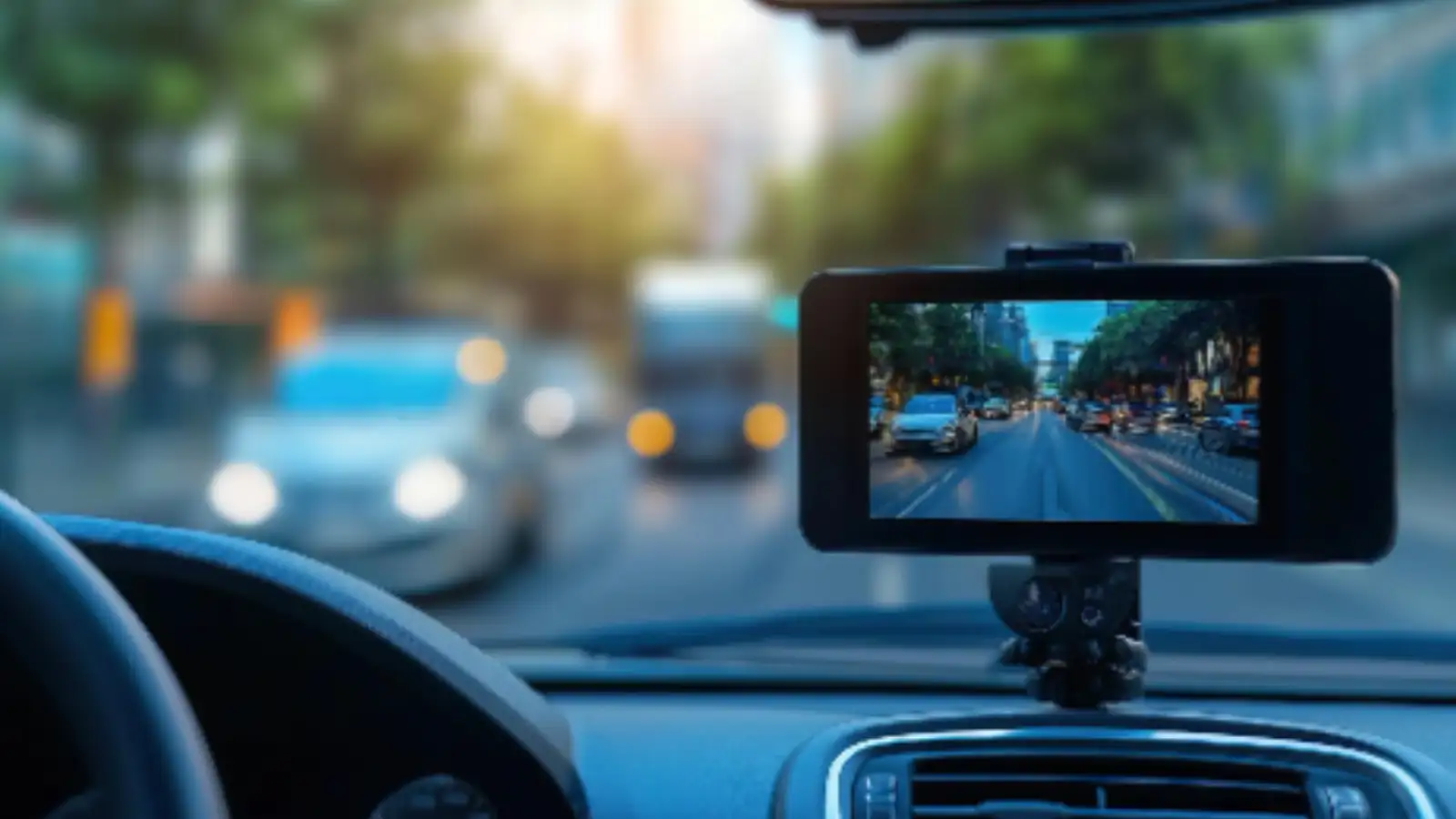
Why Use a Smartphone as a Dashcam?
A dashcam is no longer a luxury - it’s a useful safety tool. While dedicated devices can be costly, your smartphone already has a high-quality camera and sufficient storage.
Here’s why it makes sense:
What You Need Before You Start
Before turning your phone into a dashcam, make sure you have the basics ready:
Step-by-Step Guide to Use Smartphone as Dashcam
1. Install a Dashcam App
Download a trusted app like DailyRoads Voyager or AutoBoy Dash Cam. These apps are designed for loop recording and automatic video saving.
2. Mount Your Phone Securely
Fix your phone on the dashboard or windshield. Ensure it has a clear view of the road and does not obstruct your driving visibility.
3. Adjust the Camera Angle
Position the camera to capture the road ahead and a small portion of your car’s bonnet. This helps provide better context in recordings.
4. Set Video Quality and Storage
Choose a resolution that balances clarity and storage usage. Enable loop recording so old footage gets overwritten automatically.
5. Enable Auto-Start Recording
Most apps allow recording to begin automatically when you start driving. Turn on this feature for a hassle-free experience.
6. Keep Your Phone Charging
Always connect your phone to a charger while recording to prevent battery drain during long drives.
Is Using a Smartphone as Dashcam a Good Idea?
For occasional drivers, using a smartphone as dashcam is a smart and budget-friendly option. It provides essential recording features without any extra cost.
However, if you drive frequently or for long hours, investing in a dedicated dashcam may offer better durability, convenience, and hands-free operation.
Turning your smartphone into a dashcam is simple, effective, and economical. With just a few accessories and the right app, you can enhance your road safety and stay prepared for unexpected situations—without spending a rupee extra.
Why Use a Smartphone as a Dashcam?
A dashcam is no longer a luxury - it’s a useful safety tool. While dedicated devices can be costly, your smartphone already has a high-quality camera and sufficient storage. Here’s why it makes sense:
- No additional investment required
- Easy to set up and use
- High-resolution video recording
- Portable and multi-purpose
What You Need Before You Start
Before turning your phone into a dashcam, make sure you have the basics ready:
- Phone mount: A sturdy dashboard or windshield holder
- Car charger: Continuous recording drains battery quickly
- Storage space: Ensure enough room for video files
- Dashcam app : Download a reliable app for smooth functioning
Step-by-Step Guide to Use Smartphone as Dashcam
1. Install a Dashcam App
Download a trusted app like DailyRoads Voyager or AutoBoy Dash Cam. These apps are designed for loop recording and automatic video saving.
2. Mount Your Phone Securely
Fix your phone on the dashboard or windshield. Ensure it has a clear view of the road and does not obstruct your driving visibility.
3. Adjust the Camera Angle
Position the camera to capture the road ahead and a small portion of your car’s bonnet. This helps provide better context in recordings.
4. Set Video Quality and Storage
Choose a resolution that balances clarity and storage usage. Enable loop recording so old footage gets overwritten automatically.
5. Enable Auto-Start Recording
Most apps allow recording to begin automatically when you start driving. Turn on this feature for a hassle-free experience.
6. Keep Your Phone Charging
Always connect your phone to a charger while recording to prevent battery drain during long drives.
Tips for Better Dashcam Performance
- Keep your phone cool to avoid overheating
- Clean the camera lens regularly for clear footage
- Avoid running heavy apps in the background
- Check local rules regarding video recording on public roads
Is Using a Smartphone as Dashcam a Good Idea?
For occasional drivers, using a smartphone as dashcam is a smart and budget-friendly option. It provides essential recording features without any extra cost.
However, if you drive frequently or for long hours, investing in a dedicated dashcam may offer better durability, convenience, and hands-free operation.
Turning your smartphone into a dashcam is simple, effective, and economical. With just a few accessories and the right app, you can enhance your road safety and stay prepared for unexpected situations—without spending a rupee extra.
Next Story