What Location History Records About You Even When No Map Is Open

Most people think location tracking starts when they open a map. It doesn't. The moment a phone has a signal, cellular, Wi-Fi, or GPS, several systems can log its position, and many do this continuously, regardless of which app is on screen.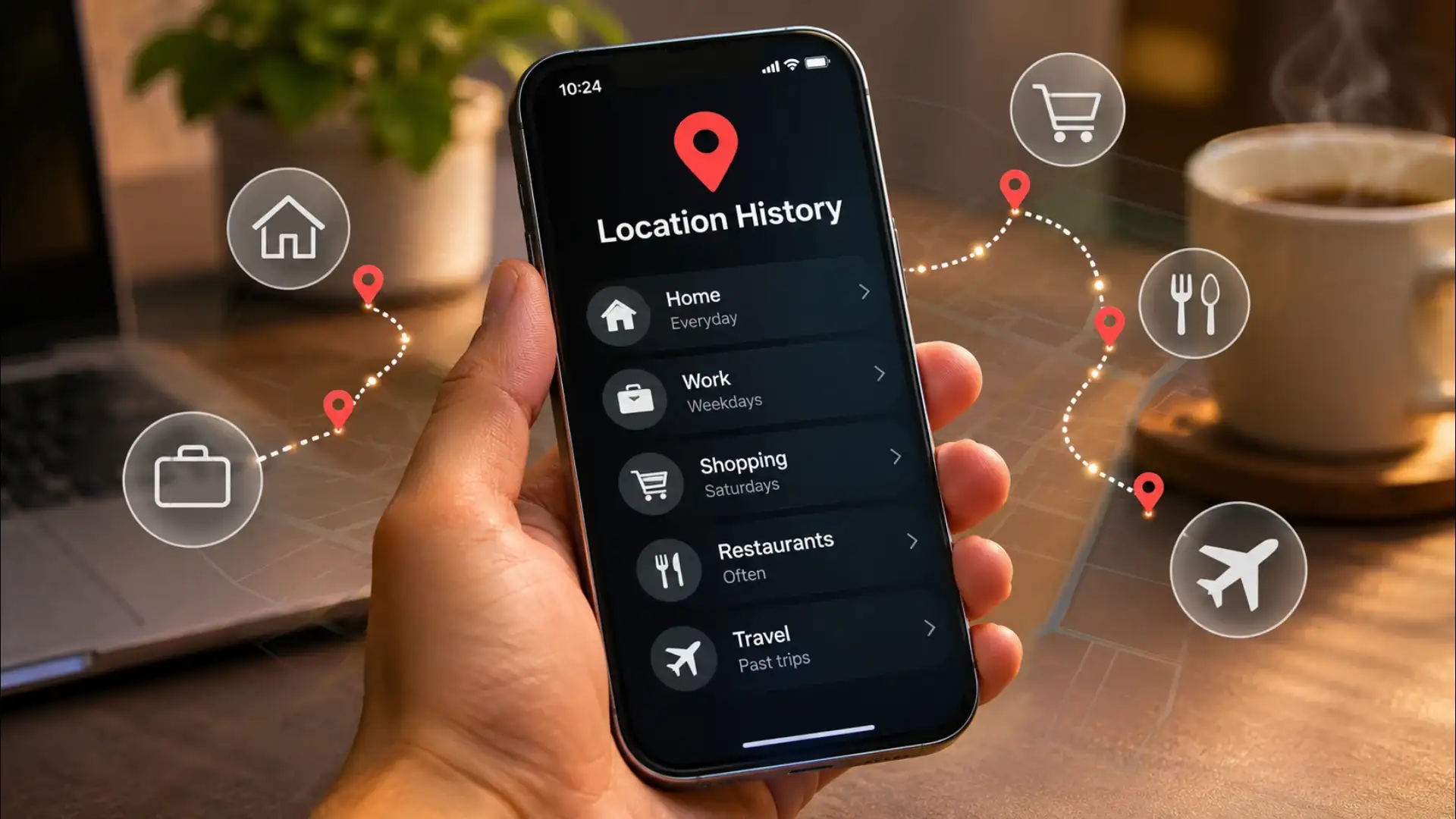

How Your Phone Knows Where You Are
GPS is the most precise method: satellites triangulate your position to within a few metres. But GPS is slow and battery-hungry, so phones rarely rely on it alone. Cell tower triangulation works by measuring signal strength from multiple towers; it is less precise but always on. Wi-Fi positioning uses the known locations of nearby routers, even if you never connect to them, to place you within a building or a block. Bluetooth beacons in malls, airports, and transit stations add another layer. These systems run in parallel, and the phone's operating system blends them to give apps a location fix within seconds.What Gets Recorded When No Map Is Open
Operating systems on both major mobile platforms offer a feature called Location History or Timeline. When enabled, it logs every significant place you visit: home, workplace, a hospital, a place of worship, a political office. It records arrival time, departure time, and how often you return. This data sits on the device and, if synced, on the platform's servers. Beyond the operating system, apps with background location permission, weather, food delivery, ride-hailing, news, can query your position at intervals even when you are not using them. Each query is a data point. Enough data points over a week draw a map of your life.You may also like
- One of the biggest telecom companies in UK is cutting thousands of jobs, changes fibre network expansion plan
- US charges 13 Brazilians and Cubans for running fake immigration firm in Florida; what court documents show
- The iPhone, MacBook and iPad price hike question Apple COO Sabih Khan 'skipped', and what Apple said about another increase
- AI Feature of WhatsApp : WhatsApp will reply even when you're asleep! Who will type the message? Learn the secret trick
- Digital Life Certificate 2026: Generate Jeevan Pramaan From Home Using Aadhaar Face Authentication
Where That Data Goes
Location data collected by an app may stay within that app, or it may be shared with advertising networks, data brokers, or analytics platforms under terms buried in a privacy policy. Data brokers aggregate location records from many sources and sell profiles that describe daily movement patterns: when someone leaves for work, which clinic they visit, which religious site they attend on weekends. This is not hypothetical. It is a documented industry. The individual data point, your phone near a hospital at 2 p.m. on a Tuesday, seems trivial. A year of such points is a detailed record of your health, your relationships, and your routines.The Permissions That Make It Possible
Location access on a phone comes in two forms: while using the app, and always. The first grants access only when the app is open and on screen. The second grants access at any time, including when the screen is off. Many apps request always-on access and offer a vague reason. The habit that limits exposure is straightforward: review which apps hold always-on permission, revoke it for any app where background access serves no clear purpose, and turn off Location History or Timeline in the operating system's settings if you do not use the feature. These are one-time actions that do not break any app's core function.What Turning It Off Actually Changes
Revoking always-on permission does not make a phone invisible. Cell towers still know which tower your phone is connected to; that is how calls work. Your internet provider knows your general area from your IP address. But it does remove the precise, timestamped movement log that advertising and data networks depend on. The difference between cell-tower-level data and GPS-plus-Wi-Fi data is the difference between knowing someone is in South Delhi and knowing they were at a specific clinic on a specific street for forty minutes. Precision is what makes location data valuable to those who buy it, and precision is exactly what background location permission provides. Removing that permission takes the most useful layer off the table.





Loving Newspoint? Download the app now