
Mastering Android: Tips And Tricks For Harnessing The Power Of Google's Mobile OS

Android , Google 's flagship mobile operating system , stands as a testament to innovation and power in the realm of smartphones . With its ever-evolving technology, Android often outpaces its competitor, Apple’s iOS . While it offers a user-friendly interface for basic tasks like texting and calling, delving deeper unveils a treasure trove of advanced settings and tools tailor-made for power users . Let's embark on a journey to unlock the full potential of your Android device.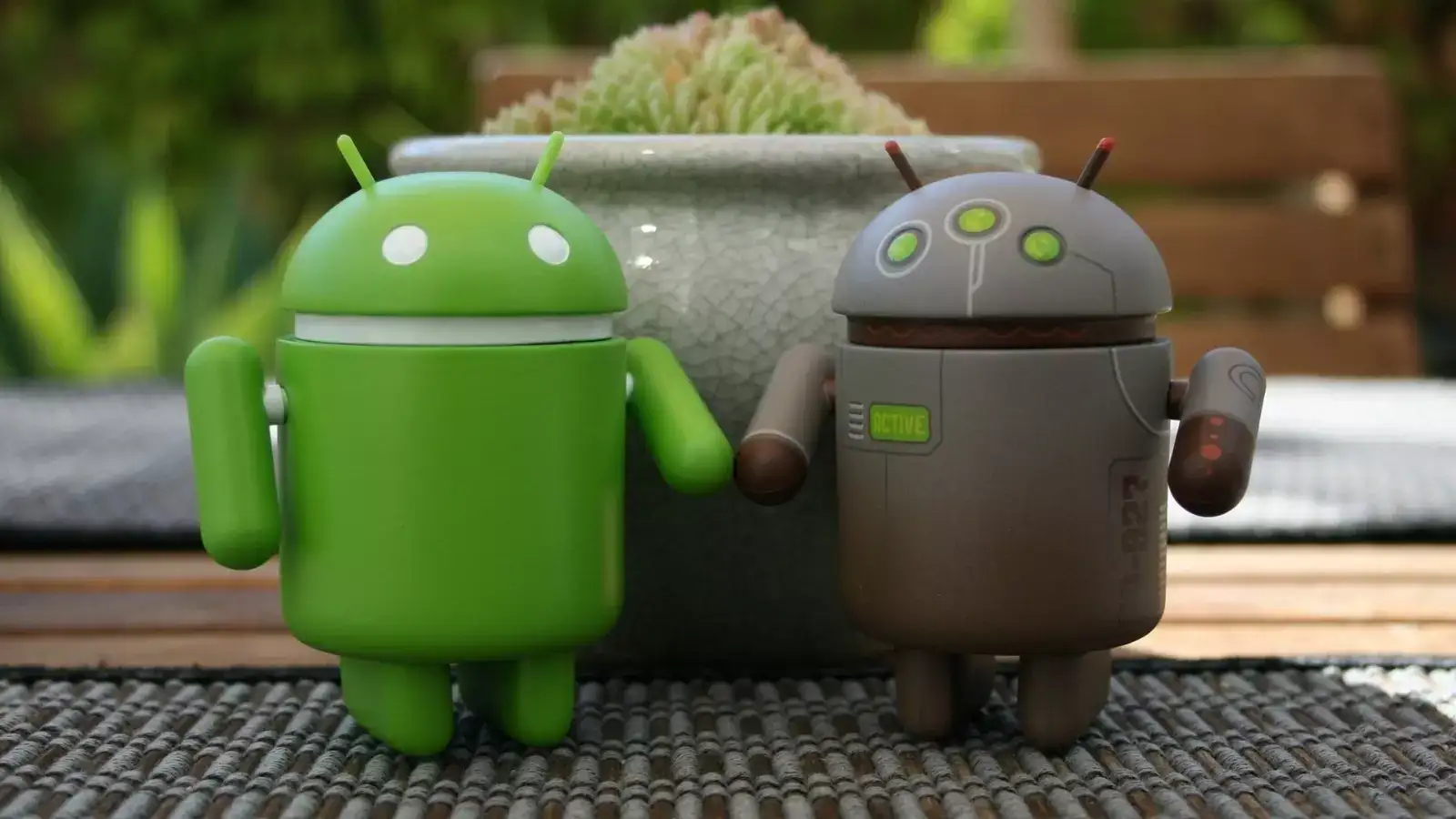
Android, with its versatility and robust feature set, caters to users of all levels, from casual enthusiasts to seasoned tech aficionados. By harnessing the tips and tricks outlined above, you can elevate your Android experience to new heights, unlocking the full potential of your device. Explore, customize, and make Android truly yours!
1. Streamline Your Apps
Preinstalled apps cluttering your device? Fear not! Android allows you to bid farewell to the unnecessary. By simply long-pressing an app icon and accessing its App Info, you can swiftly uninstall or disable apps, decluttering your interface and freeing up valuable resources.2. Embrace Digital Wellbeing
In a world dominated by digital distractions, Android's Digital Wellbeing features come to the rescue. From bedtime modes that promote healthier sleep habits to focus modes that silence notifications during crucial moments, Android empowers users to take control of their digital lives.3. Seamless Integration with Windows
Android isn't confined to your smartphone; it seamlessly integrates with your Windows PC. Through apps like Your Phone, users can make calls, send texts, and even mirror their phone screen on their desktop, enhancing productivity and convenience.4. Tailor Your Quick Settings
Customisation is key to a personalized Android experience. With the ability to edit Quick Settings, users can prioritise essential functions, such as Dark mode and Focus mode, ensuring quick access to tools that matter most.You may also like
- 5 Things You Should Avoid Asking ChatGPT: From Hacking Requests to Sharing Private Information
- Your AI shopping assistant could empty your account, top banks warn; says AI agents may …
- Rockstar Games spends nearly $1 million on 'Welcome to Vice City' sign for GTA 6 marketing: Report
- India's defence sector in global expansionary phase, production hits record Rs 1.8 lakh crore
- OpenAI expands GPT-6 lineup with cheaper, faster Sol and Luna models
5. Remote App Installation
Forget reaching for your phone; Android lets you install apps remotely via the Google Play store. Whether you're on your laptop or tablet, a simple login to your Google account grants you the power to install apps across all your linked Android devices.6. Explore Alternative App Sources
Android's open ecosystem extends beyond the confines of Google Play. Users can explore alternative app stores or even sideload apps via APK files, granting them access to a vast array of software beyond the conventional offerings.7. Personalize with Launcher Apps
Dissatisfied with your phone's default launcher? Android offers a plethora of third-party launcher apps, allowing users to customize their home screens to their heart's content. From mimicking iOS to emulating Windows Phone, the possibilities are endless.8. Fine-Tune Message Notifications
Android's advanced notification settings empower users to prioritize messages and conversations. Whether it's pinning important contacts or enabling message bubbles for seamless multitasking, Android puts users in control of their communication experience.9. Embrace Widget Power
Widgets add a touch of flair to your Android home screen, providing at-a-glance information and quick access to essential apps. With a simple long-press, users can adorn their home screens with widgets tailored to their needs and preferences.10. Expand Storage Horizons
Unlike iPhones, many Android devices offer expandable storage options via microSD cards. This not only enhances media storage but also facilitates seamless file transfers between devices, empowering users with unparalleled flexibility.Android, with its versatility and robust feature set, caters to users of all levels, from casual enthusiasts to seasoned tech aficionados. By harnessing the tips and tricks outlined above, you can elevate your Android experience to new heights, unlocking the full potential of your device. Explore, customize, and make Android truly yours!






Loving Newspoint? Download the app now
