
Phone and Laptop Charging Safety: Everyday Mistakes to Avoid at Home

Charging a phone or powering a laptop seems routine, making it easy to overlook worn cables, overloaded sockets and poorly placed adapters. Electrical equipment works best when used as intended and kept in good condition. A frayed lead or charger trapped under bedding can create avoidable risks, especially when devices remain plugged in unattended.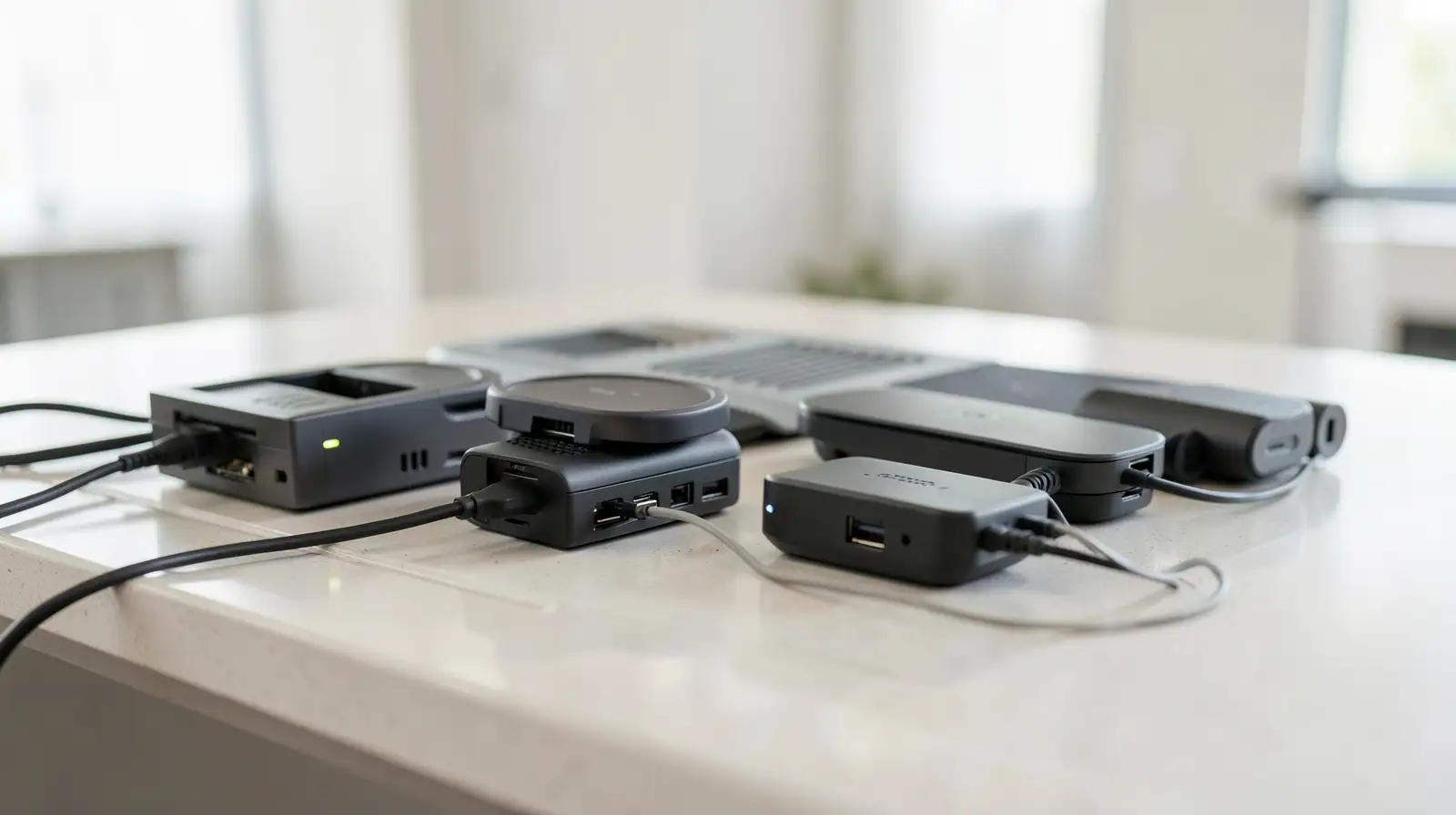
Good cable habits do not require a home makeover. Simple visual checks, sensible socket use and keeping chargers away from heat or moisture can reduce everyday hazards. Follow the device maker’s instructions, replace damaged accessories and avoid improvised fixes that hide faults instead of resolving them.
Use chargers and accessories that are compatible with the device and buy replacements from reputable sellers. Very cheap, poorly made products may not meet the same safety standards as genuine or properly certified equipment. Avoid forcing a connector into a socket or using an adapter that feels loose.
Avoid daisy-chaining extension boards or plugging more equipment into a socket than it is designed to handle. High-power appliances may need dedicated outlets, so check the instructions and seek a qualified electrician if you are unsure. Keep cables out of walkways to prevent trips, and do not run them under rugs where damage may go unnoticed.
A quick check when setting up a device can prevent a small fault from becoming a bigger problem. Follow the instructions supplied with electronics, never attempt repairs beyond your competence and do not ignore warning signs. Safe charging is less about buying lots of accessories and more about maintaining what you already use, giving devices room to ventilate and replacing damaged parts promptly.
Good cable habits do not require a home makeover. Simple visual checks, sensible socket use and keeping chargers away from heat or moisture can reduce everyday hazards. Follow the device maker’s instructions, replace damaged accessories and avoid improvised fixes that hide faults instead of resolving them.
Check cables before use
Look along the full length of a cable for splits, exposed wires, loose connectors, burn marks or unusual heat. Stop using damaged equipment rather than wrapping a fault in tape and carrying on. A lead that repeatedly disconnects, sparks or smells burnt needs attention, not another attempt to make it work.Use chargers and accessories that are compatible with the device and buy replacements from reputable sellers. Very cheap, poorly made products may not meet the same safety standards as genuine or properly certified equipment. Avoid forcing a connector into a socket or using an adapter that feels loose.
Keep heat and clutter under control
Do not cover charging devices with blankets, pillows or clothing, and avoid placing them where ventilation is blocked. Keep chargers away from sinks, damp counters and other sources of water. If a device becomes unusually hot, disconnect it if safe to do so and follow the manufacturer’s guidance before using it again.Avoid daisy-chaining extension boards or plugging more equipment into a socket than it is designed to handle. High-power appliances may need dedicated outlets, so check the instructions and seek a qualified electrician if you are unsure. Keep cables out of walkways to prevent trips, and do not run them under rugs where damage may go unnoticed.
Build a safer charging routine
Unplug equipment by holding the plug rather than yanking the cable. Keep charging areas dry, tidy and away from children or pets that might chew leads. If a plug, socket or charger shows scorch marks, makes crackling sounds or repeatedly trips a circuit, stop using it and get professional help.A quick check when setting up a device can prevent a small fault from becoming a bigger problem. Follow the instructions supplied with electronics, never attempt repairs beyond your competence and do not ignore warning signs. Safe charging is less about buying lots of accessories and more about maintaining what you already use, giving devices room to ventilate and replacing damaged parts promptly.
Next Story