
Phone Battery Draining Fast After an Update? Here’s What Happens

You install a software update expecting a smoother, safer and perhaps slightly smarter phone. Then, almost immediately, you notice something strange. The battery that comfortably lasted until bedtime is suddenly struggling to make it through the afternoon. It can feel as though the update itself has damaged the battery, but that is not usually what is happening. A major software update can temporarily change how your phone works in the background, from rebuilding search indexes to optimising apps and syncing data. In some cases, new features or bugs can also increase power consumption. Understanding what happens behind the screen can explain why battery life sometimes takes a temporary hit.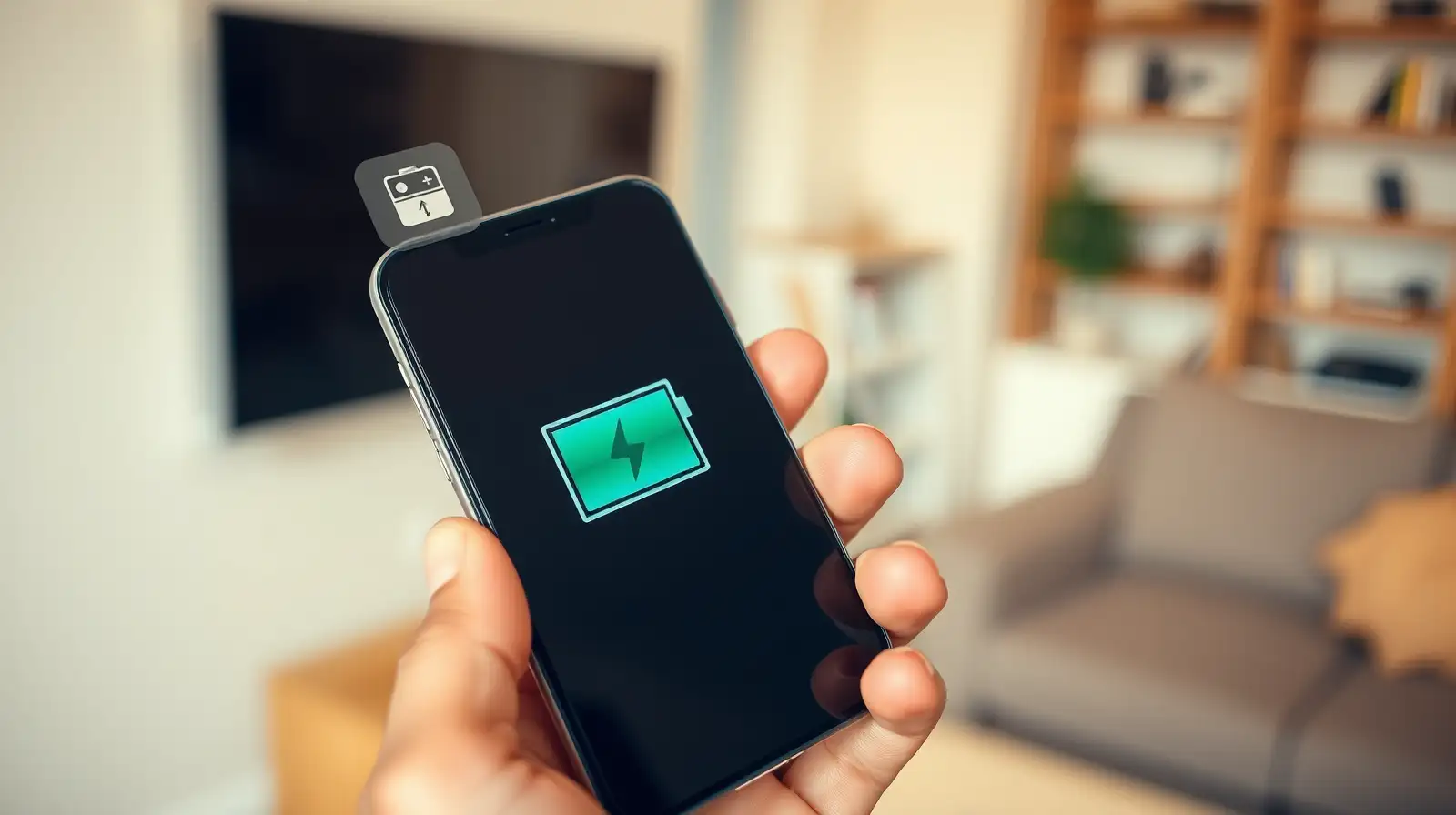
These processes use the processor and storage more heavily than usual. Your phone may therefore feel warmer and lose battery faster, particularly during the first day or two.
This is one reason it can be misleading to judge battery performance immediately after a major update.
Until those updates arrive, an older version of an app may behave inefficiently. A social media app, for example, might repeatedly refresh content or use more processing power than it normally would.
Checking the app store for pending updates can therefore be a surprisingly useful step when battery drain suddenly appears.
Individually, these changes may consume very little power. Across dozens of daily interactions, however, the difference can become noticeable.
Screen brightness, mobile data, location access and high refresh-rate displays can make the effect even more pronounced.
Manufacturers usually address serious problems through subsequent patches. If battery consumption remains unusually high for several days, check battery usage settings to identify which apps or services are responsible.
It is also worth remembering that an older battery may simply be showing its age at the same time as the update arrives.
The interesting part is that your battery may not actually have become weaker overnight. Your phone may simply be doing considerably more work behind the scenes.
Your Phone Does More Work After an Update
A smartphone does not simply download an update and return to normal. After installation, the operating system may spend hours or even days reorganising files, rebuilding databases, indexing photos and optimising applications.These processes use the processor and storage more heavily than usual. Your phone may therefore feel warmer and lose battery faster, particularly during the first day or two.
This is one reason it can be misleading to judge battery performance immediately after a major update.
Apps Also Need Time to Catch Up
Software updates can change the way applications interact with the operating system. Developers may release their own updates shortly afterwards to take advantage of new features or fix compatibility problems.Until those updates arrive, an older version of an app may behave inefficiently. A social media app, for example, might repeatedly refresh content or use more processing power than it normally would.
Checking the app store for pending updates can therefore be a surprisingly useful step when battery drain suddenly appears.
New Features Can Increase Power Consumption
Modern updates often introduce features designed to make phones more useful. Better animations, smarter background suggestions, improved location services and enhanced security can all require additional processing.Individually, these changes may consume very little power. Across dozens of daily interactions, however, the difference can become noticeable.
Screen brightness, mobile data, location access and high refresh-rate displays can make the effect even more pronounced.
Sometimes the Update Really Is the Problem
Not every battery issue is temporary. Occasionally, a software update introduces a bug that causes excessive background activity, poor network behaviour or an app to repeatedly restart.Manufacturers usually address serious problems through subsequent patches. If battery consumption remains unusually high for several days, check battery usage settings to identify which apps or services are responsible.
It is also worth remembering that an older battery may simply be showing its age at the same time as the update arrives.
Why This Matters
A software update is meant to improve a phone, but it can briefly make the device behave differently while everything settles into place. If your battery drops faster immediately after an update, give the phone some time before assuming something has gone seriously wrong.The interesting part is that your battery may not actually have become weaker overnight. Your phone may simply be doing considerably more work behind the scenes.
Next Story