
Slow Internet at Home: When and Why You Should Upgrade Your Wi-Fi Router for Better Speed

Facing slow internet at home despite having a high-speed broadband plan? The problem might not be your connection - it could be your Wi-Fi router. Just like any electronic device, routers lose efficiency over time. Understanding when to replace your Wi-Fi router can significantly improve speed, coverage, and security.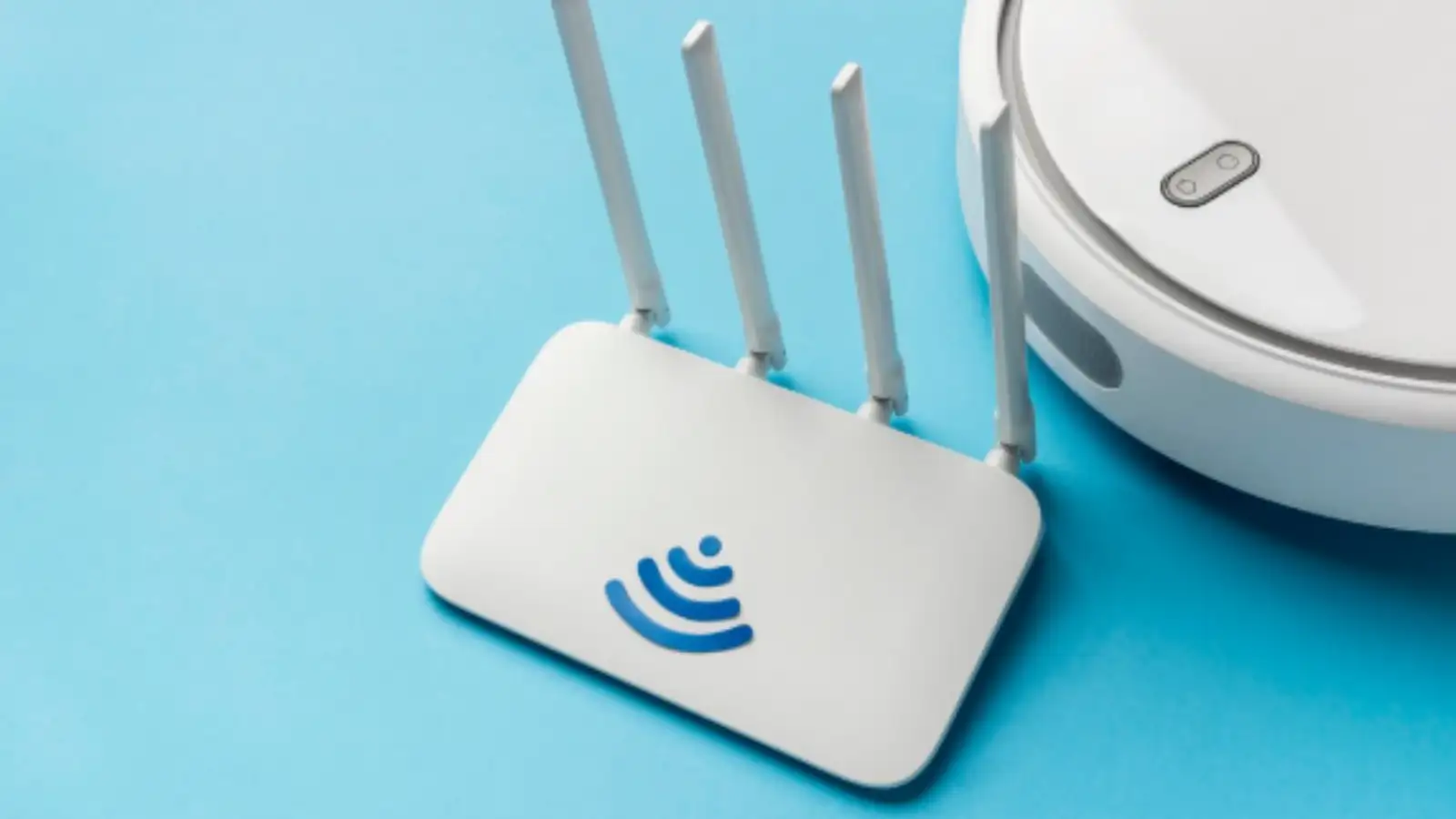
Why Your Wi-Fi Router Might Be Slowing You Down
Many people upgrade their internet plans when speeds drop, but often overlook the router itself. Over time, routers become outdated and struggle to deliver optimal performance.
Here are some common issues caused by ageing routers:
Experts generally recommend replacing your router every 3 to 5 years to maintain peak performance.
Outdated Routers Can Put Your Security at Risk
Unlike other gadgets, routers don’t come with a clear expiry date. However, manufacturers eventually stop releasing updates for older models.
This can expose your home network to serious threats such as:
Using an outdated router is similar to using a phone without security updates—it may work, but it’s far more vulnerable.
Old Wi-Fi Technology Limits Your Internet Speed
If your router still runs on older standards like Wi-Fi 4 or Wi-Fi 5, you may not be getting the full speed you’re paying for.
Modern routers with Wi-Fi 6 technology offer:
Even with a premium internet plan, an old router can act as a bottleneck.
Weak Signals and Poor Coverage: A Common Problem
Older routers often struggle with range and signal strength, leading to frustrating connectivity issues.
You may notice:
These issues usually stem from outdated hardware and inefficient frequency handling.
When Should You Replace Your Wi-Fi Router?
If you’re experiencing ongoing issues, it might be time for an upgrade. Consider replacing your router if:
Simple Tips to Improve Wi-Fi Speed at Home
Before or after replacing your router, these steps can help optimise your internet experience:
If you’re dealing with slow internet at home, upgrading your Wi-Fi router can make a noticeable difference. A modern router not only boosts speed but also improves security and coverage, ensuring a smoother and more reliable online experience.
Why Your Wi-Fi Router Might Be Slowing You Down
Many people upgrade their internet plans when speeds drop, but often overlook the router itself. Over time, routers become outdated and struggle to deliver optimal performance.
Here are some common issues caused by ageing routers:
- Slower internet speeds than expected
- Frequent disconnections or signal drops
- Weak coverage across rooms
- Difficulty connecting multiple devices
Experts generally recommend replacing your router every 3 to 5 years to maintain peak performance.
Outdated Routers Can Put Your Security at Risk
Unlike other gadgets, routers don’t come with a clear expiry date. However, manufacturers eventually stop releasing updates for older models.
This can expose your home network to serious threats such as:
- Data theft
- Hacking attempts
- Malware attacks
Using an outdated router is similar to using a phone without security updates—it may work, but it’s far more vulnerable.
Old Wi-Fi Technology Limits Your Internet Speed
If your router still runs on older standards like Wi-Fi 4 or Wi-Fi 5, you may not be getting the full speed you’re paying for.
Modern routers with Wi-Fi 6 technology offer:
- Faster and more stable speeds
- Better performance across multiple devices
- Smoother streaming, gaming, and video calls
Even with a premium internet plan, an old router can act as a bottleneck.
Weak Signals and Poor Coverage: A Common Problem
Older routers often struggle with range and signal strength, leading to frustrating connectivity issues.
You may notice:
- Slower speeds during peak hours
- Weak signals in rooms far from the router
- Trouble connecting multiple devices at once
These issues usually stem from outdated hardware and inefficient frequency handling.
When Should You Replace Your Wi-Fi Router?
If you’re experiencing ongoing issues, it might be time for an upgrade. Consider replacing your router if:
- It is more than 3–5 years old
- You face frequent disconnections
- Your internet speed feels slower than usual
- The router no longer receives updates
Simple Tips to Improve Wi-Fi Speed at Home
Before or after replacing your router, these steps can help optimise your internet experience:
- Contact your Internet Service Provider for troubleshooting
- Upgrade to a modern router with the latest technology
- Ensure compatibility with your broadband connection (like fibre)
- Place your router in a central location for better coverage
If you’re dealing with slow internet at home, upgrading your Wi-Fi router can make a noticeable difference. A modern router not only boosts speed but also improves security and coverage, ensuring a smoother and more reliable online experience.
Next Story