
Smartphone Overheating: 8 Hidden Reasons Your Phone Gets Hot Fast and How to Fix It

Smartphone overheating is one of the most common issues users face today, whether they are scrolling social media, gaming, streaming videos, or simply charging their device. This smartphone overheating problem not only slows down performance but also affects battery life and long-term device safety. Understanding why your phone heats up and how to fix it can help you keep your device running smoothly and avoid unnecessary repair costs.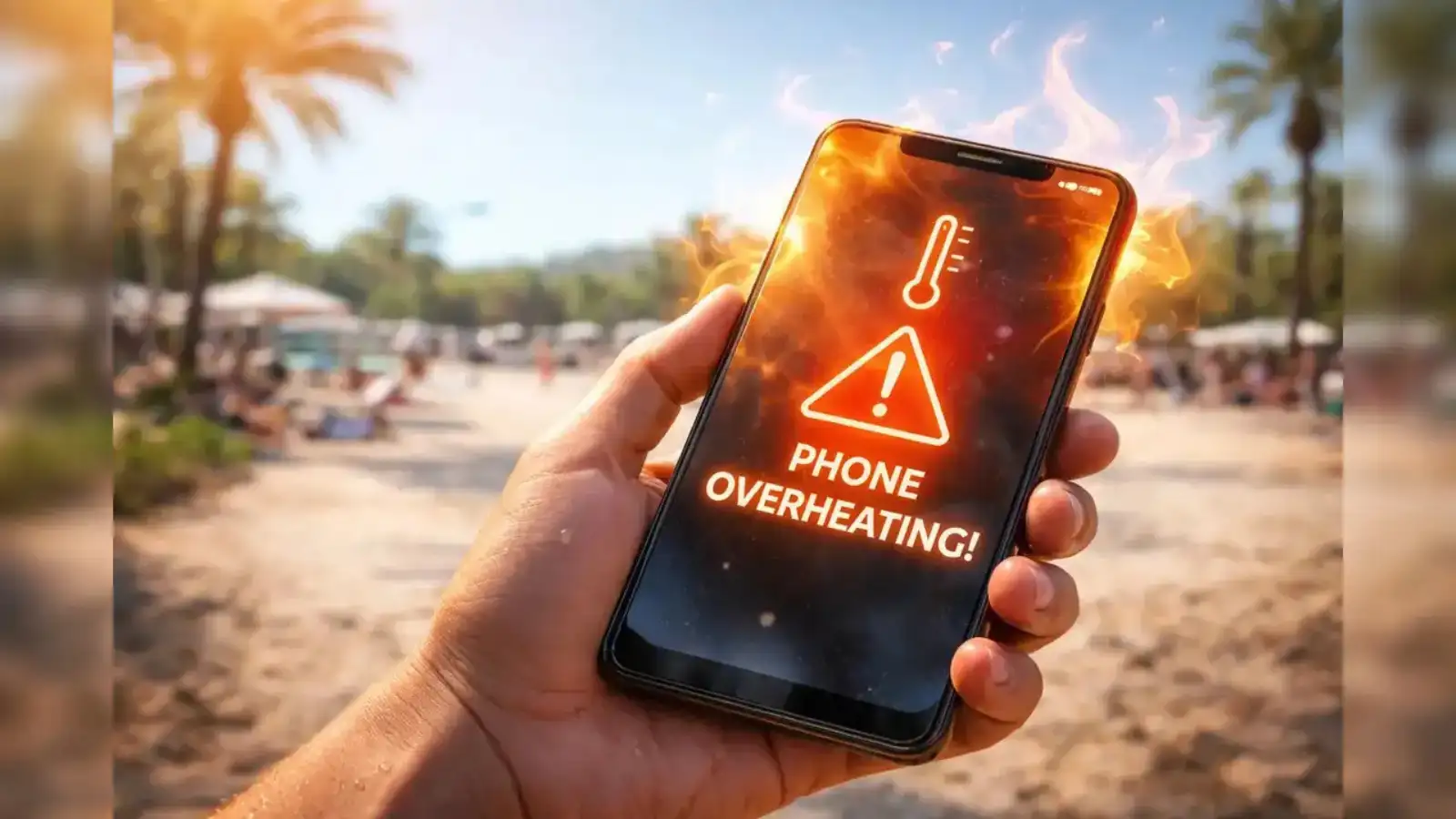
Below are the 8 most common reasons your smartphone heats up quickly - and practical solutions to fix the issue.
1. Too Many Apps Running in the Background
One of the biggest reasons behind smartphone overheating is multiple apps running at once. Even if you are not actively using them, apps continue to consume RAM and processor power.
How to fix it:
This reduces system load and helps your phone stay cooler.
2. Heavy Gaming and Video Streaming
High-end gaming and HD video streaming push your phone’s CPU and GPU to work harder than usual. This naturally generates heat, especially during long sessions.
How to fix it:
3. Charging Habits That Cause Overheating
Using your phone while charging or using low-quality chargers can significantly increase heat levels. Fast charging also produces additional warmth.
How to fix it:
4. Exposure to Direct Sunlight and Heat
Leaving your phone in hot places like a car dashboard or direct sunlight can quickly push its temperature beyond safe limits.
How to fix it:
External heat adds to internal device heat, making the situation worse.
5. Software Bugs and Outdated System
Old software or buggy updates can cause apps to misbehave, increasing CPU usage and leading to overheating.
How to fix it:
6. Poor Network Signal Strength
When your phone struggles with weak network coverage, it uses extra power to maintain connectivity, which increases heat generation.
How to fix it:
7. Battery Health Decline
An aging or damaged battery can overwork itself while supplying power, causing frequent heating even during normal use.
How to fix it:
If your phone heats up without heavy usage, this could be the main reason.
8. Phone Case Blocking Heat Dissipation
Thick or non-breathable cases can trap heat and prevent proper airflow, especially during gaming or charging.
How to fix it:
Smartphone overheating is usually caused by everyday habits rather than serious hardware faults. By managing apps, improving charging habits, avoiding heat exposure, and keeping your software updated, you can easily control the smartphone overheating issue and improve your device’s performance and lifespan. A few simple changes in usage patterns can make your phone faster, safer, and much cooler to handl
Below are the 8 most common reasons your smartphone heats up quickly - and practical solutions to fix the issue.
1. Too Many Apps Running in the Background
One of the biggest reasons behind smartphone overheating is multiple apps running at once. Even if you are not actively using them, apps continue to consume RAM and processor power.
How to fix it:
- Close unused apps regularly
- Disable background app refresh
- Use “Battery Optimization” settings
This reduces system load and helps your phone stay cooler.
2. Heavy Gaming and Video Streaming
High-end gaming and HD video streaming push your phone’s CPU and GPU to work harder than usual. This naturally generates heat, especially during long sessions.
How to fix it:
- Lower game graphics settings
- Avoid long uninterrupted sessions
- Take breaks between usage
- Avoid playing while charging
3. Charging Habits That Cause Overheating
Using your phone while charging or using low-quality chargers can significantly increase heat levels. Fast charging also produces additional warmth.
How to fix it:
- Use only original or certified chargers
- Avoid using the phone during charging
- Unplug once fully charged
- Charge in a cool environment
4. Exposure to Direct Sunlight and Heat
Leaving your phone in hot places like a car dashboard or direct sunlight can quickly push its temperature beyond safe limits.
How to fix it:
- Keep your phone in shaded areas
- Avoid outdoor heat exposure
- Never leave it inside a parked car
External heat adds to internal device heat, making the situation worse.
5. Software Bugs and Outdated System
Old software or buggy updates can cause apps to misbehave, increasing CPU usage and leading to overheating.
How to fix it:
- Keep your system updated regularly
- Install security patches
- Remove or reinstall problematic apps
- Restart your phone after updates
6. Poor Network Signal Strength
When your phone struggles with weak network coverage, it uses extra power to maintain connectivity, which increases heat generation.
How to fix it:
- Switch to airplane mode in low-signal areas
- Use Wi-Fi when available
- Avoid prolonged use in weak network zones
7. Battery Health Decline
An aging or damaged battery can overwork itself while supplying power, causing frequent heating even during normal use.
How to fix it:
- Monitor battery health in settings
- Replace battery if performance drops
- Avoid overcharging habits
If your phone heats up without heavy usage, this could be the main reason.
8. Phone Case Blocking Heat Dissipation
Thick or non-breathable cases can trap heat and prevent proper airflow, especially during gaming or charging.
How to fix it:
- Remove case during heavy usage or charging
- Use heat-dissipating or slim cases
- Ensure proper ventilation
Smartphone overheating is usually caused by everyday habits rather than serious hardware faults. By managing apps, improving charging habits, avoiding heat exposure, and keeping your software updated, you can easily control the smartphone overheating issue and improve your device’s performance and lifespan. A few simple changes in usage patterns can make your phone faster, safer, and much cooler to handl
Next Story