
Turn Your Images into Stickers with ChatGPT’s AI-Powered Feature

While many users are exploring ChatGPT’s ability to generate Ghibli-style artwork, the latest GPT-4o model offers even more creative possibilities. One of its lesser-known features is the ability to create sticker-style images with transparent backgrounds, which can be used across various messaging apps, including WhatsApp and iMessage.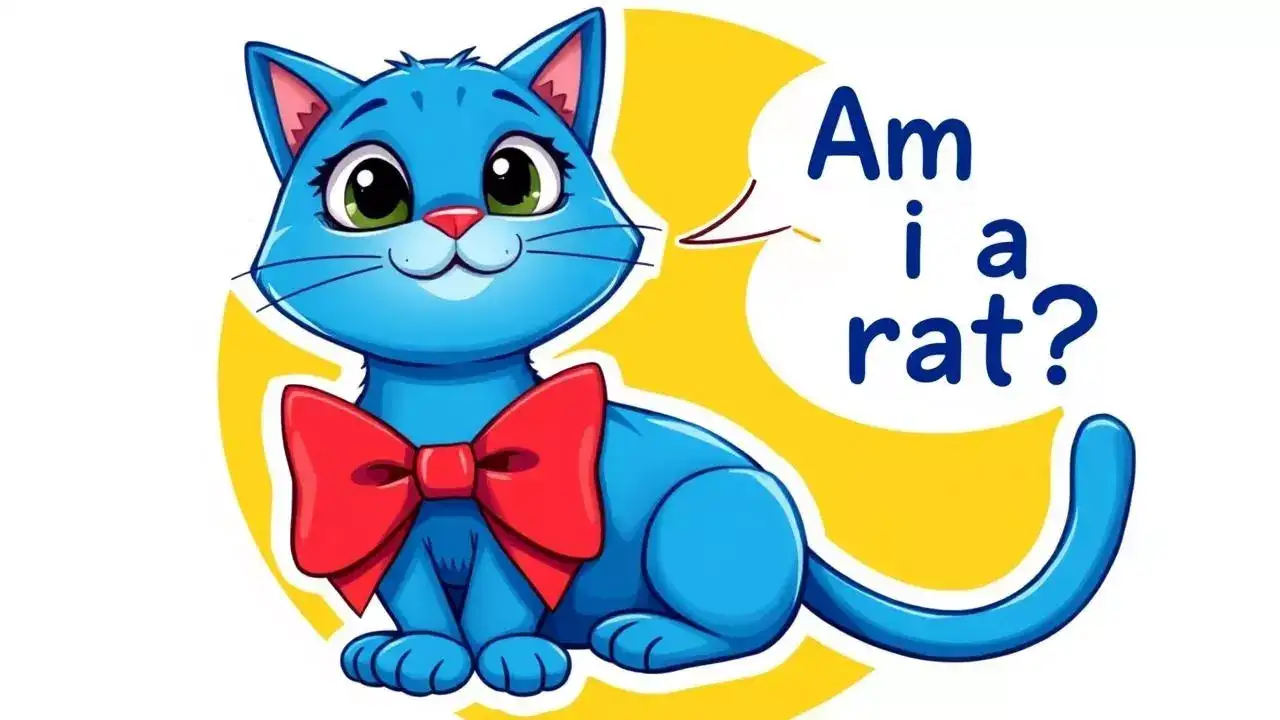
ChatGPT’s Sticker Generation Feature
According to OpenAI’s official blog, ChatGPT can create and download stickers in a format ready for use on WhatsApp, Instagram, Facebook, and other messaging platforms. Users can generate stickers directly through text prompts or even upload their own images to be transformed into AI-generated stickers.
Much like the Ghibli-style AI art, you can request ChatGPT to convert your images into stickers or even ask for a specific style, making conversations more fun and engaging.
How to Create WhatsApp Stickers with ChatGPT
How to Convert Photos into Stickers Using ChatGPT
These custom stickers can be shared seamlessly across WhatsApp, Facebook, and other messaging apps, making your chats more interactive and enjoyable!
You may also like
- EU privacy regulator fines Google 403 million euros over location data processing
- Microsoft AI CEO Mustafa Suleyman has advice for American AI companies: 'You should not use China as an excuse to skip…'
- Intel CEO Lip-Bu Tan on the one thing troubling his customers the most: I think in terms of the AI, the biggest challenge is...
- Dreame launches flagship X60 Ultra Complete robot vacuum in India
- Lava Virat Curve 5G launches with MediaTek Dimensity 7100 and 50MP camera
ChatGPT’s Sticker Generation Feature
According to OpenAI’s official blog, ChatGPT can create and download stickers in a format ready for use on WhatsApp, Instagram, Facebook, and other messaging platforms. Users can generate stickers directly through text prompts or even upload their own images to be transformed into AI-generated stickers.
Much like the Ghibli-style AI art, you can request ChatGPT to convert your images into stickers or even ask for a specific style, making conversations more fun and engaging.
How to Create WhatsApp Stickers with ChatGPT
- Open the ChatGPT app on your mobile device or visit chat.openai.com.
- Enter a prompt like: “Create a sticker-style image of a blue cat wearing a bowtie with the text ‘Am I a rat?’”
- ChatGPT will generate the requested sticker.
- Download the sticker and share it with friends on WhatsApp or iMessage.
How to Convert Photos into Stickers Using ChatGPT
- Open the ChatGPT app or visit chat.openai.com.
- Upload an image and type a prompt like: “Turn this image into a chibi-style sticker with a transparent background.”
- ChatGPT will transform your image into a sticker.
- Modify the sticker if needed, then right-click and save it.
These custom stickers can be shared seamlessly across WhatsApp, Facebook, and other messaging apps, making your chats more interactive and enjoyable!






Loving Newspoint? Download the app now
