
5 Hidden Ways Apps Can Collect Your Personal Information After One Permission

A permission prompt typically lasts for just three seconds. However, what it ultimately unlocks can have lasting effects that span over many years. The majority of individuals tend to grant access during the initial setup phase, mistakenly assuming that it was something they had to do only once, and they often do not take the time to revisit the settings screen. In the meantime, the application continues to collect data, not because it is engaging in unlawful activities, but rather because you gave your consent and never took the initiative to revoke it.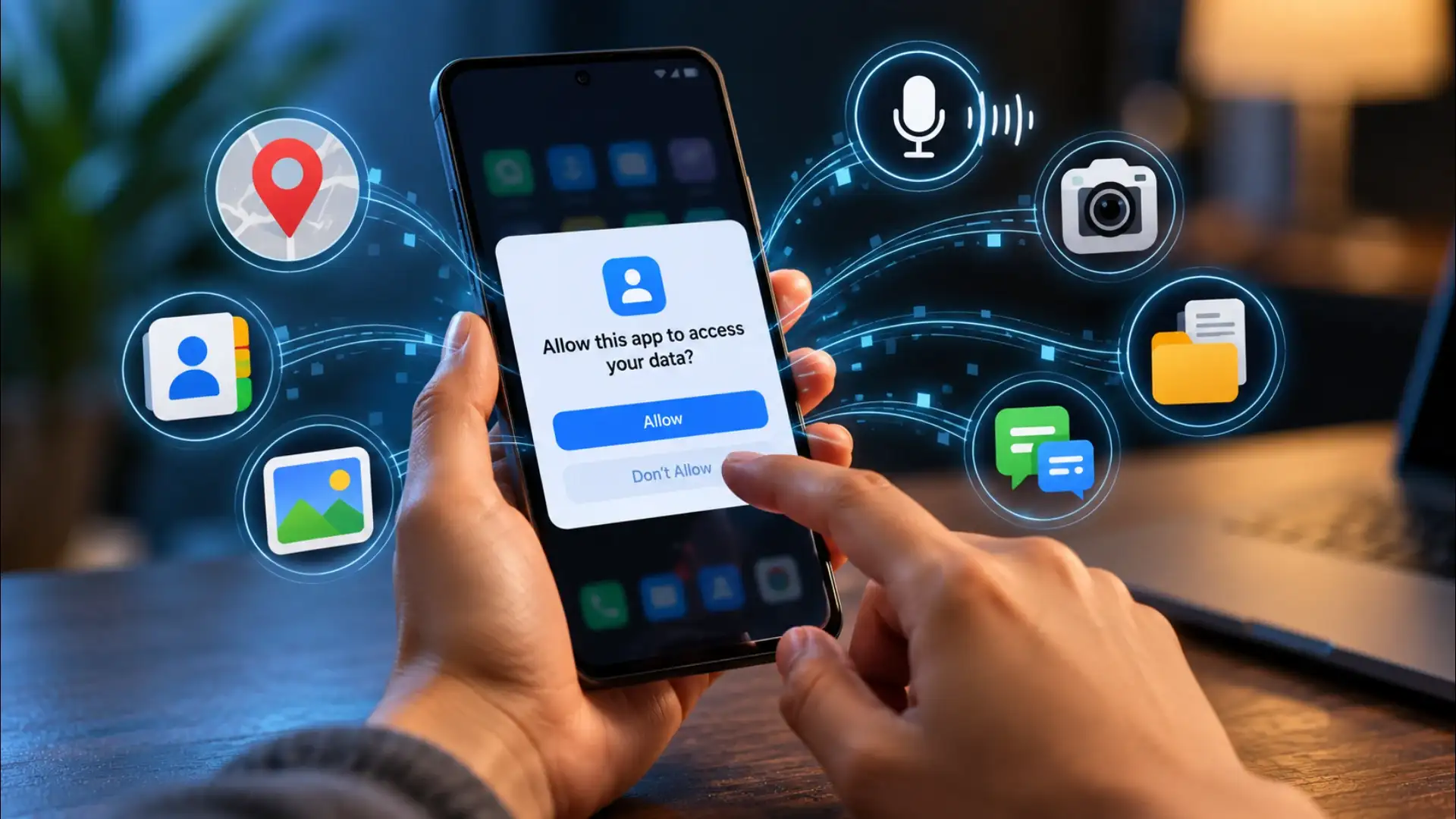
The clearest action available is also the simplest: open your phone's privacy or permissions settings and read the list. Not to find wrongdoing, but to see which grants no longer match how you actually use the app. A permission that made sense at install does not have to stay in place forever. Revoking it takes the same number of taps it took to grant it.
1. Your Precise Location, Continuously
Location permission is the most misunderstood grant on any phone. When you allow an app to access your location, you are not just letting it know which city you are in. Depending on how the app requests it, you may be sharing GPS coordinates accurate to a few metres, updated at regular intervals even when the app is running in the background. A food-delivery app needs your location to drop off your order. A game with no delivery function does not, but if you granted it location access during setup, it may still be reading your position while you sleep. The distinction between 'only while using the app' and 'always' sits inside your phone's settings, not inside the app's interface. Most users never change the default the app requested.2. Every Name and Number in Your Contacts
Contacts permission hands over the entire address book in one go, not one contact, all of them. This includes names, phone numbers, email addresses, job titles, and any notes you have typed next to a contact. Apps that request this for a 'find your friends' feature receive the full list regardless of how many friends actually use the service. That data can be used to build a social graph: who you know, how often you call them, and what categories of people are in your life. Once the list leaves your phone, what happens to it is governed by the app's privacy policy, which most people have never read.You may also like
- Full Camera Details of vivo S70 Leaked
- WhatsApp Privacy Trick 2026: Hide Personal Chats With Chat Lock and Secret Code, Here's How
- WhatsApp New Update 2026: 4 Group Chat Features Make Finding Old Messages and Important Chats Easie
- WhatsApp New Update 2026: Android Users Can Add Cover Photos to Profiles, Check How It Works
- Tesla rolls out Halloween Mode for 'Model Y' in India
3. Audio Picked Up by the Microphone
Microphone permission is required for voice calls, voice notes, and dictation. It is also requested by apps that have no obvious audio function. When an app holds microphone access in the background, it has the technical ability to listen during periods you would not expect. The mechanism is real: the microphone is hardware, and permission is the only gate in front of it. Whether a specific app is actively listening at any given moment depends on its code, not on anything visible to the user. The practical habit is to check which apps hold microphone permission and ask whether the function that justified the request still applies.4. Your Camera Roll and File Storage
Storage or photo-library permission gives an app read access to images, videos, and documents saved on your phone. On older Android versions this was a single broad grant covering everything in storage. Newer versions of both Android and iOS allow more granular selection, but many apps were installed before those updates and still hold the older, wider permission. An app with full photo-library access can see every image you have taken, including the metadata attached to each one, the date, time, and GPS coordinates recorded at the moment you pressed the shutter. That metadata is embedded in the image file itself and travels with it.5. Device Identifiers and Usage Patterns
Some permissions do not sound like data collection at all. Access to device information, the phone's unique identifier, the list of installed apps, network details, and battery state, is requested by many apps for legitimate reasons such as fraud detection or crash reporting. But this information, combined across multiple apps from the same advertising network, can build a detailed profile of how you use your phone: which apps you open, in what order, at what times of day, and for how long. This kind of behavioural fingerprint does not require your name or your phone number to be useful to an advertiser. The identifier alone is enough to follow you across apps and sessions.The clearest action available is also the simplest: open your phone's privacy or permissions settings and read the list. Not to find wrongdoing, but to see which grants no longer match how you actually use the app. A permission that made sense at install does not have to stay in place forever. Revoking it takes the same number of taps it took to grant it.






Loving Newspoint? Download the app now
