Why a Kilobyte Is 1,000 Bytes on Some Devices and 1,024 on Others

Storage numbers have been quietly lying to you, or rather, two different groups decided independently what a kilobyte should mean, and neither side backed down. The result is a unit with two valid values, 1,000 bytes and 1,024 bytes, and the gap between them grows large enough to notice once you get to terabytes.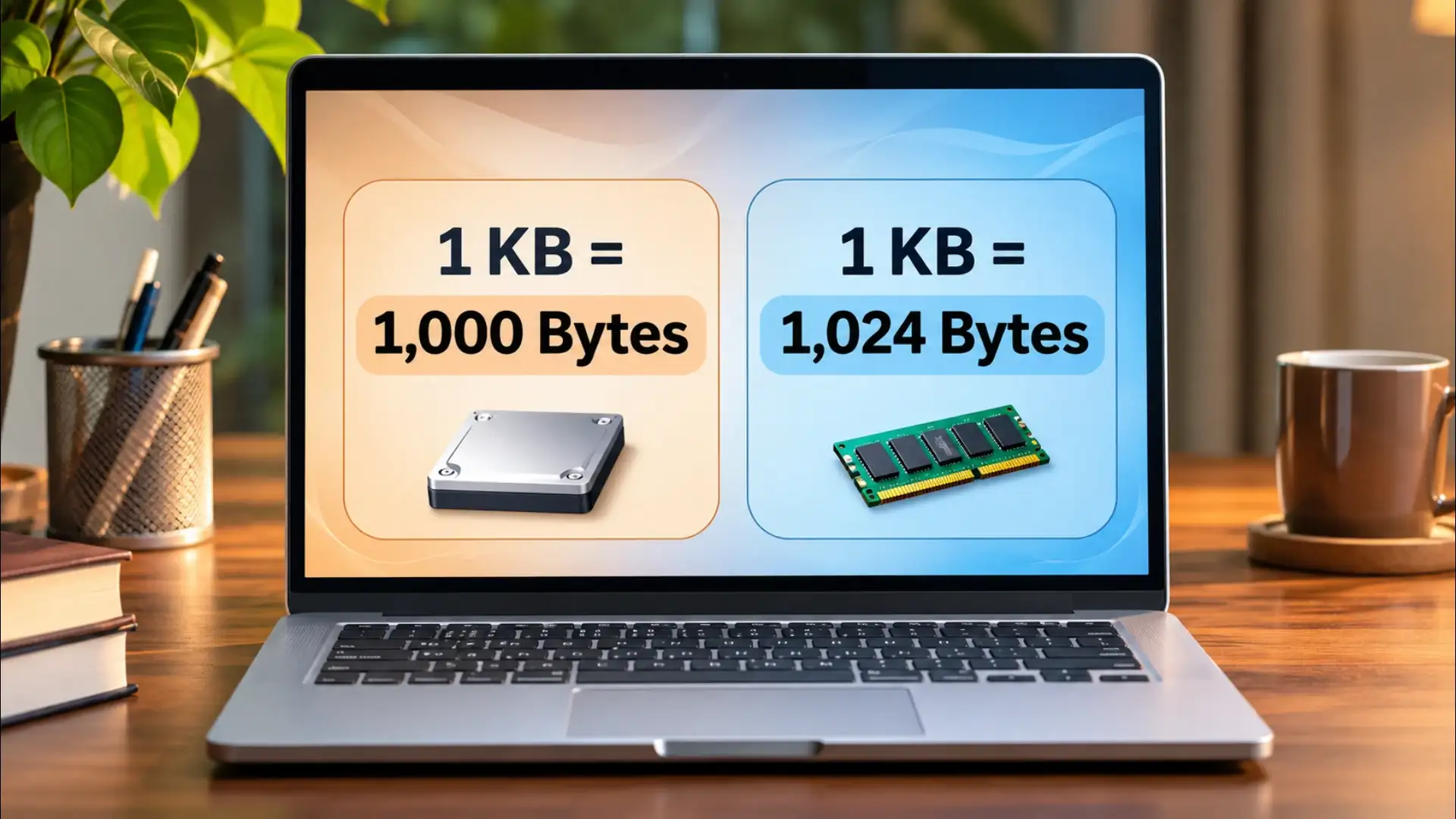
Where 1,024 Comes From
Computers work in binary, every switch inside a chip is either on or off, representing a 0 or a 1. When engineers in the early computing era needed a convenient block size, they reached for the nearest power of two above 1,000. That number is 2 raised to the power of 10, which equals 1,024. It was close enough to a thousand to borrow the prefix, so they called it a kilobyte. Operating systems, memory chips, and file systems were all built around this definition. When your Windows PC or Linux machine reports a file size in kilobytes, it means 1,024 bytes. When it reports gigabytes, it means 1,024 multiplied by itself three times, 1,073,741,824 bytes. The binary world always rounds up to the next power of two.Where 1,000 Comes From
Hard drive manufacturers and, later, USB drive and SSD makers had a different incentive. Selling storage in round decimal numbers made the marketing straightforward and the headline figure larger. A drive marketed as 500 gigabytes contains 500,000,000,000 bytes, exactly 500 times 10 raised to the power of 9. This is not dishonest in isolation; the International System of Units defines kilo as 1,000, mega as 1,000,000, and giga as 1,000,000,000. Storage manufacturers were using the standard SI prefixes correctly. The problem was that operating systems were not.You may also like
- Amazon is showing a 'special message' to its customers in New York on its app; and it's a 'warning' about their mayor Zohran Mamdani
- India tops digital sovereignty index with score of 79: Report
- Regional economic measurement to be key focus going forward: MoSPI Secretary
- Apple plans iPhone 18e, iPhone 18, new MacBook Neo and entry-level iPad for February-March 2027
- Microsoft President Brad Smith on recent global outage: It was basically a perfect storm of ...
Why the Gap Gets Bigger at Scale
At one kilobyte the difference is only 24 bytes, barely worth mentioning. At one megabyte it is about 48,000 bytes. At one gigabyte it is roughly 73 million bytes. At one terabyte the gap reaches about 100 gigabytes in the operating system's own counting. This is why a drive labelled 1 TB shows up as roughly 931 GB in Windows. Nothing was deleted, nothing was hidden, and the drive is not defective. The manufacturer counted in decimal; the operating system counted in binary; the subtraction between those two methods is what you see as missing space.The Official Fix That Almost Nobody Uses
In 1998, the International Electrotechnical Commission introduced new prefixes to separate the two systems cleanly. A kibibyte, abbreviated KiB, means exactly 1,024 bytes. A mebibyte means 1,024 kibibytes. A gibibyte means 1,024 mebibytes. The old SI prefixes, kilobyte, megabyte, gigabyte, were formally reserved for their decimal meanings. Linux distributions adopted kibibytes in their file managers fairly quickly. macOS switched to decimal gigabytes in 2009, which actually made its reported numbers match the drive's label more closely. Windows still uses the binary values but labels them as gigabytes rather than gibibytes, which is technically the source of the confusion. The IEC fix was correct and precise; it simply arrived decades after the habits had calcified.What This Means When You Are Looking at a File
When a file manager shows a video as 4.2 GB, the first question is which gigabyte it means. On a Mac or a drive's spec sheet, that is 4.2 billion bytes. On a Windows machine, that is 4.2 times 1,073,741,824 bytes, a larger number. The same file, reported differently, looks like a different size. For most everyday use the distinction does not matter. It matters when you are filling a drive close to capacity, comparing storage across devices, or trying to understand why a cloud service and your phone disagree about how much space a folder takes. The unit is not broken. It is ambiguous, and knowing which convention a device uses tells you which number to trust. The binary and decimal definitions will likely coexist for as long as hard drives are sold by marketers and read by operating systems written by engineers.





Loving Newspoint? Download the app now